

When Submission Received in KwesForms, Create Ticket in Fluent Support
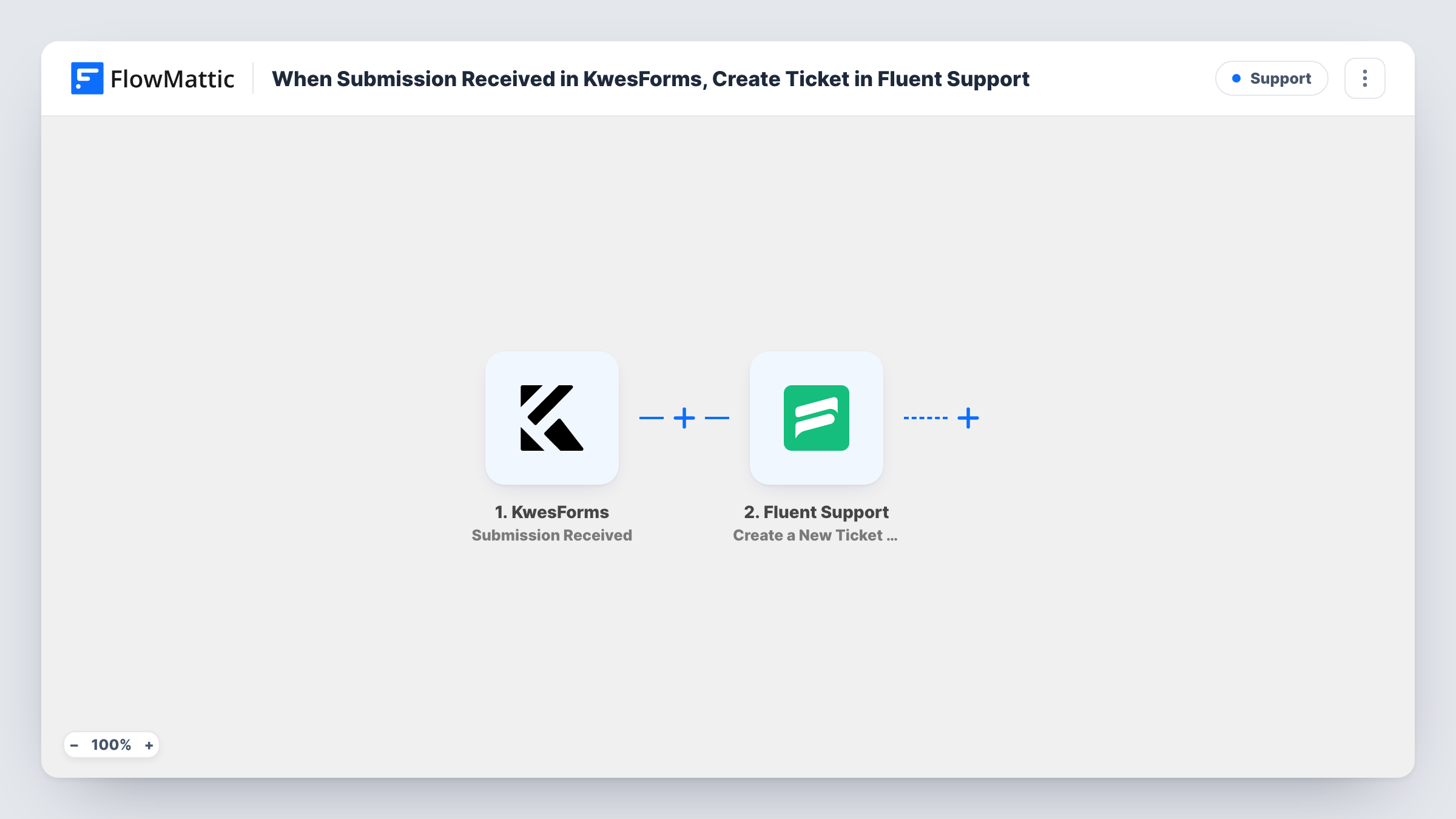
When KwesForms receives a new submission, this workflow opens a Fluent Support ticket for the person who sent it, so questions from your KwesForms-powered forms reach the helpdesk on your WordPress site.
 KwesForms
 Fluent Support
2 steps Setup ~5 min Used on 2.3k sites Free to import
What this workflow does
KwesForms handles validation and spam blocking for forms on your site, but its submissions are not support tickets. If those forms take help requests, someone has to copy each one into Fluent Support before an agent can reply. This workflow opens the ticket for you.
The KwesForms trigger fires when a new submission is received, and FlowMattic captures the submitted fields. The Fluent Support step then runs Create a New Ticket Using Customer. It creates a new ticket for the customer whose details you map, and FlowMattic describes it as supporting custom fields and file attachments.
One submission means one ticket. The step never checks for an existing open ticket, so a person who submits twice ends up with two. Tickets are created in the Fluent Support plugin on your own WordPress site, and Task History lists what each run sent.
Help form on a static marketing site
A KwesForms contact form on your landing pages sends each help request straight into Fluent Support, where your agents answer it.
Bug reports from customers
A bug report form built with KwesForms opens a ticket per report, with the description and steps the customer typed.
Account change requests
Requests to change billing details or users come in through KwesForms and become tickets your team can assign and close.
How this workflow runs
What happens at each step once the workflow is on, and what you need before you import it.
 KwesForms Submission Received
Runs when KwesForms receives a new submission from one of your forms. The submitted fields are captured so the next step can use them.
- Fluent Support Create a New Ticket Using Customer
Creates a ticket in Fluent Support for the person who submitted the form. Map their email and name, then the fields you want as the ticket subject and message; test once to see the ticket in your queue.
What you need
- FlowMatticCore
- KwesForms AccountAccount
- Fluent Support PluginPlugin
After importing, map your own data. To keep the template universal, not every step is pre-filled. Open each step in the builder and connect your accounts and fields (channels, lists, sheets, recipients) before you switch the workflow on.
Make it yours
Changes worth making after you import it.
- After import, send a test submission through KwesForms, then map the sender's email, name and message into the Fluent Support step and check the ticket it creates.
- If the same KwesForms form takes sales and support questions, add a Filter after the trigger so only submissions with your support topic open a ticket.
- Add a Slack step after Fluent Support to post a short note in your support channel each time a KwesForms ticket is opened.
Questions about this workflow
Where is the Fluent Support ticket for a KwesForms submission created?
In the Fluent Support plugin on the WordPress site where FlowMattic runs. Fluent Support is a WordPress helpdesk, so it must be installed there.
Does a KwesForms submitter need a Fluent Support account first?
The step creates the ticket using the customer details you map. Run a test with a new address and one that already exists in Fluent Support to see how each is handled.
Do spam submissions blocked by KwesForms open tickets?
The trigger fires on submissions KwesForms receives. Send a test that KwesForms blocks and check Task History to see whether a run starts.
Will older KwesForms submissions become tickets?
No. Only submissions received after you turn on the workflow create tickets.
More Support workflows
Other ready-to-import templates from the same category.





Import this workflow into your WordPress site
Download the JSON, import it from the Workflows screen and connect your accounts. Every run stays on your server, with no per-task fees.
30-day money-back guarantee Unlimited workflows and runs Self-hosted