

When the first subscription payment is received on Ko-fi, assign a membership tag in FluentCRM
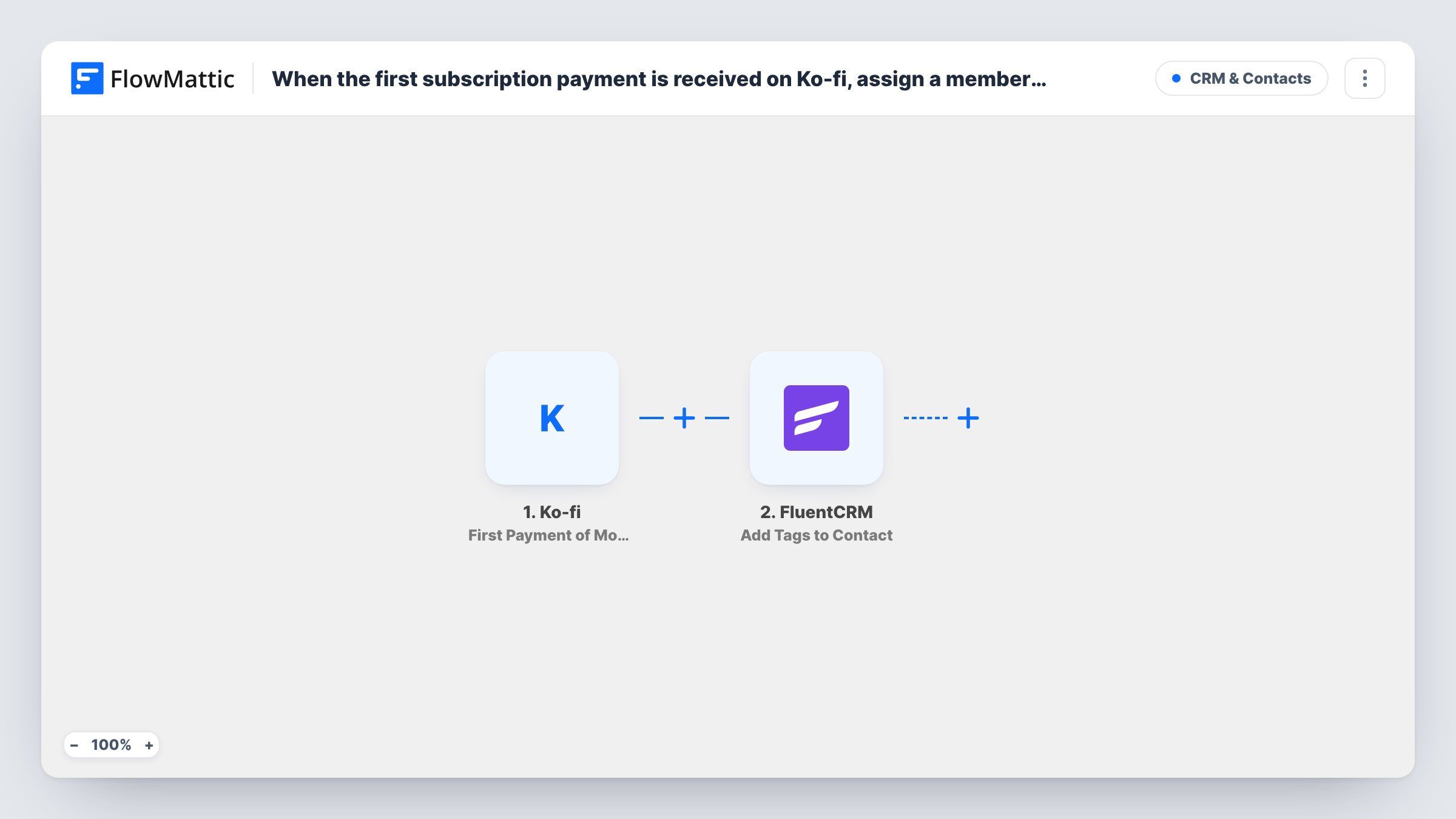
When a supporter pays the first instalment of a monthly Ko-fi subscription, FlowMattic creates or updates them as a FluentCRM contact, ready for the membership tag you choose.
 Ko-fi
 FluentCRM
2 steps Setup ~5 min Used on 510 sites Free to import
What this workflow does
A new monthly supporter on Ko-fi is someone you want to treat differently from a one-off tipper: members-only emails, early access, a thank-you sequence. This workflow brings each new subscriber into FluentCRM on their first monthly payment, so your WordPress CRM knows who your members are without a CSV export.
The Ko-fi trigger fires when someone makes the first payment of a monthly subscription. Later monthly renewals and single donations don't start this workflow, because Ko-fi reports those as different events. The payment details Ko-fi sends, such as the supporter's name and email, are passed on to the next step.
The FluentCRM step creates a contact, or updates the existing contact that has the same email address. It ships unmapped: after import, map the supporter's email and name, and set your membership tag in the step if it offers a tag setting. If it doesn't, add FluentCRM's Add Tags to Contact action after it and map the contact from this step.
Once the tag is on the contact, you can segment members in FluentCRM, send them campaigns, or start an automation from that tag. Make a test subscription and open Task History to confirm the contact and tag look right.
Members-only newsletter for Ko-fi supporters
A podcaster tags every new monthly Ko-fi supporter as a member in FluentCRM and sends that segment a bonus episode link each month.
Welcome sequence for new subscribers
An illustrator uses the membership tag to start a FluentCRM automation that sends new monthly supporters a welcome email and a download of exclusive sketches.
One CRM for site visitors and supporters
A writer who already collects newsletter sign-ups in FluentCRM sees which existing readers became paying Ko-fi members, because the step updates them by email instead of adding a second record.
How this workflow runs
What happens at each step once the workflow is on, and what you need before you import it.
 Ko-fi First Payment of Monthly Subscription
Fires when a supporter makes the first payment of a monthly Ko-fi subscription. Renewals and one-time donations are separate Ko-fi events and don't start a run. The supporter's payment details are passed on.
- FluentCRM Create or Update Contact
Creates the supporter as a FluentCRM contact, or updates the contact with the same email. Ships unmapped: map the email and name, and pick the membership tag if the step offers one; otherwise add an Add Tags to Contact step after it.
What you need
- FlowMatticCore
- Ko-fi AccountAccount
- FluentCRM PluginPlugin
After importing, map your own data. To keep the template universal, not every step is pre-filled. Open each step in the builder and connect your accounts and fields (channels, lists, sheets, recipients) before you switch the workflow on.
Make it yours
Changes worth making after you import it.
- Create the membership tag in FluentCRM before you configure the step, so it is there to pick when you map the contact.
- If you sell several Ko-fi tiers and want a tag per tier, consider FlowMattic's Ko-fi Payment for Membership Tier trigger instead, and test which tier details it sends.
- Map the supporter's name into the contact's first name field so your FluentCRM emails can greet members personally.
- Build a FluentCRM automation that starts when the membership tag is added, so the welcome email goes out without a second workflow.
Questions about this workflow
Does a monthly Ko-fi renewal run this workflow again?
No. The trigger is Ko-fi's first payment of a monthly subscription. Later payments are a separate Ko-fi event, so a run happens once for each subscription a supporter starts.
What if the Ko-fi supporter is already a FluentCRM contact?
FluentCRM matches the contact by email address and updates that record instead of creating a duplicate. The fields you map are written to that existing contact.
Where do I choose the membership tag in FluentCRM?
In the Create or Update Contact step after import, if it shows a tag setting. If you don't see one, add FluentCRM's Add Tags to Contact action as a third step and map the contact from step 2 into it.
Does this Ko-fi workflow need the FluentCRM plugin?
Yes. FluentCRM is a WordPress plugin, and this template lists the FluentCRM plugin as a requirement alongside your Ko-fi account.
More CRM & Contacts workflows
Other ready-to-import templates from the same category.






Import this workflow into your WordPress site
Download the JSON, import it from the Workflows screen and connect your accounts. Every run stays on your server, with no per-task fees.
30-day money-back guarantee Unlimited workflows and runs Self-hosted