

Send a Slack Direct Message when a New Lead is Captured from Facebook Lead Ads
Get a Slack direct message with the details of every new lead from your Facebook Lead Ads forms, so the person responsible for follow-up hears about it straight away without checking Facebook.
 Facebook Lead Ads
 Slack
2 steps 4 downloads Setup ~5 min Used on 2.8k sites Free to import
What this workflow does
Facebook stores your ad leads, but nobody gets told when a new one arrives unless they go and look. For a small team, a direct message in Slack is often the quickest way to make sure the right person knows. This workflow sends one for every new lead.
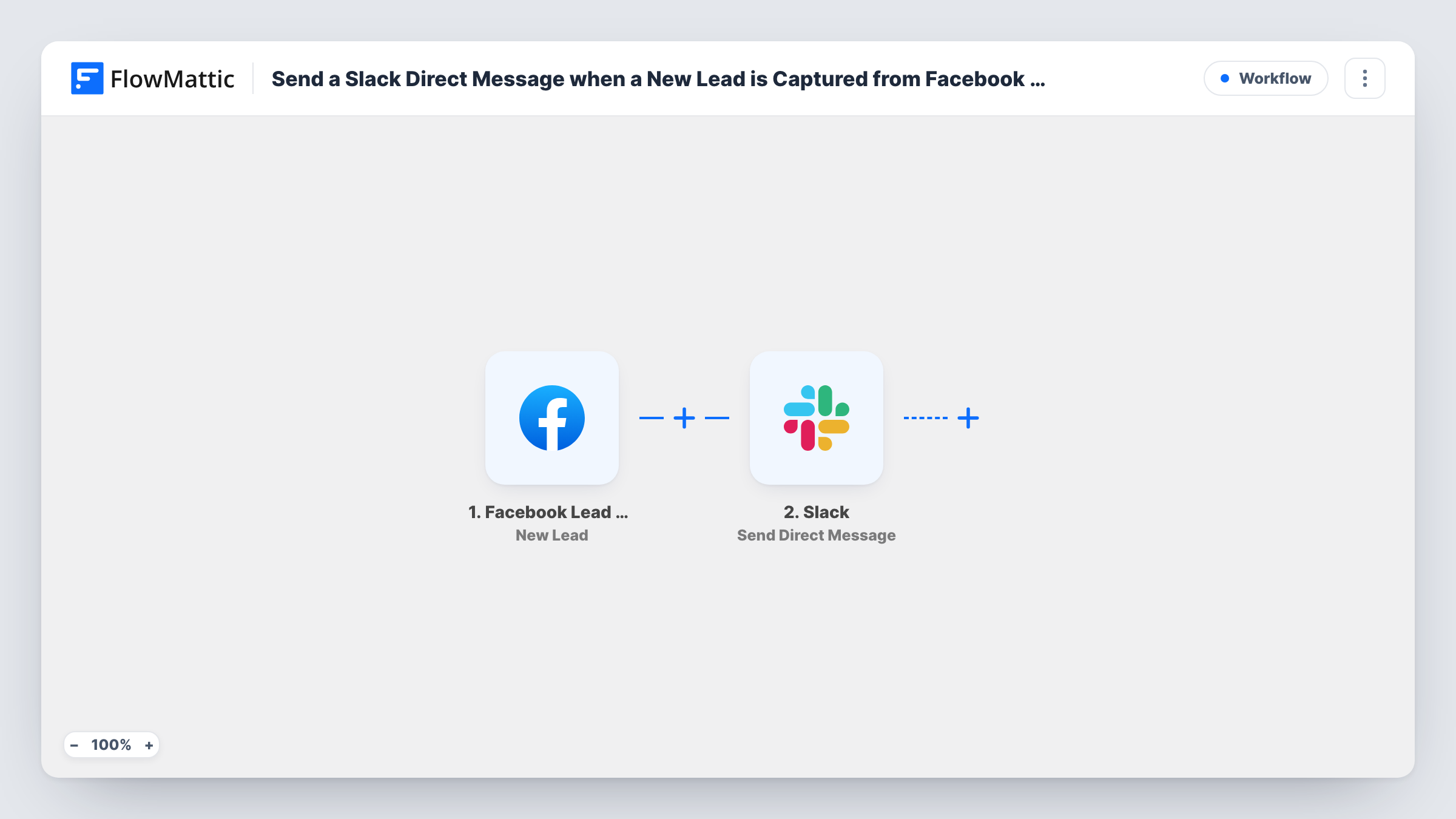
It starts with the Facebook Lead Ads trigger, which picks up each new form submission along with the answers the person gave. FlowMattic then uses Send Direct Message in Slack. You write the text, dropping in fields from the lead such as name, phone number and the answer to your form's questions, and a test lead confirms it reaches the right person.
Because the message goes to one person, it works well when a single owner handles leads, or when you want the alert kept out of busy channels. Nothing is stored or changed in Facebook. If a message doesn't arrive, Task History shows the run and the response Slack gave.
Solo founders running their own ads
You get a private Slack ping for each lead, with their phone number in the message, so you can call back between other tasks.
A named sales rep per campaign
The rep who owns a campaign receives a direct message for every lead it produces, keeping alerts out of the shared sales channel.
Out-of-hours lead cover
Whoever is on call that week gets the DM, so leads that arrive in the evening still reach a person who can respond.
How this workflow runs
What happens at each step once the workflow is on, and what you need before you import it.
 Facebook Lead Ads New Lead
Picks up each new lead from your Facebook Lead Ads forms. The lead's name, email, phone and other answers can be placed in the Slack message.
- Slack Send Direct Message
Sends a direct message in Slack about the new lead. Connect your Slack workspace and write the message, mapping in the lead fields the reader needs. A test lead shows who receives it.
What you need
- FlowMatticCore
- Facebook Lead Ads AccountAccount
- Slack AccountAccount
After importing, map your own data. To keep the template universal, not every step is pre-filled. Open each step in the builder and connect your accounts and fields (channels, lists, sheets, recipients) before you switch the workflow on.
Make it yours
Changes worth making after you import it.
- Put the lead's phone number and email on their own lines in the message, so the recipient can copy them without reading through the rest.
- Use a Router to send leads from different forms to different people, with a Send Direct Message step on each route.
- If several people should see every lead, switch the action to posting in a channel instead of a direct message.
Questions about this workflow
Who receives the direct message?
Whoever the Slack step is set to message. Send a test lead after import to check it reaches the right person, and edit the step if not.
Does the lead see anything?
No. The message goes to someone in your Slack workspace. The lead only sees the thank-you screen of your Facebook form.
Is any lead data saved by this workflow?
Only in the Slack message and in Task History. If you also want a record in a CRM or sheet, add another action after the Slack step.
What do I connect after importing?
Your Facebook account, so the trigger can read leads from your Page's forms, and your Slack workspace for the direct message.
More Team Notifications workflows
Other ready-to-import templates from the same category.





Import this workflow into your WordPress site
Download the JSON, import it from the Workflows screen and connect your accounts. Every run stays on your server, with no per-task fees.
30-day money-back guarantee Unlimited workflows and runs Self-hosted