

Announce new WooCommerce coupons in your marketing Slack channel
Each time a coupon is created in WooCommerce, FlowMattic posts its code, amount and discount type to the Slack channel you choose, so your marketing team knows which codes are available.
 WooCommerce
 Slack
Slack2 steps Setup ~5 min Used on 3.2k sites Revenue Ops Free to import
What this workflow does
Coupons get made by different people for different reasons: a newsletter offer, an influencer code, a one-off apology to a customer. If nobody shares them, the marketing team can promote the wrong code or miss one entirely. This workflow posts every new coupon to Slack when it is created.
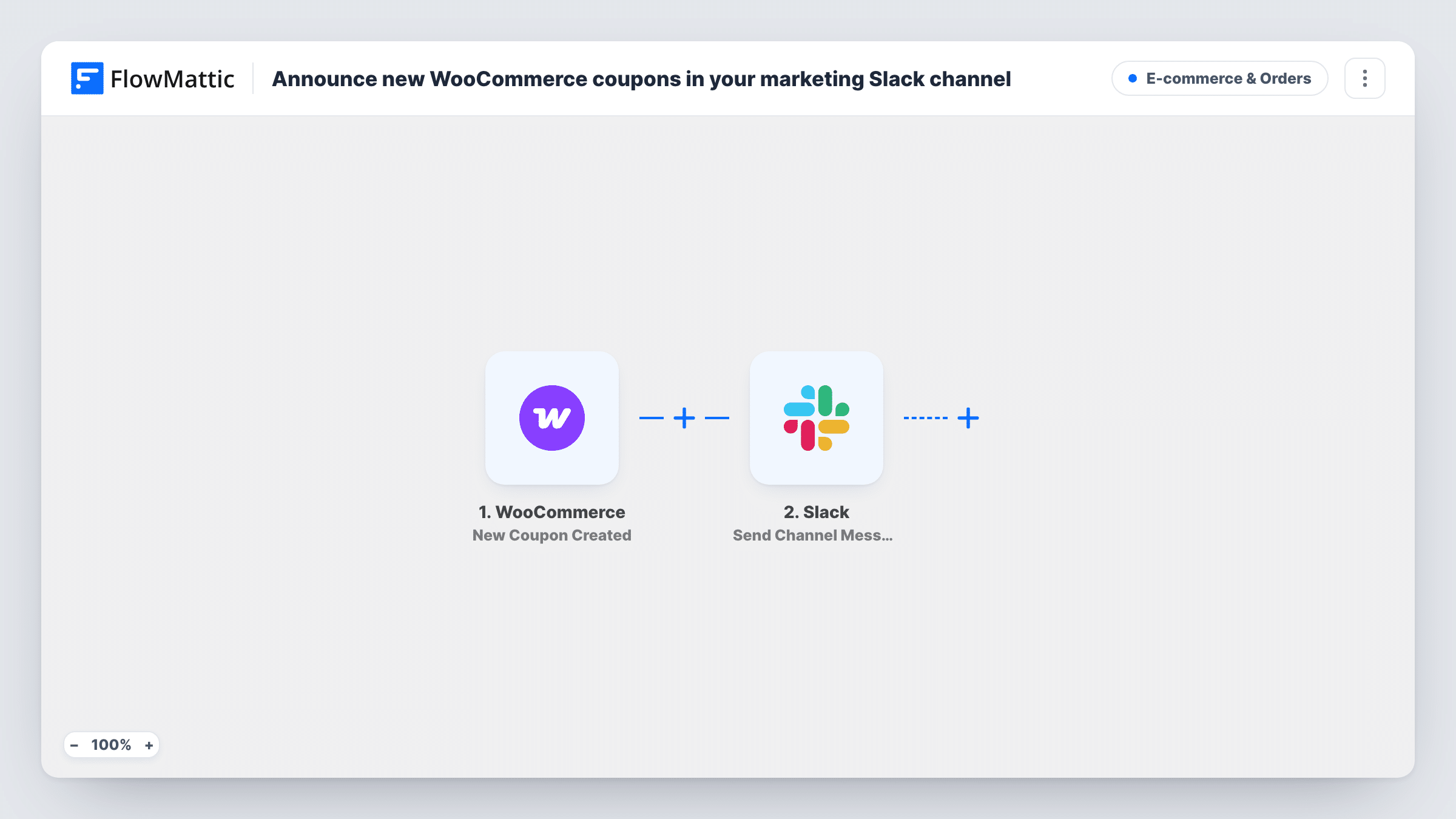
The WooCommerce trigger runs when a new coupon is created in your store. FlowMattic then posts to Slack in the channel you pick. The template message reads "New coupon live:" followed by the code in bold, the amount, and the discount type in brackets.
The discount type comes through as WooCommerce stores it, such as percent or fixed_cart, so a message might read 15 off (percent). Edit the text if you prefer a different wording. The workflow only reads the coupon; it does not change its settings, usage limits or expiry. Each post is logged in Task History alongside the coupon data it used.
Keeping social posts in step with the store
When the shop manager creates a weekend code, the social media team sees it in Slack and can schedule posts with the right code and amount.
Tracking influencer and affiliate codes
Each partner's code shows up in the marketing channel as it is created, giving the team a running list in the channel history.
Spotting coupons made by mistake
A code with an unexpected amount or type is visible to the whole channel, so someone can open it in WooCommerce and correct it.
How this workflow runs
What happens at each step once the workflow is on, and what you need before you import it.
 WooCommerce New Coupon Created
Runs when a new coupon is created in your WooCommerce store. The coupon's code, amount and discount type are passed to the Slack step.
- Slack Send Channel Message
Posts a message in the Slack channel you choose. It starts with "New coupon live:", then shows the coupon code in bold, the amount and the discount type in brackets.
What you need
- FlowMatticCore
- WooCommerce PluginPlugin
- Slack AccountAccount
After importing, map your own data. To keep the template universal, not every step is pre-filled. Open each step in the builder and connect your accounts and fields (channels, lists, sheets, recipients) before you switch the workflow on.
Make it yours
Changes worth making after you import it.
- Rewrite the message so the discount type reads naturally, for example by adding a percent sign yourself when you only create percentage coupons.
- Add a Filter after the trigger if some coupons should stay private, for example codes whose name starts with a prefix you use for customer service.
- Create a test coupon after import to see what data the trigger provides, then add other values to the message if your team needs them.
Questions about this workflow
Does editing an existing WooCommerce coupon post to Slack again?
No. The trigger is New Coupon Created, so only new coupons start a run. Changes to coupons you already have are not posted.
Which Slack channel do the coupon messages go to?
You pick the channel in the Slack step after connecting your Slack workspace. A dedicated marketing channel works well if other channels are busy.
Will customers see the coupon in Slack?
Only if they are members of the channel you choose. The message goes to that one channel in your own workspace.
Why does the message say percent instead of a percent sign?
The template inserts the discount type value from WooCommerce as it is stored. Edit the message text in the Slack step to phrase it the way you want.
More E-commerce & Orders workflows
Other ready-to-import templates from the same category.





Import this workflow into your WordPress site
Download the JSON, import it from the Workflows screen and connect your accounts. Every run stays on your server, with no per-task fees.
30-day money-back guarantee Unlimited workflows and runs Self-hosted