

Post every new WooCommerce order to your sales Slack channel
Every new WooCommerce order posts a short message to your sales Slack channel with the order number, currency, total and the customer’s billing name.
 WooCommerce
 Slack
2 steps Setup ~5 min Used on 1.1k sites Ops Free to import
What this workflow does
Store owners and sales staff often want to know when orders come in without keeping the WooCommerce dashboard open. Email notices get buried with everything else. This workflow puts a one-line summary of each order in a Slack channel your team already reads.
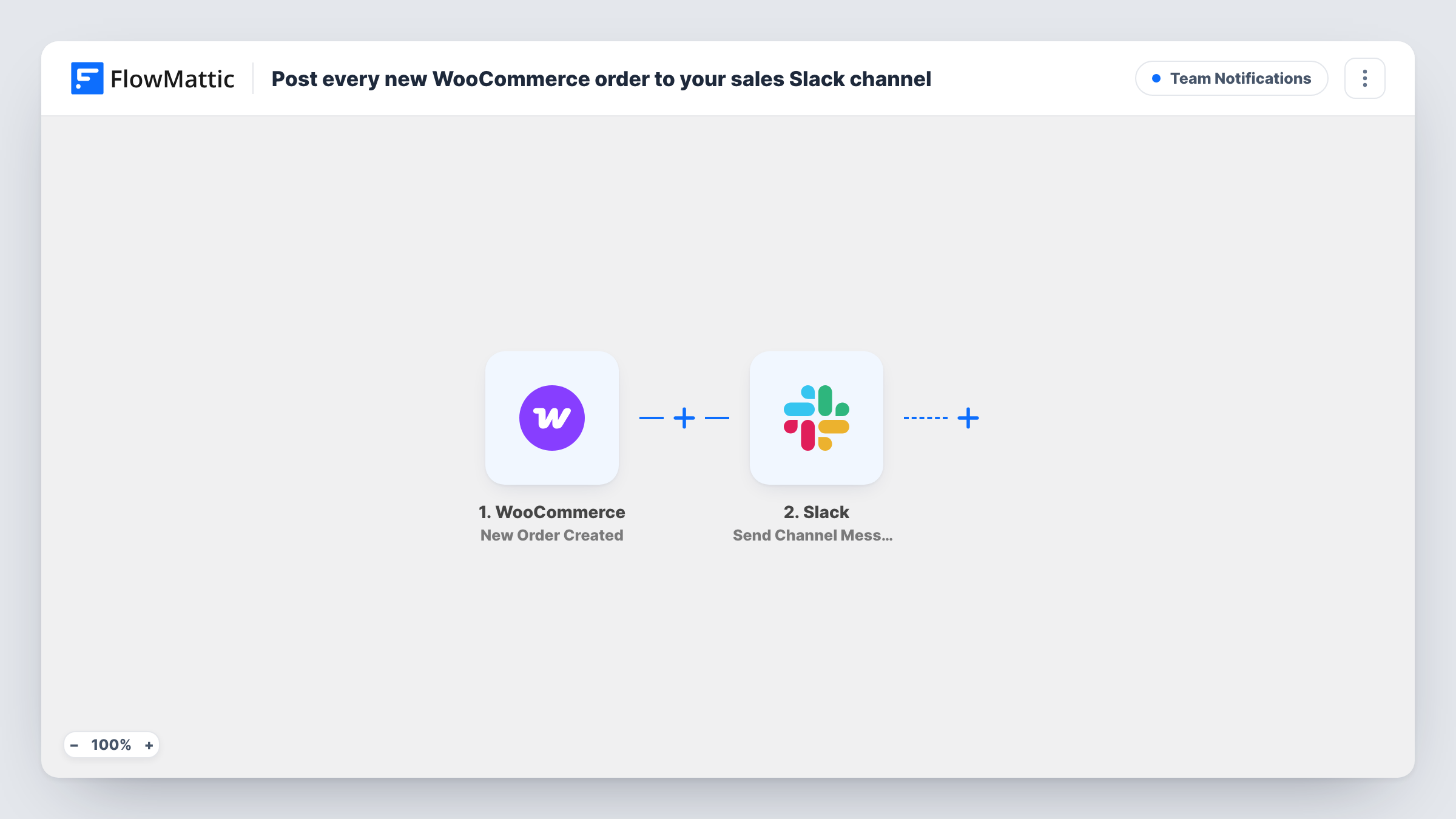
The WooCommerce trigger fires when a new order is created in your shop. FlowMattic then sends a message to a channel in Slack. The text is already written: it shows the order number, the currency and order total, and the first and last name from the billing details.
There are only two steps and no conditions, so every order creates one post. Nothing checks the order's size or payment status first. If you only want some of them, the tips below show where a Filter fits. Each post is also recorded in Task History.
A team channel for the shop
Everyone working on a small store, from packing to marketing, sees each order in one Slack channel and knows when to expect packing work.
Launch day monitoring
During a product launch the team watches the channel to see orders arrive and spot a sudden stop, which can point to a checkout problem.
Owner away from the desk
A shop owner with Slack on their phone sees the order number and total for each sale without logging in to WordPress.
How this workflow runs
What happens at each step once the workflow is on, and what you need before you import it.
 WooCommerce New Order Created
Starts a run for each order your WooCommerce shop creates. The order number, currency, total and billing name are passed to the Slack step.
- Slack Send Channel Message
Posts a one-line order summary to the Slack channel you select. Connect your Slack account on import, and edit the text if you want more order details in it.
What you need
- FlowMatticCore
- WooCommerce PluginPlugin
- Slack AccountAccount
After importing, map your own data. To keep the template universal, not every step is pre-filled. Open each step in the builder and connect your accounts and fields (channels, lists, sheets, recipients) before you switch the workflow on.
Make it yours
Changes worth making after you import it.
- Add a Filter after the trigger with a total greater than a set amount to post only large orders. The check compares whole numbers, so 99.50 counts as 99.
- Swap the billing name for the customer's city or country if you'd rather not show names to the whole channel.
- Place a test order after import and look at the message in Slack before sharing the channel with the team.
Questions about this workflow
Does every WooCommerce order post to Slack, or only paid ones?
Every new order. The template has no condition on payment or status. Add a Filter on the order status after the trigger if you only want certain orders posted.
Can the Slack message list the products in the order?
The template doesn't include them. Place a test order, then look in the Slack step for the product fields WooCommerce passes and add them to the message text.
Will past WooCommerce orders be posted when I turn this on?
No. Only orders created after the workflow is active start a run.
Can WooCommerce refunds or cancellations post to Slack too?
Not with this template. It only reacts to New Order Created. Build a second workflow with a different WooCommerce trigger if you want those events in the channel.
More Team Notifications workflows
Other ready-to-import templates from the same category.






Import this workflow into your WordPress site
Download the JSON, import it from the Workflows screen and connect your accounts. Every run stays on your server, with no per-task fees.
30-day money-back guarantee Unlimited workflows and runs Self-hosted