

When a new contact is created in FluentCRM, add them as an RSVP attendee in AddEvent
When FluentCRM creates a new contact, FlowMattic adds that person as an RSVP attendee to the AddEvent event you pick, using the contact’s email address.
 FluentCRM
 AddEvent
2 steps Setup ~5 min Used on 1.1k sites Free to import
What this workflow does
If you run one main event, such as a launch webinar, an open day or a recurring community call, you may want everyone who joins your CRM on its guest list too. Doing that by hand means copying each new contact into AddEvent. This workflow does it for you as contacts arrive in FluentCRM.
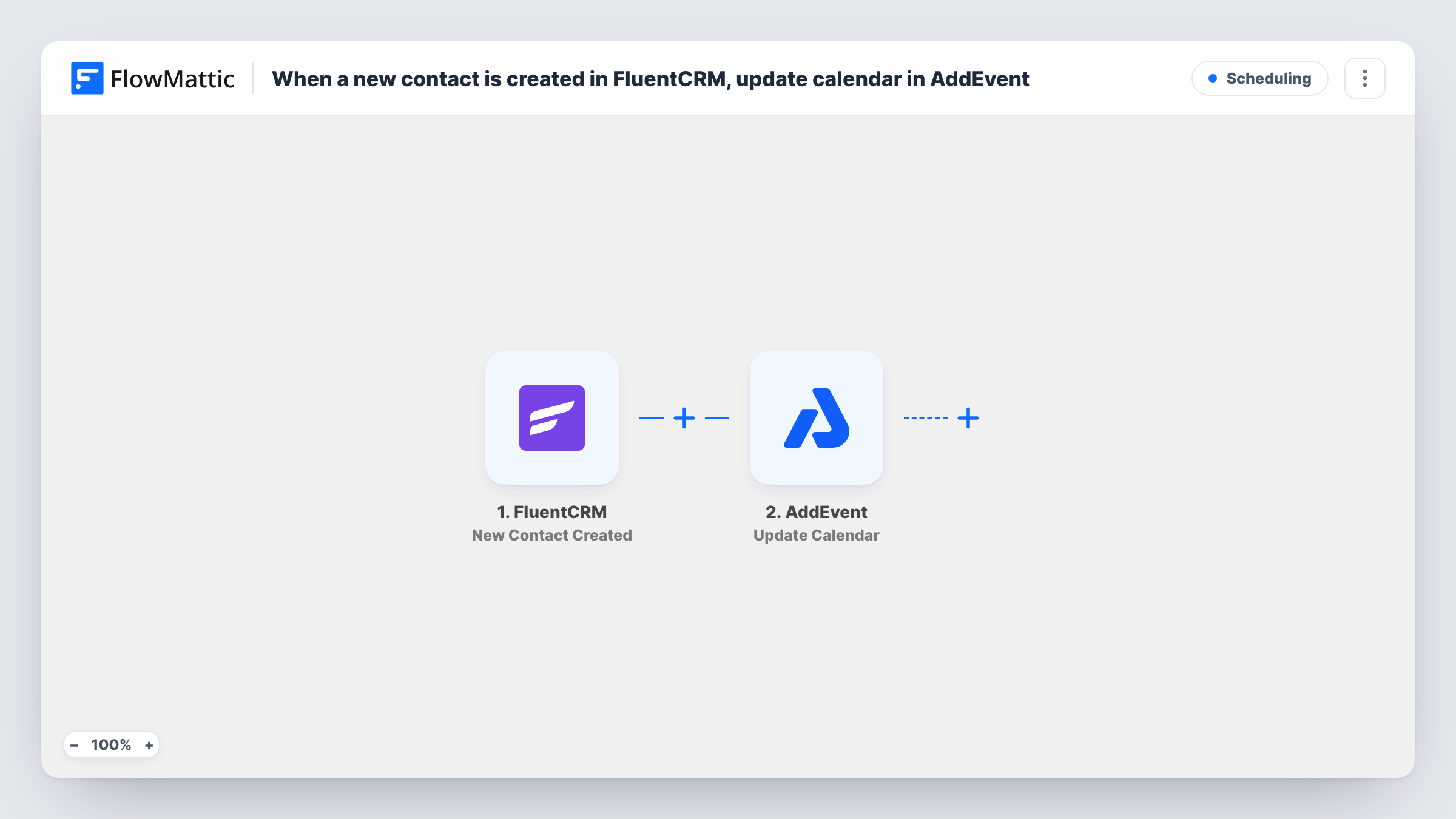
The FluentCRM New Contact Created trigger fires whenever FluentCRM creates a contact. FlowMattic then runs the AddEvent Create RSVP Attendee action. The template already maps the contact's email into that step.
Setup after import is short. Connect AddEvent and choose the event the attendees belong to, then map any other details you want, such as the first and last name. The event must already exist in AddEvent, because this step adds attendees to it rather than creating it.
Every new contact runs the step, wherever the contact came from. If only some contacts should be on the guest list, add a Filter, as the tips describe. Task History shows each run and AddEvent's response, which is the place to look if a contact doesn't appear on the event.
Guest list for a launch webinar
A course creator collecting sign-ups in FluentCRM before a launch adds every new contact as an attendee of the launch webinar in AddEvent.
Open day for new enquiries
A school adds each new enquiry contact to its next open day event in AddEvent, so the event's attendee list matches who has been in touch.
Community call for new members
A membership site whose sign-ups create FluentCRM contacts puts each one on the RSVP list for its monthly welcome call.
How this workflow runs
What happens at each step once the workflow is on, and what you need before you import it.
 FluentCRM New Contact Created
Starts a run each time FluentCRM adds a contact. The contact's email, name and other profile fields are passed to the AddEvent step.
- AddEvent Create RSVP Attendee
Adds the contact as an RSVP attendee to an AddEvent event. The contact's email is already mapped; after import, pick the event and map the name or other details you want on the attendee.
What you need
- FlowMatticCore
- FluentCRM PluginPlugin
- AddEvent AccountAccount
After importing, map your own data. To keep the template universal, not every step is pre-filled. Open each step in the builder and connect your accounts and fields (channels, lists, sheets, recipients) before you switch the workflow on.
Make it yours
Changes worth making after you import it.
- Put a Filter between the FluentCRM trigger and the AddEvent step so newsletter-only contacts aren't added to the event. Check a test run for a field to use, such as the contact's source or a custom field; the field is your choice.
- Create the AddEvent event before you set up the step, since the attendee step needs an existing event to add people to.
- When the event is over, switch the Create RSVP Attendee step to your next event or turn the workflow off, so new contacts aren't added to a date that has passed.
Questions about this workflow
Which AddEvent event do new FluentCRM contacts join?
The event you select in the Create RSVP Attendee step after import. The template maps only the email, so pick the event there and change it whenever you move on to the next one.
Are FluentCRM contacts that already exist added too?
No. Only contacts created after the workflow is turned on start a run. Add earlier contacts to the event in AddEvent yourself if you need them on the list.
Does every new FluentCRM contact become an attendee?
Yes, as imported. Nothing checks the contact first, so each new contact runs the step. To narrow it, put a Filter between the FluentCRM trigger and the AddEvent step on a field the trigger data carries.
More Scheduling workflows
Other ready-to-import templates from the same category.






Import this workflow into your WordPress site
Download the JSON, import it from the Workflows screen and connect your accounts. Every run stays on your server, with no per-task fees.
30-day money-back guarantee Unlimited workflows and runs Self-hosted