

When new submission is received in Fluent Forms, create a new product in WooCommerce
Each Fluent Forms submission creates a new product in WooCommerce from the answers, so you or your vendors can add items to the store through a simple form.
 Fluent Forms
 WooCommerce
2 steps Setup ~5 min Used on 1.2k sites Free to import
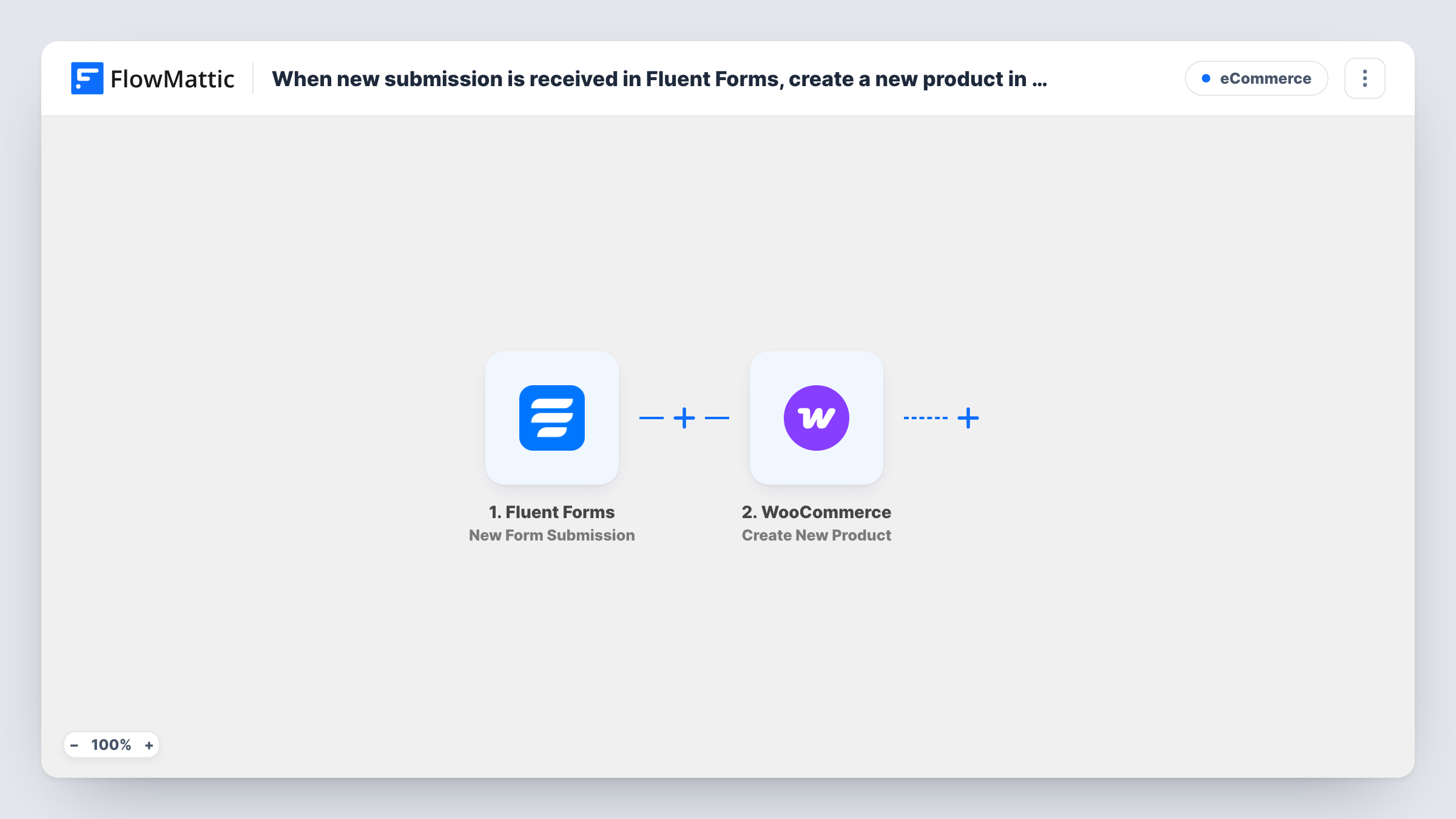
What this workflow does
Adding products in the WooCommerce admin takes several screens, and you may not want to give every contributor admin access. A Fluent Forms form is a simpler way to collect product details. This workflow turns each submission into a WooCommerce product.
The Fluent Forms trigger runs on each product form sent, turning the answers into values for the next step. The WooCommerce step then creates a new product on the same WordPress site, using the answers you map, such as a product name, description and price.
Every submission creates one product. Run a test after import to see which product details the step fills and what status the new product gets, so nothing appears in your shop before you have checked it. Fluent Forms keeps its own copy of each entry, and Task History shows what was sent to WooCommerce.
Vendors submit their own items
A small marketplace gives makers a Fluent Forms form, and each submission becomes a WooCommerce product the owner reviews.
Quick entry for shop staff
Staff who add stock fill in a short form on the front end instead of the full WooCommerce product screen.
Consignment intake
A second-hand shop records each consigned item through a form, and the item is created as a product.
How this workflow runs
What happens at each step once the workflow is on, and what you need before you import it.
 Fluent Forms New Form Submission
Starts when a vendor or staff member sends the Fluent Forms product form. The product details they entered are passed to the WooCommerce step.
- WooCommerce Create New Product
Creates a new product in WooCommerce from the mapped answers. Map the product name and other details your form collects, then test to check the product and its status.
What you need
- FlowMatticCore
- Fluent Forms PluginPlugin
- WooCommerce PluginPlugin
After importing, map your own data. To keep the template universal, not every step is pre-filled. Open each step in the builder and connect your accounts and fields (channels, lists, sheets, recipients) before you switch the workflow on.
Make it yours
Changes worth making after you import it.
- Make the product name and price fields required in Fluent Forms, so every product the workflow creates has them.
- Put the form on a page only logged-in vendors or staff can reach, since every submission creates a product.
- Add an email or Slack step after WooCommerce so you hear about each new product and can review it.
Questions about this workflow
Will products from Fluent Forms appear in my shop right away?
That depends on the status the WooCommerce step gives new products. Check with a test submission before you share the form.
Can the Fluent Forms form upload a product image?
Check the WooCommerce step after import to see which product details it accepts, and test with your form to see what carries across.
Does every Fluent Forms entry create a WooCommerce product?
Yes, as imported. Add a Filter after the trigger if some entries should not become products.
Do Fluent Forms and WooCommerce need to be on the same site as FlowMattic?
Yes. Both are WordPress plugins, and the product is created on the site where FlowMattic runs.
More E-Commerce workflows
Other ready-to-import templates from the same category.




Import this workflow into your WordPress site
Download the JSON, import it from the Workflows screen and connect your accounts. Every run stays on your server, with no per-task fees.
30-day money-back guarantee Unlimited workflows and runs Self-hosted