

Create a WooCommerce product when a new Gelato store product is created
When a new store product is created in Gelato, FlowMattic creates a product in your WooCommerce store from the details you map, so new print-on-demand designs show up in your shop without re-entering them.
 Gelato
 WooCommerce
2 steps Setup ~5 min Used on 2.5k sites Free to import
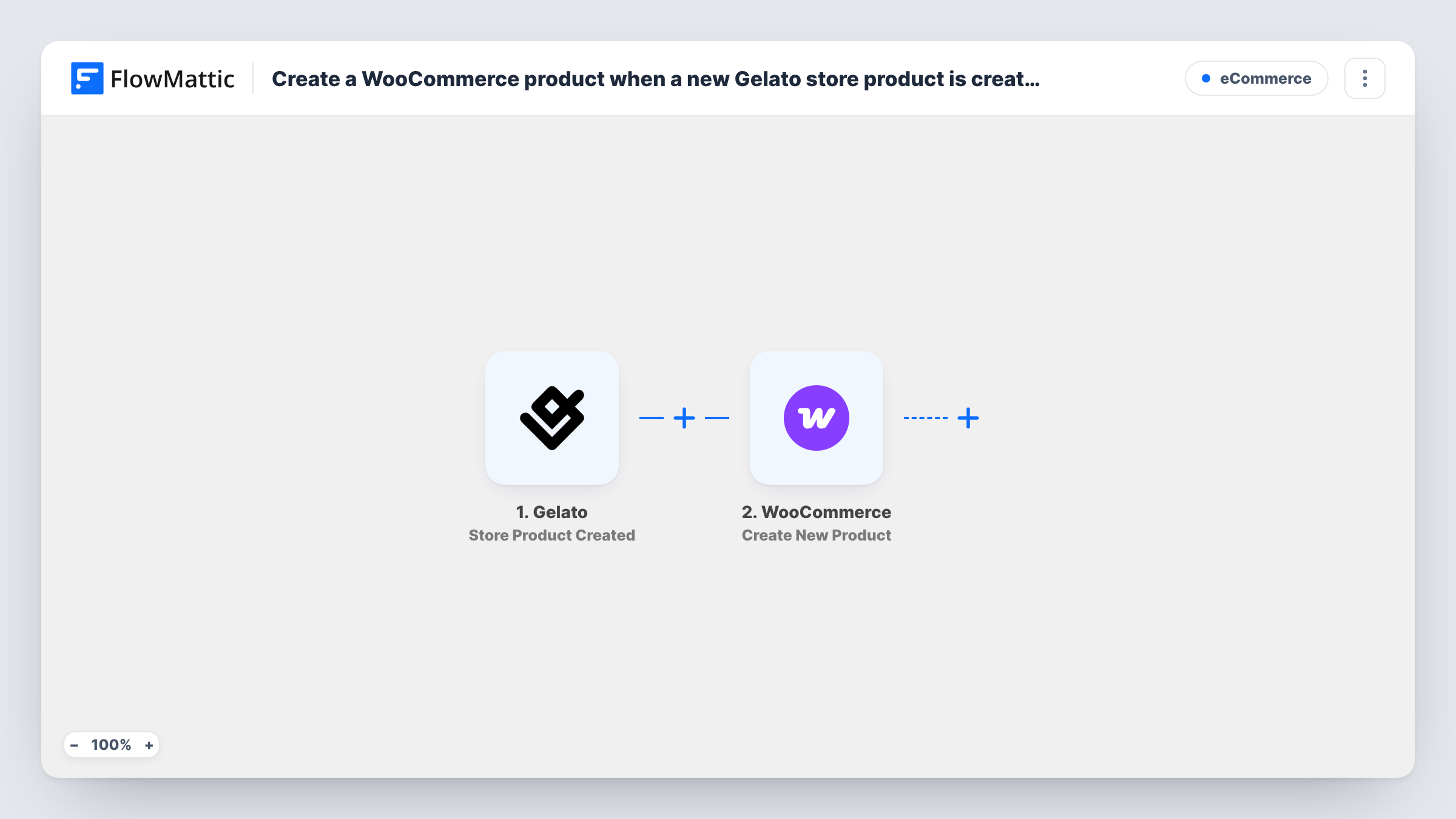
What this workflow does
If you design products in Gelato but sell from WooCommerce, each new design means typing the same product twice. This workflow does the second entry for you.
As soon as Gelato reports a newly created store product, the workflow starts. Its details come into FlowMattic as data you can map. The WooCommerce step then creates a new product in your store, using the Gelato values you map into it, such as the title and description, if the trigger returns them. Anything Gelato does not send, such as your selling price, you can fill in on the product in WooCommerce afterwards.
This workflow only creates the product. It does not send WooCommerce orders to Gelato for printing, and it does not keep the two products in sync if you edit either one later. Each new Gelato store product creates one WooCommerce product. Review a test product in WooCommerce before you leave the workflow running.
New t-shirt designs for a WooCommerce shop
You add a design to your Gelato store, and a matching product is created in WooCommerce for you to review and adjust.
Seasonal collections
Before a holiday, you create a batch of Gelato products. Each one becomes a WooCommerce product, so you only need to check and adjust them.
Keeping a second sales channel stocked
Your Gelato catalog feeds another channel, and this workflow creates each new product in your WooCommerce store too.
How this workflow runs
What happens at each step once the workflow is on, and what you need before you import it.
 Gelato Store Product Created
Starts with each new store product added in Gelato and passes that product's data along for the WooCommerce step.
- WooCommerce Create New Product
Creates a new product in WooCommerce from the Gelato data. Map the values you want, such as title and description, and check a test product in your store before going live.
What you need
- FlowMatticCore
- Gelato AccountAccount
- WooCommerce PluginPlugin
After importing, map your own data. To keep the template universal, not every step is pre-filled. Open each step in the builder and connect your accounts and fields (channels, lists, sheets, recipients) before you switch the workflow on.
Make it yours
Changes worth making after you import it.
- Create a test product in Gelato after import, then look at the captured data in FlowMattic to see which values you can map into the WooCommerce product.
- Add a Slack or email step after WooCommerce so you are told when a new product is created and can review it in your store.
- Add a Filter after the Gelato trigger if only some new products should be sold in WooCommerce, using a value the trigger returns.
Questions about this workflow
Will WooCommerce orders for these products go to Gelato for printing?
No. The template stops once the WooCommerce product exists. Order fulfilment needs its own setup.
Does editing the Gelato product change the WooCommerce product?
No. The workflow runs once when the Gelato store product is created. Later changes are not copied across.
Are my existing Gelato products copied to WooCommerce?
No. Only store products created after you turn the workflow on start a run.
Must WooCommerce run on my FlowMattic site for the Gelato products to appear?
Yes. WooCommerce must be active on the WordPress site where FlowMattic runs. You also connect your Gelato account on import.
More E-Commerce workflows
Other ready-to-import templates from the same category.





Import this workflow into your WordPress site
Download the JSON, import it from the Workflows screen and connect your accounts. Every run stays on your server, with no per-task fees.
30-day money-back guarantee Unlimited workflows and runs Self-hosted