

Create MailerPress contact from new WordPress user registration
Every time a new user registers on your WordPress site, this workflow creates a MailerPress contact from their account, or updates the contact if that email is already there, so your audience grows with your user base.
 WordPress
 MailerPress
2 steps Setup ~5 min Used on 2.4k sites Free to import
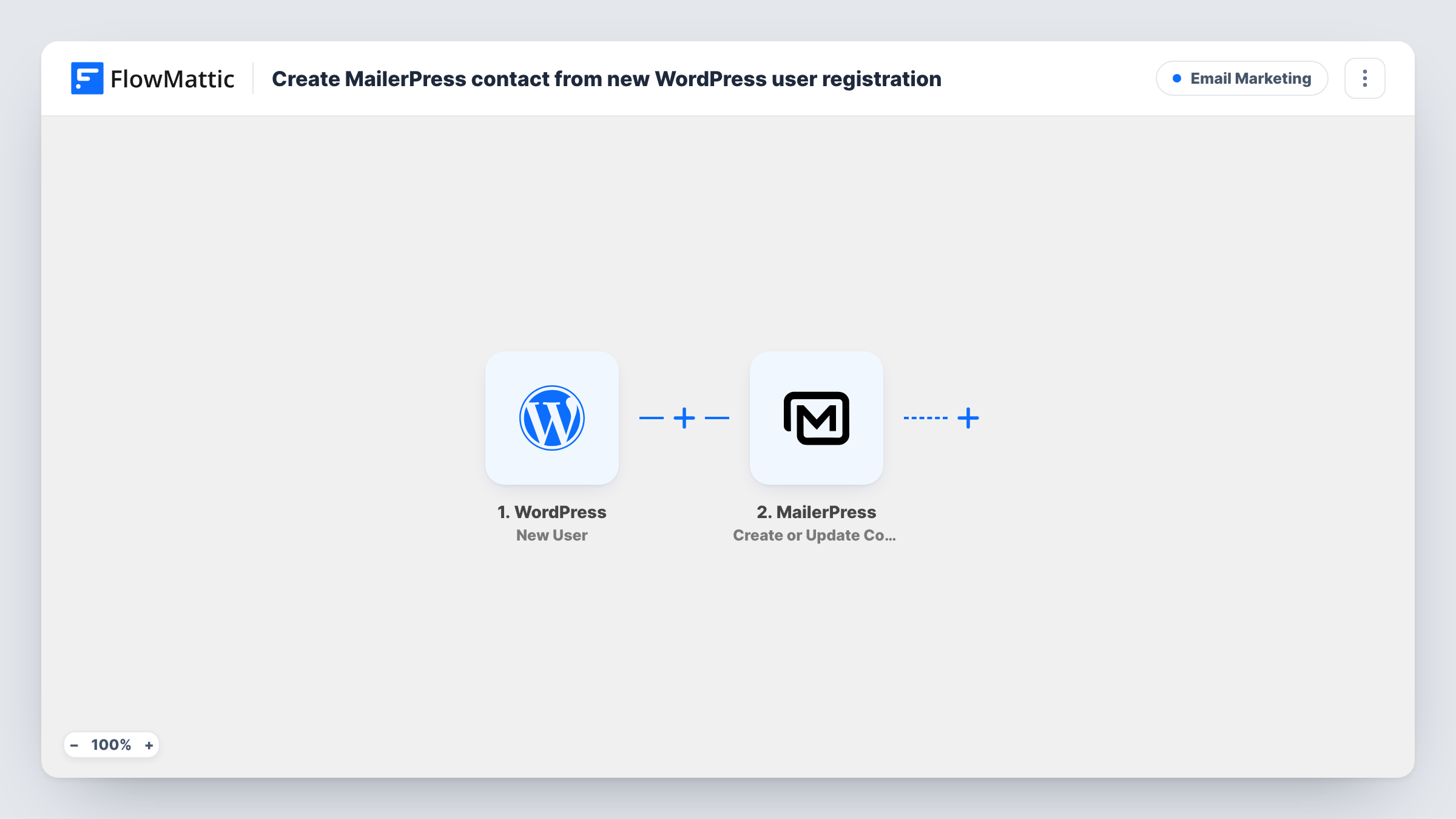
What this workflow does
People who register on your site are a natural audience for your emails, but WordPress users and MailerPress contacts are separate lists. Without a link between them, you add new users to MailerPress by hand or not at all. This workflow keeps the two in step for every new registration.
Each new account created on your WordPress site starts a run. FlowMattic passes the account details, such as the email address and name, to MailerPress. The Create or Update Contact action then creates a contact from those details, or updates the existing contact when the email is already in MailerPress.
Both plugins run on your own WordPress site, so the user data stays there. Each registration is one run in Task History, where you can check what was sent to MailerPress.
Membership site welcome emails
New members register through your sign-up page and become MailerPress contacts, ready for the welcome emails you send from MailerPress.
Online store customer accounts
Shoppers who create an account on your WordPress store are added to MailerPress so they receive your product announcements.
Community or forum sign-ups
Each new forum member becomes a MailerPress contact, so you can send a digest of popular threads to everyone who joined.
How this workflow runs
What happens at each step once the workflow is on, and what you need before you import it.
 WordPress New User
Starts a run whenever a new user account is registered on your WordPress site. The user's account details are passed on for mapping into MailerPress.
- MailerPress Create or Update Contact
Creates a MailerPress contact from the new user, or updates the contact if the email already exists. Map the user's email and name, and test with one new registration.
What you need
- FlowMatticCore
- MailerPress PluginPlugin
After importing, map your own data. To keep the template universal, not every step is pre-filled. Open each step in the builder and connect your accounts and fields (channels, lists, sheets, recipients) before you switch the workflow on.
Make it yours
Changes worth making after you import it.
- Add a Filter after the trigger that continues only for a certain user role, such as subscriber or customer, so staff accounts are not added to MailerPress.
- Add a MailerPress step after this one to put new contacts on a list or apply a tag, if your MailerPress setup groups contacts that way.
- Register a test user after import so FlowMattic captures the account fields, then map them in the MailerPress step before you turn the workflow on.
Questions about this workflow
What if the new WordPress user's email is already a MailerPress contact?
The Create or Update Contact action matches on email, so the existing contact is updated instead of a duplicate being created.
Are WordPress users who registered earlier added to MailerPress?
No. Only users registered after you turn on the workflow are sent to MailerPress.
Does an admin-created WordPress user count as a new registration?
The trigger fires when a new user is registered on the site. Add a test user from the admin screen to confirm it starts a run in your setup.
Can I run this WordPress-to-MailerPress flow if MailerPress is on another site?
No. MailerPress is a WordPress plugin, and this workflow runs on the site where both it and FlowMattic are installed.
More Email Marketing workflows
Other ready-to-import templates from the same category.







Import this workflow into your WordPress site
Download the JSON, import it from the Workflows screen and connect your accounts. Every run stays on your server, with no per-task fees.
30-day money-back guarantee Unlimited workflows and runs Self-hosted