

When Image Uploaded in AltText.ai, add a new item in Monday.com
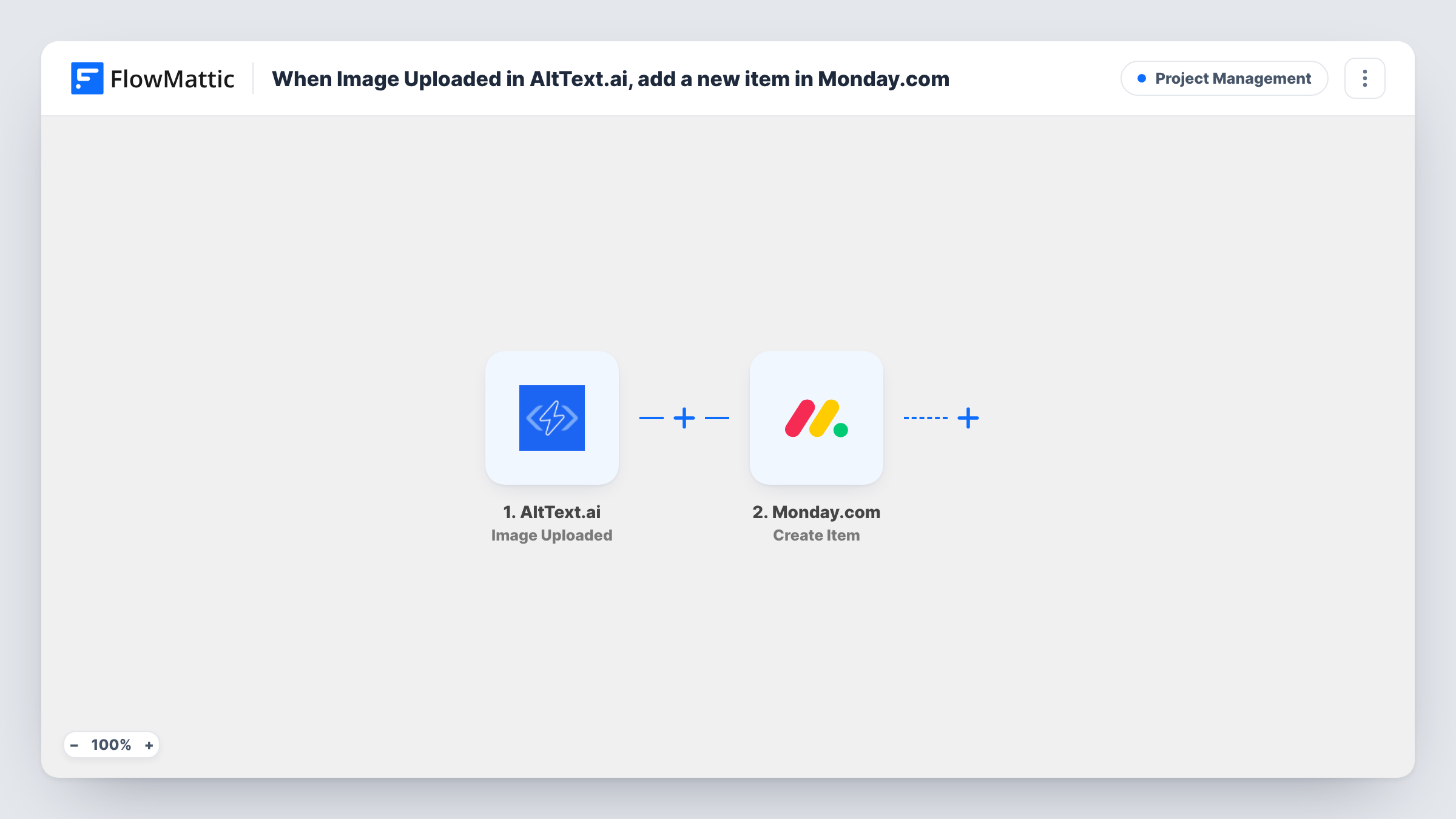
Each image added to your AltText.ai library creates an item on a Monday.com board, so your team can track the images that need alt text work in the same place they plan everything else.
 AltText.ai
 Monday.com
2 steps Setup ~5 min Used on 2.9k sites Productivity Free to import
What this workflow does
AltText.ai writes alt text for the images in your library, but the rest of the content work often lives on a Monday.com board. If someone needs to review each description, attach the image to a page or sign it off, they need to know the image exists. This workflow puts every new image on the board.
The AltText.ai trigger fires when new images are added to your library and passes the image data along. FlowMattic then creates a new item on the Monday.com board you choose. You decide which AltText.ai values to map into the item, such as the image name or the alt text if it is included in the data.
Every image added starts one run and creates one item. There is no check for images already on the board, so adding the same image again gives you another item. Task History records each run with the data AltText.ai sent.
Alt text review before publishing
An editor works through the Monday.com board and checks each AltText.ai description before the image goes live on a client site.
Accessibility audit tracking
During an audit you upload images in batches to AltText.ai. Each one appears as an item, so the board shows progress across the whole audit.
Product photo pipeline
A store team adds new product photos to AltText.ai. The Monday.com items let the catalog manager assign each photo to its product listing.
How this workflow runs
What happens at each step once the workflow is on, and what you need before you import it.
 AltText.ai Image Uploaded
Runs when a new image is added to your AltText.ai library. The data AltText.ai returns for that image is passed on for mapping into Monday.com.
- Monday.com Create Item
Creates a new item on the Monday.com board you select. Connect your Monday.com account, then map the AltText.ai values you want into the item name and columns.
What you need
- FlowMatticCore
- AltText.ai AccountAccount
- Monday.com AccountAccount
After importing, map your own data. To keep the template universal, not every step is pre-filled. Open each step in the builder and connect your accounts and fields (channels, lists, sheets, recipients) before you switch the workflow on.
Make it yours
Changes worth making after you import it.
- Upload one test image after import so FlowMattic captures the AltText.ai fields, then check which values hold the image name and alt text before mapping them.
- Add a Filter after the trigger to create items only for some images, for example ones whose name contains a client or project code.
- Map the image URL into a Monday.com link or text column, if AltText.ai sends one, so reviewers can open the image from the item.
Questions about this workflow
Will images already in my AltText.ai library be added to Monday.com?
No. The trigger fires for new images added after the workflow is on. Images already in the library do not create items.
Does the Monday.com item include the generated alt text?
Only if AltText.ai includes it in the trigger data and you map it. Run a test with one image and look at the captured fields to see what is there.
What if the same image is uploaded to AltText.ai twice?
Each upload counts as a new image, so each one starts a run and creates its own Monday.com item. Nothing in the workflow checks the board for an existing item first.
More Project Management workflows
Other ready-to-import templates from the same category.






Import this workflow into your WordPress site
Download the JSON, import it from the Workflows screen and connect your accounts. Every run stays on your server, with no per-task fees.
30-day money-back guarantee Unlimited workflows and runs Self-hosted