

Invite MailerLite subscribers to Zoho Projects projects
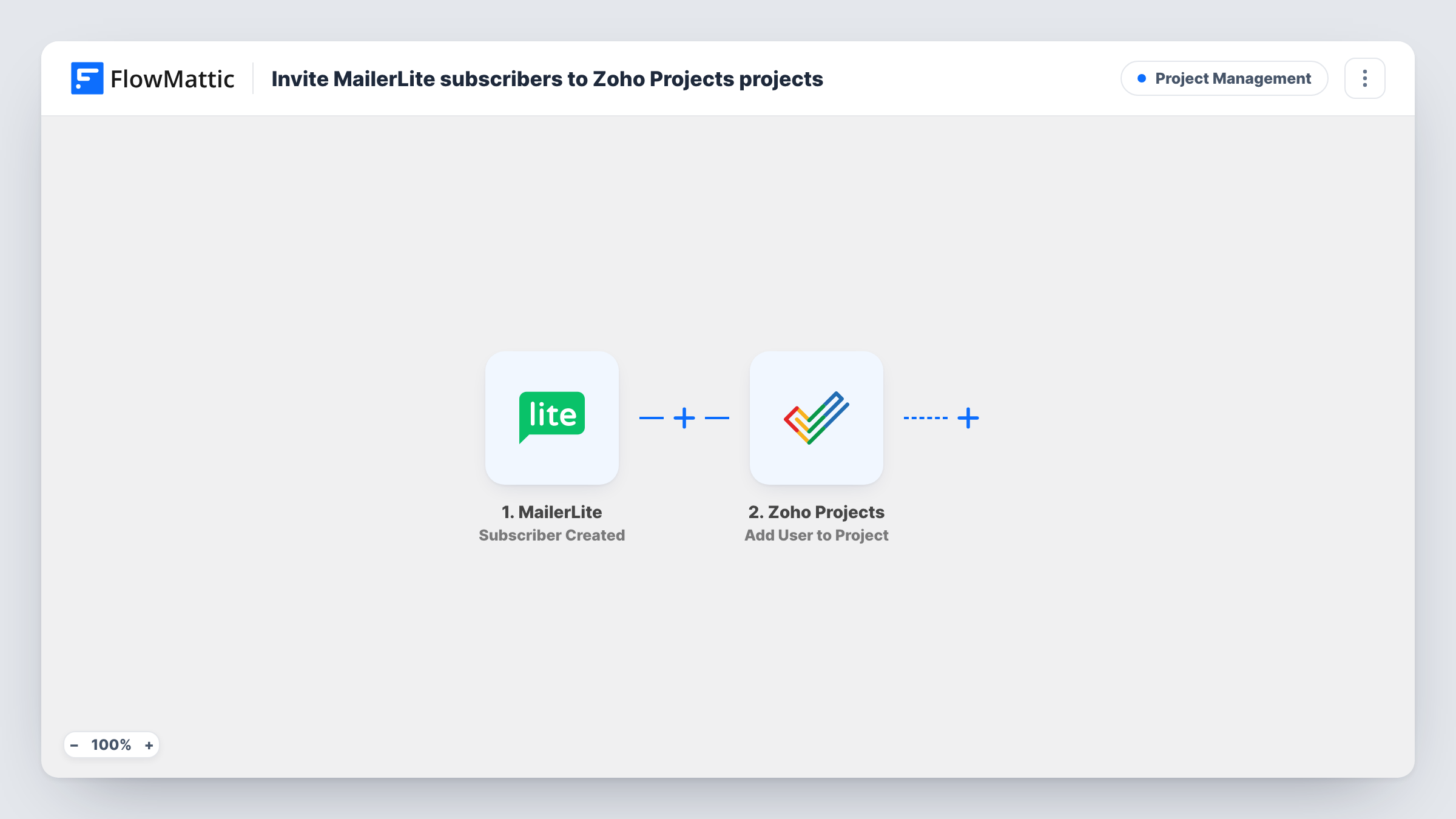
When a new subscriber is added to your MailerLite account, this workflow adds that person as a user on the Zoho Projects project you choose, so sign-ups for a client or member programme get project access without a manual invite.
 MailerLite
 Zoho Projects
2 steps Setup ~5 min Used on 2.4k sites Productivity Free to import
What this workflow does
Some sign-up lists are really access lists. A client portal, a beta group or a volunteer programme might collect people in MailerLite first, and then someone copies each address into Zoho Projects so the person can see tasks and files. Here, FlowMattic handles that hand-off from MailerLite to Zoho Projects.
The MailerLite trigger fires when a new subscriber is added to your account. FlowMattic passes the subscriber's details to Zoho Projects, where the Add User to Project action adds that person to the project you pick. You map the subscriber's email address into the step and choose the project when you set it up.
Be careful with which MailerLite account you connect. The trigger fires for every new subscriber in that account, not for one group or form, so as imported every sign-up gets added to the project. If your account also holds newsletter readers, add a Filter before the Zoho Projects step, as the tips explain. Task History shows the response from Zoho Projects for each run, so you can see how each address was handled.
Client onboarding for an agency
New clients join a MailerLite account used only for client updates, and each one is added to the shared onboarding project in Zoho Projects.
Beta tester programme
Testers sign up through a MailerLite form on a separate account, and the workflow puts each of them on the beta feedback project where bugs are tracked.
Volunteer coordination
A charity collects volunteers in MailerLite and gives each new one access to the Zoho Projects project that lists upcoming shifts and tasks.
How this workflow runs
What happens at each step once the workflow is on, and what you need before you import it.
 MailerLite Subscriber Created
Fires when a new subscriber is added to the connected MailerLite account. The subscriber's details, including the email address, are passed on for mapping in the Zoho Projects step.
- Zoho Projects Add User to Project
Adds a user to the Zoho Projects project you choose. Map the MailerLite subscriber's email address into the step, connect your Zoho account, and run a test to confirm how Zoho Projects adds the person.
What you need
- FlowMatticCore
- MailerLite AccountAccount
- Zoho Projects AccountAccount
After importing, map your own data. To keep the template universal, not every step is pre-filled. Open each step in the builder and connect your accounts and fields (channels, lists, sheets, recipients) before you switch the workflow on.
Make it yours
Changes worth making after you import it.
- Add a Filter after the MailerLite trigger that continues only for subscribers who belong to the group meant for project access, so newsletter-only sign-ups stay out of Zoho Projects.
- Test with your own second email address first and check the project's user list in Zoho Projects before you turn the workflow on for real subscribers.
Questions about this workflow
Does every MailerLite subscriber get added to Zoho Projects?
Yes, as imported. The trigger fires for each new subscriber in the account. Add a Filter after the trigger to limit it, for example to a single group, if the check is available in your test data.
Can I pick which Zoho Projects project they join?
Yes. You choose the project when you set up the Add User to Project step. Every run adds the person to that same project.
What if the subscriber is not yet a user in my Zoho Projects portal?
Run a test with an address that isn't in your portal and read the Zoho Projects response in Task History. That shows how your portal handles new people before you rely on the workflow.
Will existing MailerLite subscribers be added too?
No. A run starts only for people who subscribe once the workflow is switched on. People already on your list are not sent to Zoho Projects.
More Project Management workflows
Other ready-to-import templates from the same category.





Import this workflow into your WordPress site
Download the JSON, import it from the Workflows screen and connect your accounts. Every run stays on your server, with no per-task fees.
30-day money-back guarantee Unlimited workflows and runs Self-hosted