

When a new WordPress post is published, send notification to Group Members
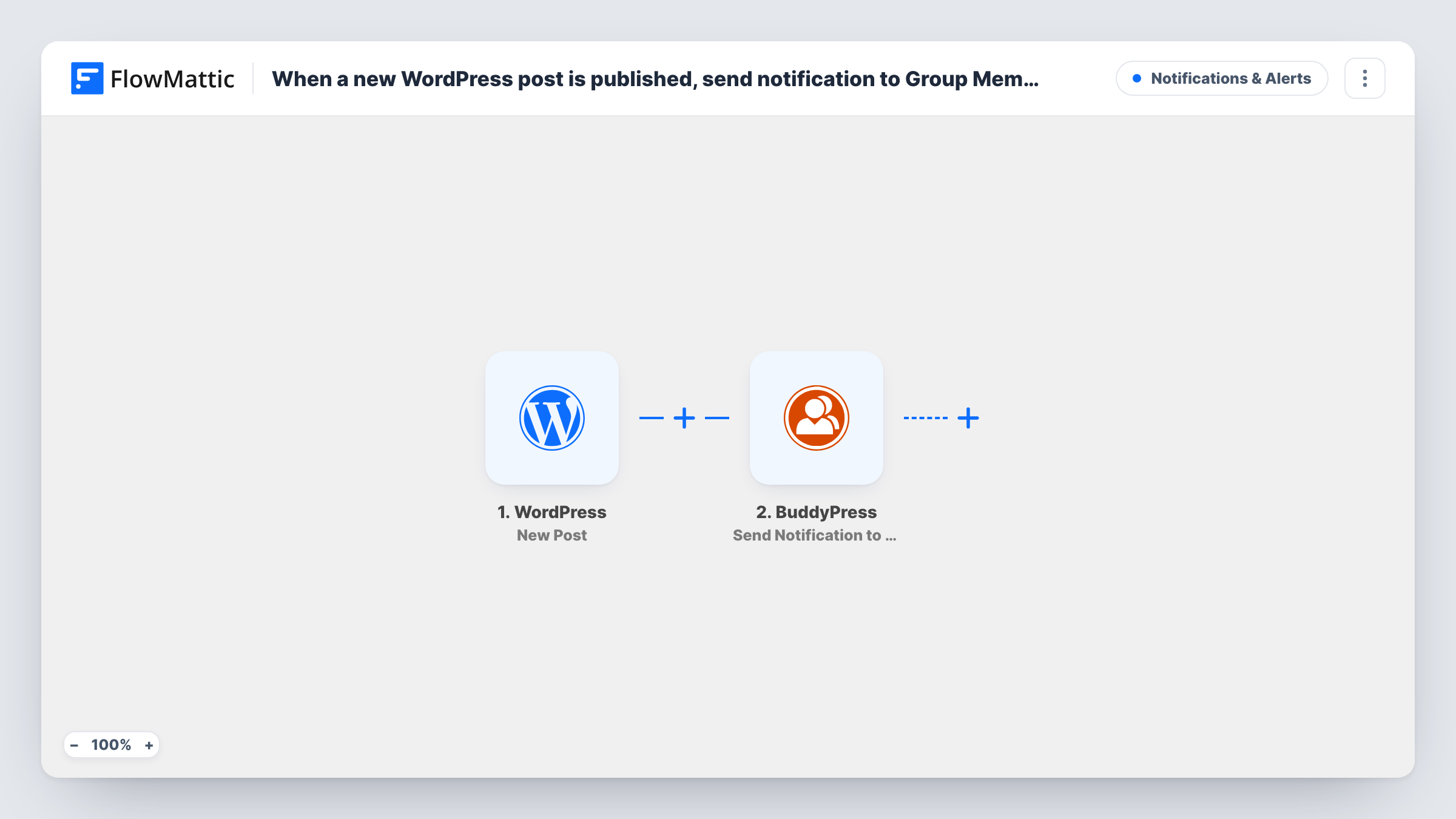
When a new post is published on your WordPress site, this workflow sends a BuddyPress notification to every member of a group you choose, so your community hears about new content inside the site itself.
 WordPress
 BuddyPress
2 steps Setup ~5 min Used on 1.2k sites Free to import
What this workflow does
Community sites built on BuddyPress often publish articles that matter most to one group: a club, a course cohort or a team. Members may not check the blog, but they do see their BuddyPress notifications. This workflow tells the group each time a post goes live.
The WordPress New Post trigger fires when a new post is published on the site where FlowMattic runs, and passes along details such as the title and link. FlowMattic then runs the BuddyPress action Send Notification to Group Members, which sends a notification to every member in a group. You pick the group and write the notification using the post details.
Everything happens inside your own WordPress install, so no outside account is needed. As imported, every published post notifies the same group. Add a Filter if only some posts should go out, and check Task History to confirm each notification was sent.
Course updates for a student group
A trainer publishes a lesson recap as a post. Members of the course's BuddyPress group get a notification pointing to it.
Club news on a membership site
A sports or hobby club posts match reports and event news. The members' group is notified each time, without a separate email.
Internal announcements on a staff intranet
An intranet built on WordPress and BuddyPress posts company news, and the staff group sees a notification when the post goes up.
How this workflow runs
What happens at each step once the workflow is on, and what you need before you import it.
 WordPress New Post
Starts whenever a fresh post goes live on the WordPress site running FlowMattic. The post's details, such as its title and permalink, are passed on for the notification.
- BuddyPress Send Notification to Group Members
Sends a BuddyPress notification to every member of the group you choose. Write the message with the post title and link mapped in, and confirm the result with a test post.
What you need
- FlowMatticCore
- BuddyPress PluginPlugin
After importing, map your own data. To keep the template universal, not every step is pre-filled. Open each step in the builder and connect your accounts and fields (channels, lists, sheets, recipients) before you switch the workflow on.
Make it yours
Changes worth making after you import it.
- Add a Filter after the trigger so only posts in a chosen category or with a set tag notify the group.
- Use a Router with one route per category, each with its own BuddyPress step and group, to send each kind of post to the right group.
- Publish a test post after import so FlowMattic captures the post fields, then map the title and link into the notification.
Questions about this workflow
Do I need the BuddyPress Groups component turned on?
Yes. Groups are an optional BuddyPress component, so enable it and create the group before you set up the notification step.
Will updating an existing WordPress post notify the group again?
No. The trigger runs once, when a post is first published. Changes you make to a live post afterwards don't notify the group.
Can the BuddyPress notification go to more than one group?
As imported it goes to one group. Add another BuddyPress step for each extra group, or use a Router to choose a group per post.
More Notifications & Alerts workflows
Other ready-to-import templates from the same category.





Import this workflow into your WordPress site
Download the JSON, import it from the Workflows screen and connect your accounts. Every run stays on your server, with no per-task fees.
30-day money-back guarantee Unlimited workflows and runs Self-hosted