

Create a ClickUp task when a new Rocketlane task is created
Every new task created in Rocketlane gets a matching task in ClickUp, so your delivery team can work customer onboarding tasks from the ClickUp lists they already use.
 Rocketlane
 ClickUp
2 steps Setup ~5 min Used on 1.2k sites Productivity Free to import
What this workflow does
Rocketlane is where you run customer onboarding projects with clients. Your internal team may still plan its day in ClickUp. Keeping both up to date by hand means copying every new task across, and some always get missed.
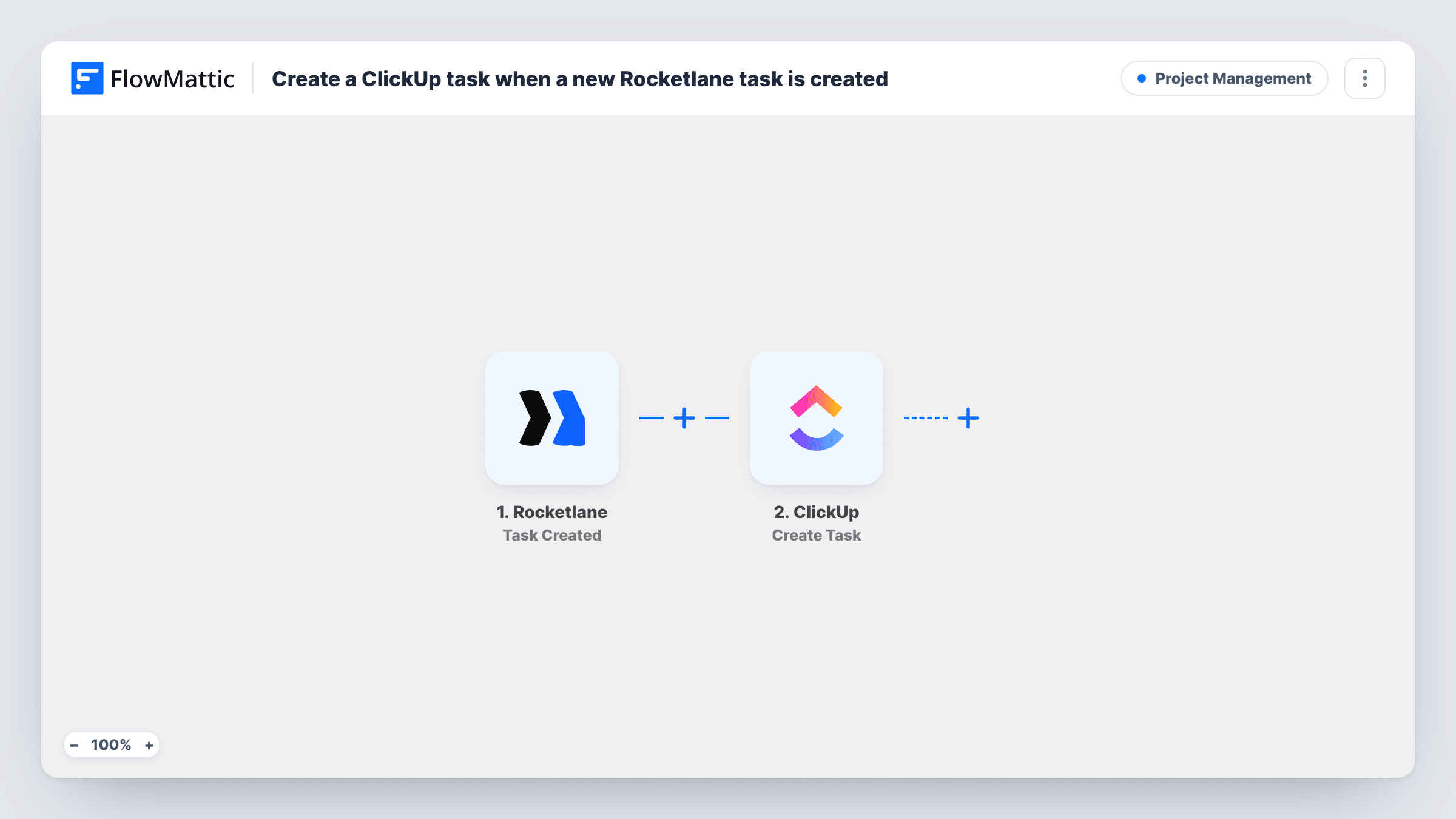
The Rocketlane trigger fires when a task is created. FlowMattic passes the task's details to ClickUp, where the Create Task action adds a new task. You map which Rocketlane details become the ClickUp task name and description, and choose where in ClickUp it is created.
The ClickUp task is copied once, at the moment the Rocketlane task appears. Later changes in Rocketlane, such as a new status or assignee, do not reach the ClickUp task, and changes in ClickUp do not go back to Rocketlane. Every task created in Rocketlane runs the workflow, which may include tasks added when you build a project from a template. Each run appears in Task History with what Rocketlane sent.
Implementation team working in ClickUp
Customer success plans onboarding in Rocketlane, while engineers who set up integrations see each new task in their ClickUp list.
Agency with client portals in Rocketlane
Clients see project tasks in Rocketlane, and the agency's designers pick up the same work from a ClickUp board they already use for every client.
One place for a busy manager
A manager who owns both onboarding and internal projects gets every new Rocketlane task in ClickUp, so one list shows the whole workload.
How this workflow runs
What happens at each step once the workflow is on, and what you need before you import it.
 Rocketlane Task Created
Fires when a task is created in Rocketlane. The task's details are passed on so you can map them into the new ClickUp task.
- ClickUp Create Task
Creates a new task in ClickUp from the Rocketlane task. Pick where it goes, map the task name and any other details, then connect your ClickUp account.
What you need
- FlowMatticCore
- Rocketlane AccountAccount
- ClickUp AccountAccount
After importing, map your own data. To keep the template universal, not every step is pre-filled. Open each step in the builder and connect your accounts and fields (channels, lists, sheets, recipients) before you switch the workflow on.
Make it yours
Changes worth making after you import it.
- Add a Filter after the Rocketlane trigger to copy only tasks from certain projects, if the task data includes the project. A test task shows what you can check.
- Put a link or the Rocketlane task ID in the ClickUp description so your team can find the original task quickly.
- Rocketlane also has Task Status Updated and Task Assignee Updated triggers in FlowMattic. Use one in a second workflow to alert your team in chat when the original task changes.
Questions about this workflow
Do changes to a Rocketlane task update the ClickUp copy?
No. The workflow creates the ClickUp task once, when the Rocketlane task is created. Later edits stay in Rocketlane unless you build another workflow for them.
Will creating a Rocketlane project from a template flood ClickUp?
It can. Each task created in Rocketlane runs the workflow, so a template with many tasks makes many ClickUp tasks. Test with a small project first.
Are existing Rocketlane tasks copied into ClickUp?
No. Only tasks created after the workflow is turned on are sent to ClickUp.
Does completing the ClickUp task close it in Rocketlane?
No. Nothing here writes back to Rocketlane, and FlowMattic lists triggers for Rocketlane but no actions to update it with.
More Project Management workflows
Other ready-to-import templates from the same category.




Import this workflow into your WordPress site
Download the JSON, import it from the Workflows screen and connect your accounts. Every run stays on your server, with no per-task fees.
30-day money-back guarantee Unlimited workflows and runs Self-hosted