

Enroll the matching WordPress user in LearnDash for each new SuprForms response
For each new SuprForms response, FlowMattic finds the WordPress user with the email from the form and enrolls that user into the LearnDash course you choose.
 SuprForms
 WordPress
 LearnDash
3 steps Setup ~5 min Used on 1.2k sites Free to import
What this workflow does
When people who already have an account on your learning site fill in a SuprForms form, such as a course request or an application, someone usually has to find them in WordPress and add the course by hand. This workflow does that lookup and enrollment for every response.
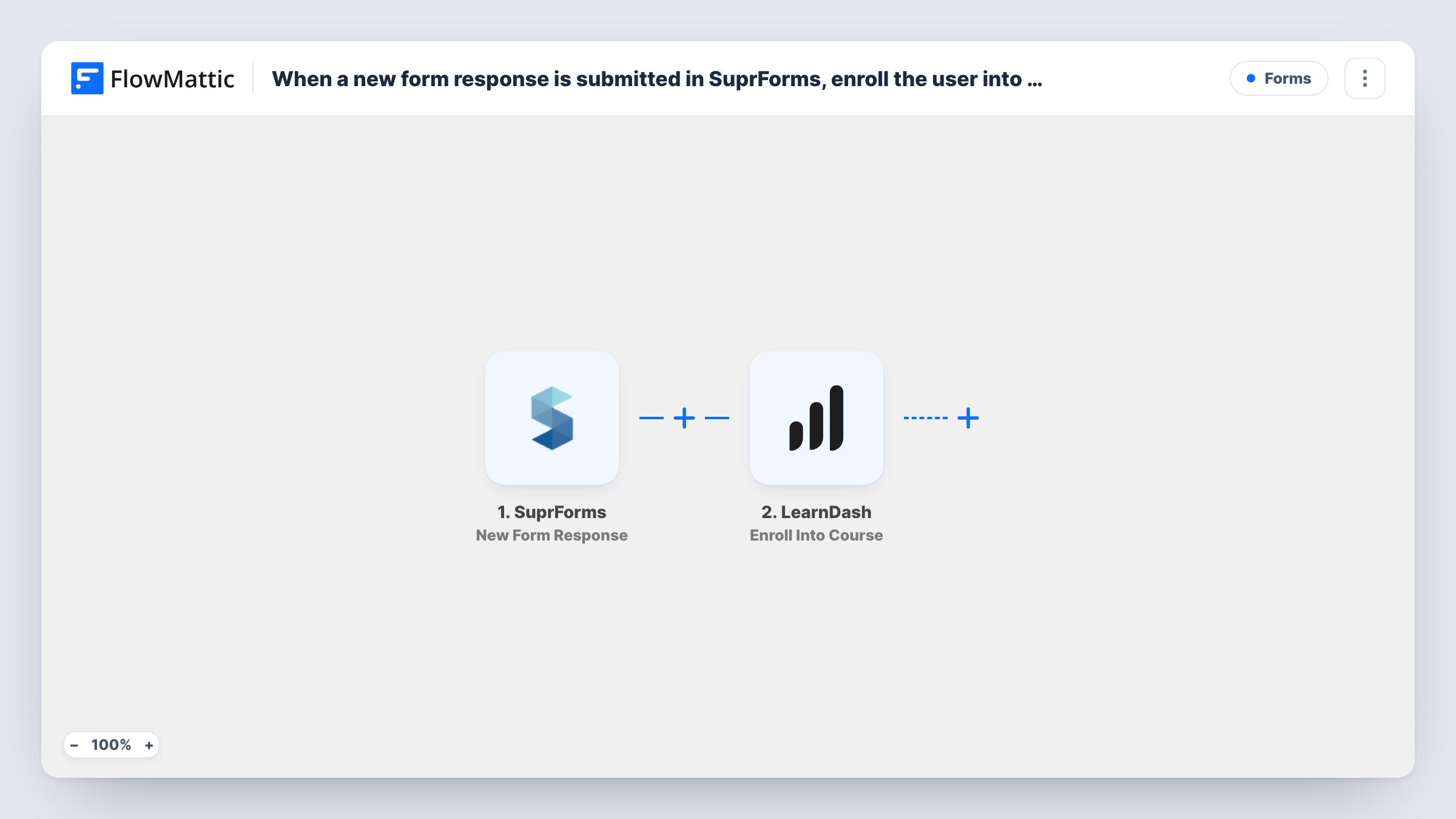
The SuprForms New Form Response trigger starts a run when a form response is submitted. The WordPress Get User by Email step then looks up the user profile that matches the email address in the response. This is the step that gives LearnDash what it needs, because enrolling works with a WordPress user, not a bare email.
Finally, the LearnDash Enroll Into Course step enrols the user it was given into a course. None of the three steps has mapping yet, so after import you map the email from the SuprForms response into the lookup, map the user ID the lookup returns into the enrollment, and pick the course.
Only people who already have a WordPress account with that email can be enrolled. Someone who answers with a different address, or who has never registered, has no user for the lookup to find. Test with a known user's email and check Task History to see the user the lookup returned and LearnDash's response.
Course requests from existing members
A membership academy lets members ask for an elective through a SuprForms form, and each response enrols the member in that course.
Applications for a bonus course
A coach sends past clients a short SuprForms questionnaire and enrols each respondent in a follow-up course on the WordPress site.
Workshop sign-ups for staff
A company's internal training site uses SuprForms to collect workshop sign-ups and enrols each employee's WordPress account in the matching LearnDash course.
How this workflow runs
What happens at each step once the workflow is on, and what you need before you import it.
 SuprForms New Form Response
Starts a run when someone submits a response to your SuprForms form. The answers, including the email address the person entered, are passed to the WordPress lookup.
- WordPress Get User by Email
Finds the WordPress user whose email matches the one in the form response. The step ships unmapped, so map the email answer from SuprForms into it after import.
- LearnDash Enroll Into Course
Enrols the WordPress user found by the lookup into a LearnDash course. After import, map the user ID from the previous step and choose the course to enrol them in.
What you need
- FlowMatticCore
- SuprForms AccountAccount
- LearnDash PluginPlugin
After importing, map your own data. To keep the template universal, not every step is pre-filled. Open each step in the builder and connect your accounts and fields (channels, lists, sheets, recipients) before you switch the workflow on.
Make it yours
Changes worth making after you import it.
- Ask respondents to use the same email they log in with, and say so on the form, so the WordPress lookup finds their account.
- To enrol people into different courses based on an answer, add a Router between the Get User by Email step and the LearnDash step, with one route per distinct answer value, each ending in its own Enroll Into Course step.
- Put a Filter between the Get User by Email step and the LearnDash step that continues only when a user ID was returned, so responses from people without an account stop before enrollment.
Questions about this workflow
What if the SuprForms respondent has no WordPress account?
The lookup has no user to return, so there is nobody to enrol. No step here registers new WordPress accounts. Task History shows what the WordPress step returned for that response.
Why does the workflow look up the user before enrolling in LearnDash?
LearnDash enrols WordPress users, identified by their user ID. A form response only carries an email, so the Get User by Email step turns that email into the user the enrollment needs.
Which LearnDash course are people enrolled in?
The one you choose in the Enroll Into Course step after import. The template doesn't pick a course for you.
Is a user enrolled again if they submit the SuprForms form twice?
Each response starts a new run. For someone already in the course, LearnDash decides how to handle the repeat; check Task History after a second test response.
More Forms workflows
Other ready-to-import templates from the same category.







Import this workflow into your WordPress site
Download the JSON, import it from the Workflows screen and connect your accounts. Every run stays on your server, with no per-task fees.
30-day money-back guarantee Unlimited workflows and runs Self-hosted