

Send a Gmail email for each new Social Intents answered chat
When a live chat in Social Intents is answered and completed, this workflow sends an email from your Gmail account with the details you choose, either as a follow-up to the visitor or as a record for your own team.
 Social Intents
 Gmail
Gmail2 steps Setup ~5 min Used on 316 sites Free to import
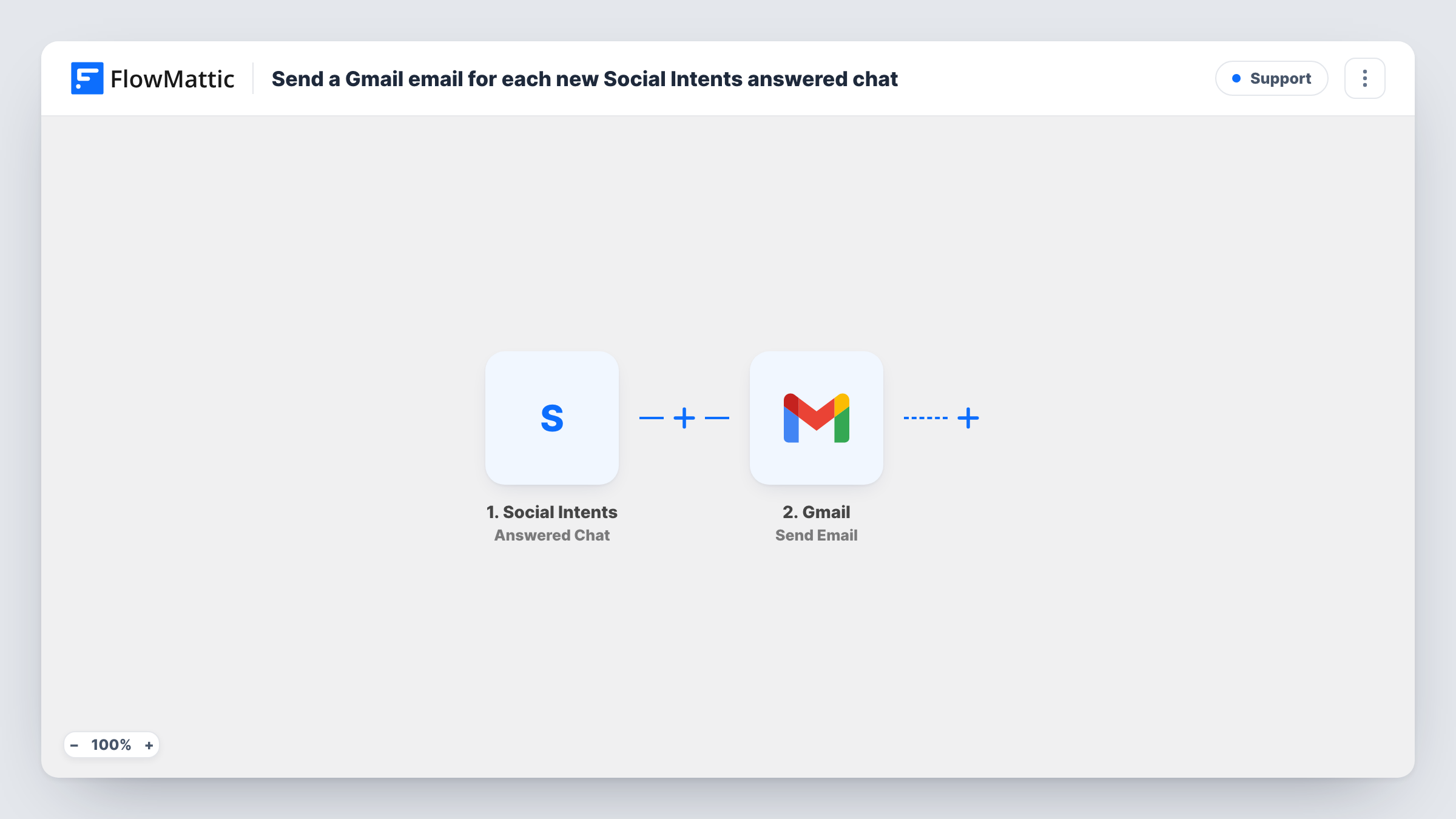
What this workflow does
A live chat ends when the visitor closes the window, and whatever was promised in it is easy to lose. Sending a short follow-up email, or a note to the person who owns the account, keeps that thread alive. This workflow sends one from Gmail after each answered chat.
The Social Intents trigger fires when a live chat is answered and completed. FlowMattic receives the chat details and passes them to Gmail, where the Send Email action sends a message from your connected account. You choose the recipient, write the subject and body, and drop in values from the chat.
You decide where each message goes. Map the visitor's email, if your chat collects it, to send a follow-up, or enter your own team address to log each chat in an inbox. Missed chats do not run this workflow, since the trigger covers answered ones only. Run a test chat after import to see which details Social Intents sends.
Recap email to the visitor
After a sales chat, the visitor gets an email from your Gmail with a thank-you and a link to book a call.
Chat log for an account manager
Each completed chat is emailed to the account manager's inbox, so they see what the support agent discussed with their client.
Searchable record in a shared inbox
Sending every answered chat to a shared Gmail address builds an archive the team can search by name or topic.
How this workflow runs
What happens at each step once the workflow is on, and what you need before you import it.
 Social Intents Answered Chat
Fires when a live chat in Social Intents is answered and completed. The chat details become data you can use in the email.
- Gmail Send Email
Delivers one message per answered chat through the Gmail account you connect. Set the recipient, either the visitor's email from the chat or a fixed team address, then write the subject and body using chat values.
What you need
- FlowMatticCore
- Social Intents AccountAccount
- Gmail AccountAccount
After importing, map your own data. To keep the template universal, not every step is pre-filled. Open each step in the builder and connect your accounts and fields (channels, lists, sheets, recipients) before you switch the workflow on.
Make it yours
Changes worth making after you import it.
- Have your Social Intents chat ask visitors for their email before the chat starts, if you want to send follow-ups, so there is an address to map.
- Add a Filter that continues only when the visitor's email is not empty, so chats without an address do not produce a failed send.
- Start a test chat from another browser and answer it after import, so FlowMattic captures real chat data before you write the email.
Questions about this workflow
Does a missed Social Intents chat send an email too?
No. The trigger fires for chats that were answered and completed. Social Intents has a separate Missed Chat trigger if you want a different workflow for those.
Can the Gmail email include the chat transcript?
Only if Social Intents sends it with the event. Run a test chat and look at the captured data to see which details you can place in the email body.
Who is the Gmail email sent from?
From the Gmail account you connect in the Send Email step, so replies come back to that inbox.
Will chats from before the import trigger emails?
No. Only chats completed after the workflow is switched on start a run.
More Support workflows
Other ready-to-import templates from the same category.




Import this workflow into your WordPress site
Download the JSON, import it from the Workflows screen and connect your accounts. Every run stays on your server, with no per-task fees.
30-day money-back guarantee Unlimited workflows and runs Self-hosted