

When a visitor replies in NeetoChat, create a new support ticket in Fluent Support
Each time a visitor replies to a NeetoChat ticket, this workflow creates a new ticket in Fluent Support on your WordPress site. Every reply becomes its own ticket.
 NeetoChat
 Fluent Support
2 steps Setup ~5 min Used on 2.6k sites Free to import
What this workflow does
If your team works from Fluent Support, chat activity in NeetoChat is easy to overlook. This workflow brings visitor replies into the helpdesk you already use, so a person answering tickets in WordPress sees what chat visitors are saying.
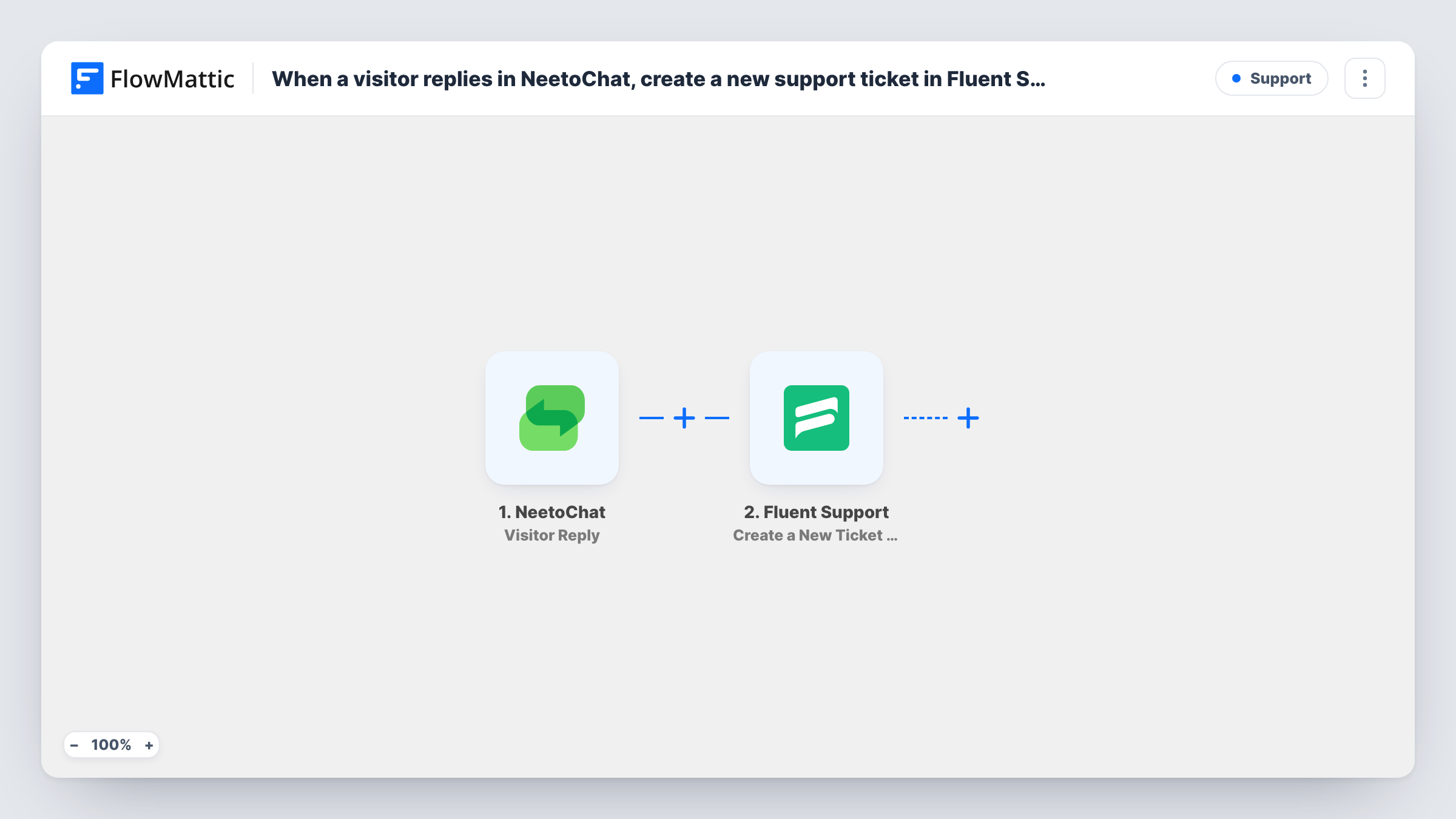
The NeetoChat trigger fires when a visitor replies to a ticket. FlowMattic takes the reply details and passes them to Fluent Support, where Create a New Ticket Using Customer opens a ticket. You map what goes into it, such as the visitor's email and name, a title, and the reply text as the content.
Be clear on one thing before you import it. The trigger runs on every visitor reply, and the action always creates a new ticket. A visitor who sends three replies produces three Fluent Support tickets. If you want one ticket per conversation, use NeetoChat's Ticket Creation trigger instead. Task History shows each run and what Fluent Support returned.
Chat for sales, Fluent Support for help
Your site runs NeetoChat for quick questions. When a visitor replies with a support issue, a Fluent Support ticket appears for the helpdesk team.
Evening and weekend replies
Visitors reply to chat tickets after hours. Each reply waits in Fluent Support for the morning shift instead of sitting unseen in NeetoChat.
One queue for agents
Agents who only use the WordPress dashboard see NeetoChat replies alongside email tickets in Fluent Support.
How this workflow runs
What happens at each step once the workflow is on, and what you need before you import it.
 NeetoChat Visitor Reply
Runs when a visitor replies to a ticket in NeetoChat. The reply and visitor details are passed on for mapping into the new ticket.
- Fluent Support Create a New Ticket Using Customer
Creates a new Fluent Support ticket on behalf of a customer. Map the visitor's details and the reply text into the ticket. A new ticket is made on every run.
What you need
- FlowMatticCore
- NeetoChat AccountAccount
- Fluent Support PluginPlugin
After importing, map your own data. To keep the template universal, not every step is pre-filled. Open each step in the builder and connect your accounts and fields (channels, lists, sheets, recipients) before you switch the workflow on.
Make it yours
Changes worth making after you import it.
- To get one ticket per conversation, replace the trigger with NeetoChat's Ticket Creation. Replies then stay in NeetoChat instead of each opening a ticket.
- Put the NeetoChat ticket reference in the Fluent Support ticket title, so agents can group tickets that came from the same chat.
- Send a test reply after import and check in Task History which visitor fields NeetoChat provides before you map the customer details.
Questions about this workflow
Will each NeetoChat reply create a separate Fluent Support ticket?
Yes. The action always creates a new ticket, and the trigger fires on every visitor reply. Use the Ticket Creation trigger if you want one ticket per conversation.
Do I need Fluent Support on the same WordPress site?
Yes. Fluent Support is a WordPress helpdesk plugin, and it must be installed where FlowMattic runs.
Do agent replies in NeetoChat create tickets?
No. The Visitor Reply trigger fires on replies from visitors, so your own agents' messages don't start a run.
Does replying in Fluent Support send the answer back to NeetoChat?
No. The workflow only goes from NeetoChat to Fluent Support. Answers sent from Fluent Support go out the way Fluent Support normally sends them.
More Support workflows
Other ready-to-import templates from the same category.





Import this workflow into your WordPress site
Download the JSON, import it from the Workflows screen and connect your accounts. Every run stays on your server, with no per-task fees.
30-day money-back guarantee Unlimited workflows and runs Self-hosted