

Add a Google Calendar event when a RevenueHero meeting is booked
When a prospect books a meeting through RevenueHero, FlowMattic adds it to the Google Calendar you choose as a detailed event, with the time and prospect details you map.
 RevenueHero
 Google Calendar
2 steps Setup ~5 min Used on 3.0k sites Free to import
What this workflow does
RevenueHero books sales meetings straight from your inbound forms, but some people still want every booking to appear in a particular Google Calendar, such as a team or manager calendar. This workflow writes each booked meeting there for you.
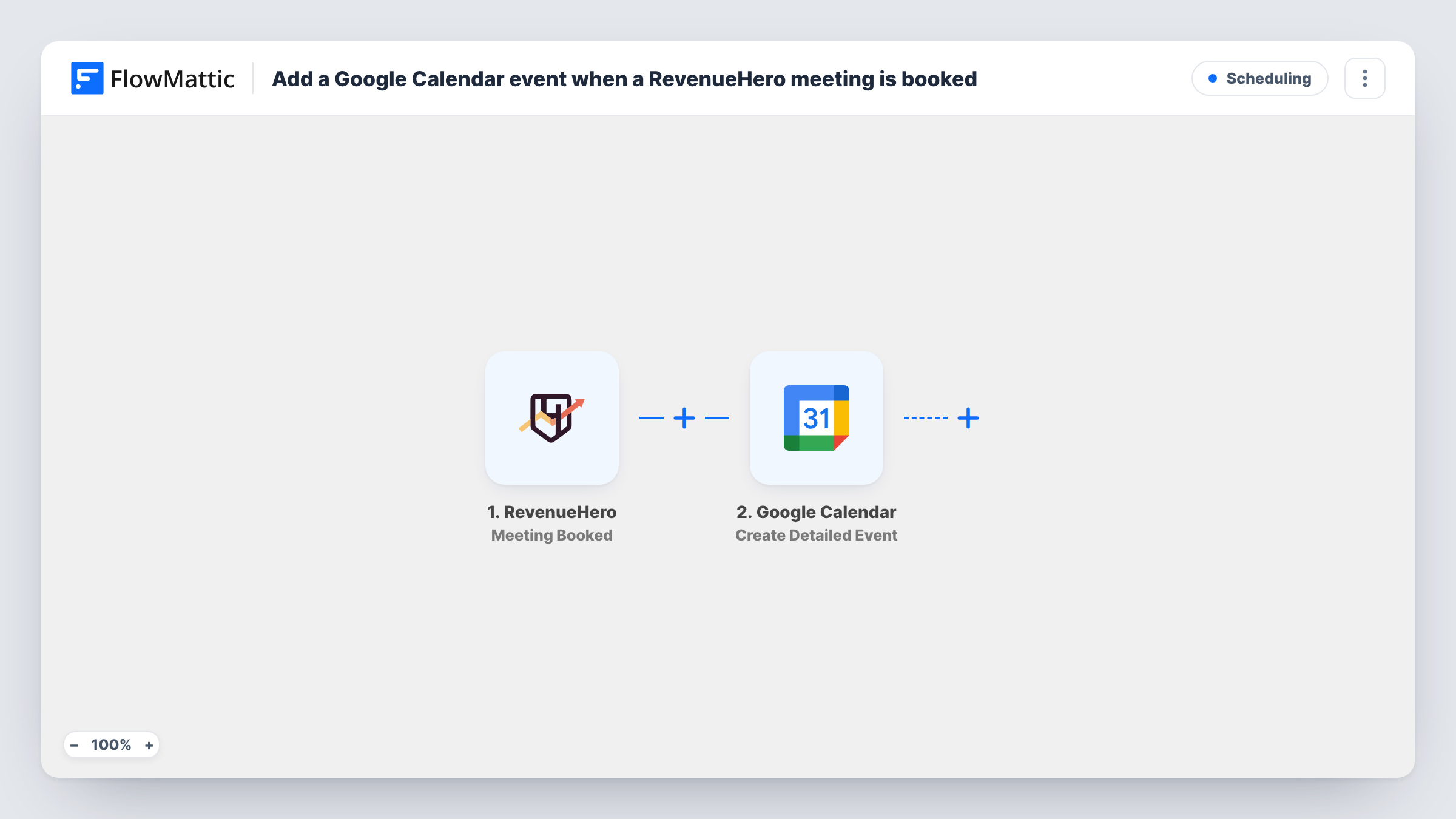
The RevenueHero trigger, Meeting Booked, fires when a meeting is booked. FlowMattic receives the meeting data, which can include the prospect, the rep and the time, and passes it to Google Calendar. Create Detailed Event adds an event to the calendar you choose, using the values you map into its time, title and description.
This is a one-time copy per booking. RevenueHero has separate triggers for reschedules and cancellations, and this workflow doesn't use them, so a moved or cancelled meeting keeps its original calendar event. Check a test booking first to confirm which values RevenueHero sends.
A sales manager's overview calendar
Every demo booked through RevenueHero lands in one shared calendar, so the sales manager can see the week's meetings across all reps.
Prep time for solutions engineers
Booked demos appear in a calendar the solutions team follows, so they know which calls may need technical support.
Founder-led sales
A founder takes inbound calls through RevenueHero and wants them in a personal Google Calendar alongside investor and team meetings.
How this workflow runs
What happens at each step once the workflow is on, and what you need before you import it.
 RevenueHero Meeting Booked
Starts a run each time a prospect lands a slot through RevenueHero. The booking data, such as prospect, rep and meeting time, is passed on to build the calendar event.
- Google Calendar Create Detailed Event
Writes the booked call into a Google Calendar of your choosing as a detailed event. Map the meeting's start and end time, put the prospect's name and company in the title, and connect your Google account.
What you need
- FlowMatticCore
- RevenueHero AccountAccount
- Google Calendar AccountAccount
After importing, map your own data. To keep the template universal, not every step is pre-filled. Open each step in the builder and connect your accounts and fields (channels, lists, sheets, recipients) before you switch the workflow on.
Make it yours
Changes worth making after you import it.
- Put the rep's name in the event title, for example "Demo: Acme Co with Sam", so a shared calendar shows who owns each call.
- Book a test meeting after import and check that the event time matches RevenueHero. If it doesn't, look at the time zone in the booking data.
- Map any qualifying answers from the RevenueHero data into the event description, if a test run shows them, so the rep can read them before the call.
Questions about this workflow
What happens to the event when a RevenueHero meeting is rescheduled?
Nothing. This workflow only listens for Meeting Booked. RevenueHero's Meeting is Rescheduled and Meeting Canceled triggers are separate events.
Can the RevenueHero meetings go to a shared team calendar?
Yes, if your Google account can edit that calendar. After connecting Google, pick it in the Create Detailed Event step, and every booking lands there.
Are RevenueHero meetings booked before import added?
No. Only meetings booked after you turn the workflow on create events.
More Scheduling workflows
Other ready-to-import templates from the same category.





Import this workflow into your WordPress site
Download the JSON, import it from the Workflows screen and connect your accounts. Every run stays on your server, with no per-task fees.
30-day money-back guarantee Unlimited workflows and runs Self-hosted