

When an event is cancelled in SavvyCal, remove role from WordPress user
When a SavvyCal event is cancelled, FlowMattic finds the WordPress user with the attendee’s email and removes the role you choose from their account, so booking-based access is taken back.
 SavvyCal
 WordPress
3 steps Setup ~5 min Used on 3.3k sites Free to import
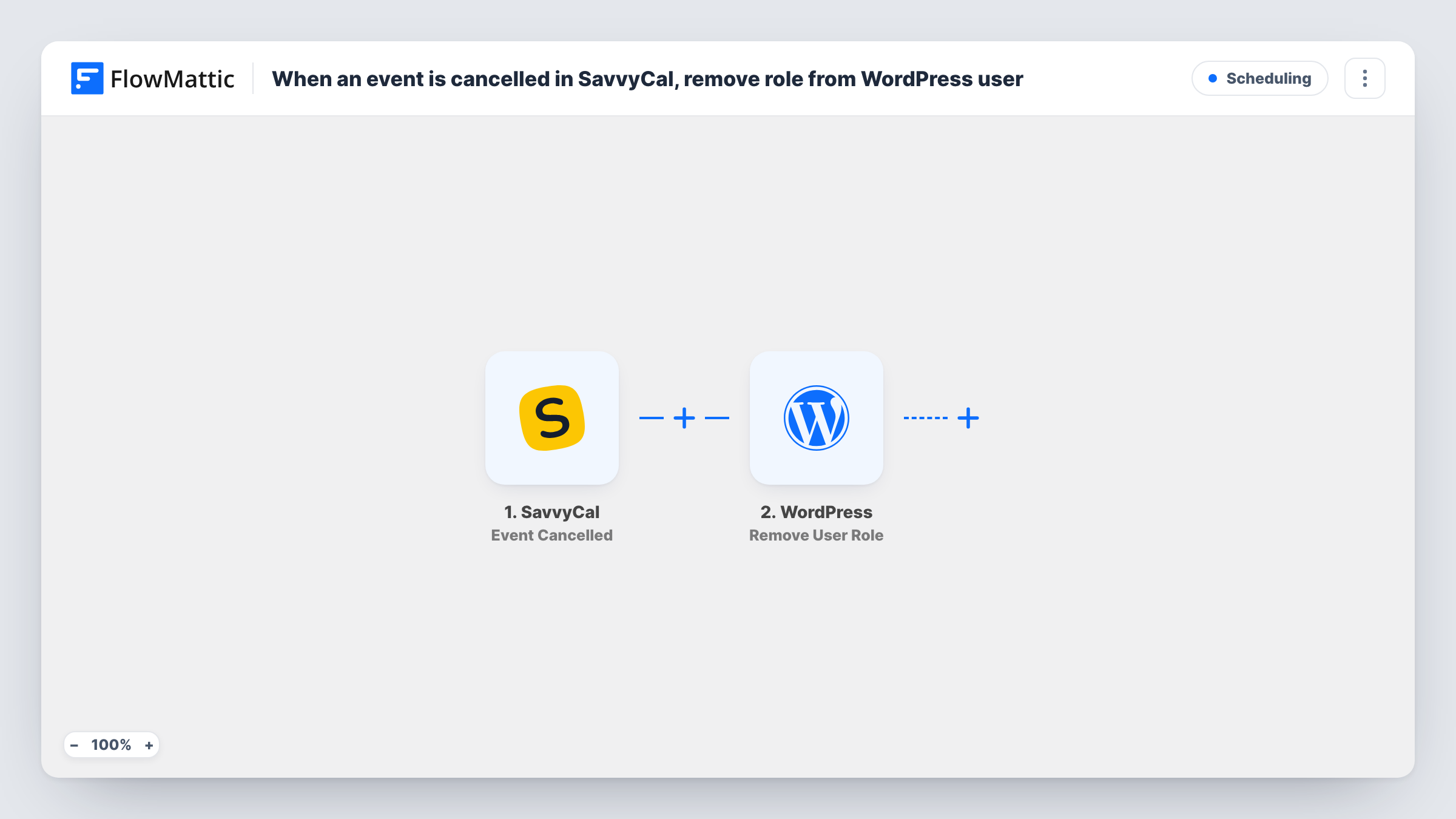
What this workflow does
Some sites hand out access when a session is booked: a client portal, a prep area for a coaching call, a members page for a workshop. When the booking is cancelled, that access should go too. This workflow takes away a WordPress role as soon as SavvyCal reports the cancellation.
The SavvyCal trigger fires when an event is cancelled and passes the event details, including the attendee's email, to FlowMattic.
Two WordPress steps follow. Get User by Email looks up the account that uses the attendee's email, and Remove User Role then takes a role away from that user. Both ship unmapped: map the email from SavvyCal into the lookup, then map the user ID it returns into Remove User Role and pick the role to remove.
If no WordPress account uses that email, the lookup has no user to return; Task History shows what each step got back. The role comes off on every cancellation, even if the person still has another booking, and a user whose only role it was is left with no role on your site. Test with a dummy account before using it on real clients.
Client portal tied to a booked session
A consultant gives booked clients a Session Client role that opens a prep page. When a client cancels the SavvyCal call, the role is removed and the page is closed to them.
Workshop access for registered attendees
A trainer's workshop resources are limited to a role. Attendees who cancel their SavvyCal slot lose that role, so the materials stay with people who are coming.
Trial area for discovery calls
A software agency grants a demo role when a discovery call is booked and takes it back through this workflow if the prospect cancels.
How this workflow runs
What happens at each step once the workflow is on, and what you need before you import it.
 SavvyCal Event Cancelled
Fires when an event is cancelled in SavvyCal. The event details, including the attendee's name and email, are passed on so WordPress can find the matching account.
- WordPress Get User by Email
Looks up the WordPress user whose account uses the attendee's email. Map the email from the SavvyCal event after import; the user it finds is passed to the next step.
- WordPress Remove User Role
Removes a role from the WordPress user found in step 2. Map that user's ID from the lookup and choose the role to remove, such as the one your booking flow gave them.
What you need
- FlowMatticCore
- SavvyCal AccountAccount
After importing, map your own data. To keep the template universal, not every step is pre-filled. Open each step in the builder and connect your accounts and fields (channels, lists, sheets, recipients) before you switch the workflow on.
Make it yours
Changes worth making after you import it.
- Make sure attendees book with the same email they use on your WordPress site, since the lookup matches on email only.
- If the role should only come off for one kind of meeting, put a Filter between the SavvyCal trigger and the Get User by Email step that checks the scheduling link or event name. A test cancellation shows the value.
- Give users a base role such as subscriber as well as the booking role, so removing the booking role doesn't leave them with none.
Questions about this workflow
What if the SavvyCal attendee has no WordPress account?
Get User by Email won't find an account for that address. Check Task History to see what the lookup and the role step returned for that run.
Does this delete the WordPress user after a SavvyCal cancellation?
No. Remove User Role only takes away the role you set. The account, its other roles and its content stay on your site.
Who gives the role back when the attendee books again?
Not this workflow. Build a second one on SavvyCal's Event Created trigger with Get User by Email and WordPress's Add Role to User action to grant the role on booking.
More Scheduling workflows
Other ready-to-import templates from the same category.






Import this workflow into your WordPress site
Download the JSON, import it from the Workflows screen and connect your accounts. Every run stays on your server, with no per-task fees.
30-day money-back guarantee Unlimited workflows and runs Self-hosted