

Create affiliates in Affiliate for WooCommerce for new users in WordPress
Each new WordPress user is registered as an affiliate in Affiliate for WooCommerce, so everyone who gets an account on your site can start referring customers without a separate sign-up.
 WordPress
 Affiliate for WooCommerce
2 steps Setup ~5 min Used on 2.7k sites Free to import
What this workflow does
Some stores want every account holder to be an affiliate: customers who share links, members who refer friends, a community that earns commission. Asking each of them to apply separately adds friction, and adding them by hand doesn't scale. This workflow registers each new user as an affiliate.
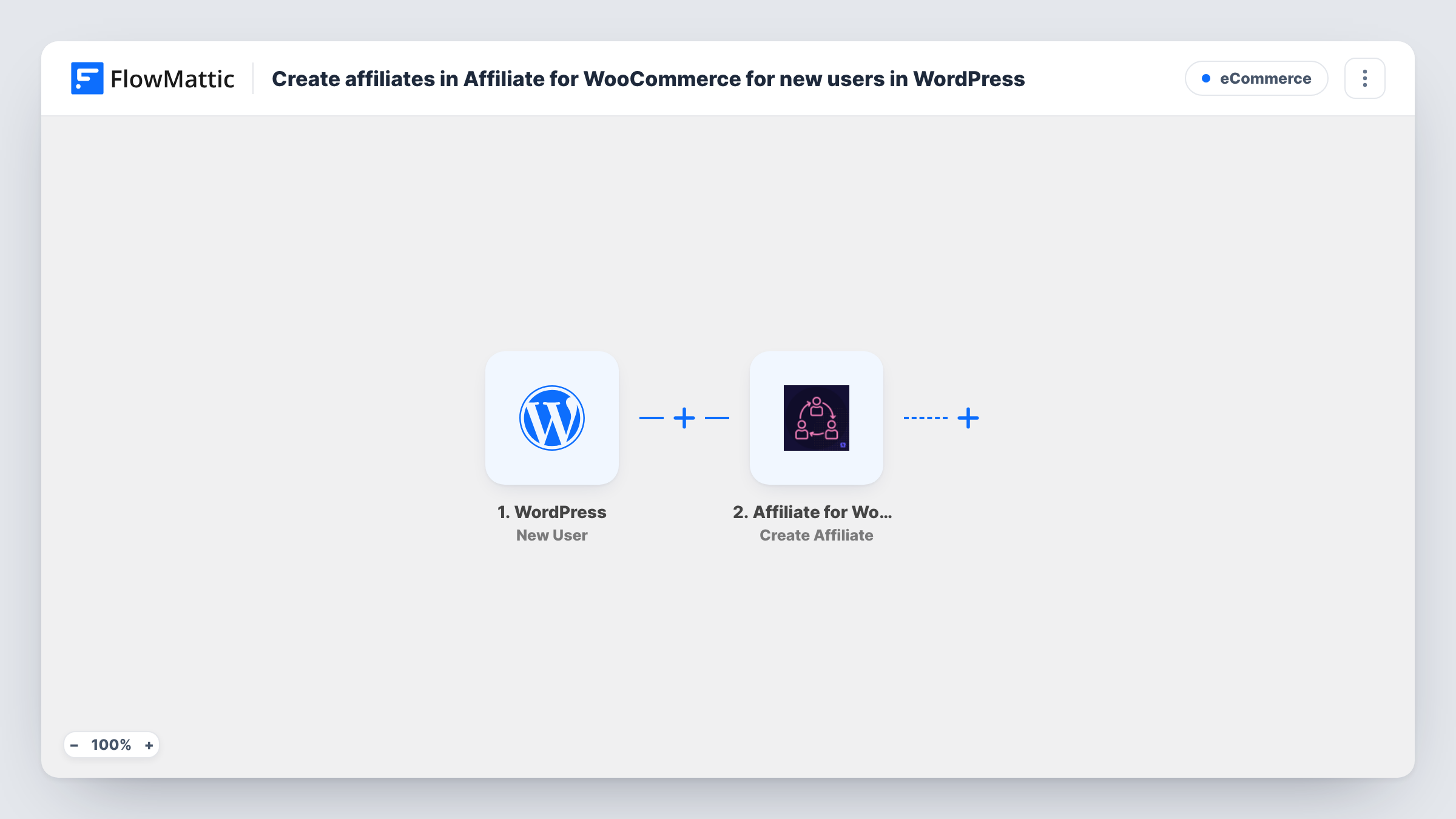
A run starts as soon as an account is registered through WordPress, via its New User trigger. FlowMattic then runs Affiliate for WooCommerce's Create Affiliate action, which registers that user as an affiliate. Map the user's ID or details from the trigger into the step.
The trigger hooks into WordPress user registration, so it fires for every new account: front-end sign-ups, users an admin adds and users created by other plugins or imports. All of them become affiliates as imported. If that's too broad, add a Filter, as described below. Task History logs each registration.
Customer referral programme
A store where shoppers create an account at checkout gives every one of them an affiliate account to share with friends.
Membership community with referral rewards
Members of a WordPress membership site earn commission on referrals from the day they join.
Creator marketplace
Creators who sign up to sell or promote on your site are registered as affiliates straight away.
How this workflow runs
What happens at each step once the workflow is on, and what you need before you import it.
 WordPress New User
Fires when a new user is registered on your WordPress site, however the account is created. The new user's details are passed to the affiliate step.
- Affiliate for WooCommerce Create Affiliate
Registers the new user as an affiliate in Affiliate for WooCommerce. Map the user from the trigger, and check a test run to confirm the affiliate appears as expected.
What you need
- FlowMatticCore
- Affiliate for WooCommerce PluginPlugin
After importing, map your own data. To keep the template universal, not every step is pre-filled. Open each step in the builder and connect your accounts and fields (channels, lists, sheets, recipients) before you switch the workflow on.
Make it yours
Changes worth making after you import it.
- Add a Filter after the trigger on the user's role, from a test run, so only customers or members become affiliates and staff accounts are left out.
- Add Affiliate for WooCommerce's Add Tag to Affiliate action after Create Affiliate to mark affiliates who joined through this workflow.
- Create one test user after import and look in Affiliate for WooCommerce to see the new affiliate and the status it was given.
Questions about this workflow
Will users an admin creates in WordPress also become affiliates?
Yes. The New User trigger fires for every new account, including ones added by an admin, a plugin or an import. Add a Filter on role or another field to narrow it.
Are my existing WordPress users made affiliates?
No. Only accounts registered after the workflow is on are passed to Affiliate for WooCommerce.
Does Affiliate for WooCommerce need to be on the same site?
Yes. The Create Affiliate step runs through the Affiliate for WooCommerce plugin on the WordPress site where FlowMattic is installed.
More E-Commerce workflows
Other ready-to-import templates from the same category.






Import this workflow into your WordPress site
Download the JSON, import it from the Workflows screen and connect your accounts. Every run stays on your server, with no per-task fees.
30-day money-back guarantee Unlimited workflows and runs Self-hosted