FTP automation in WordPress: upload, download and watch folders
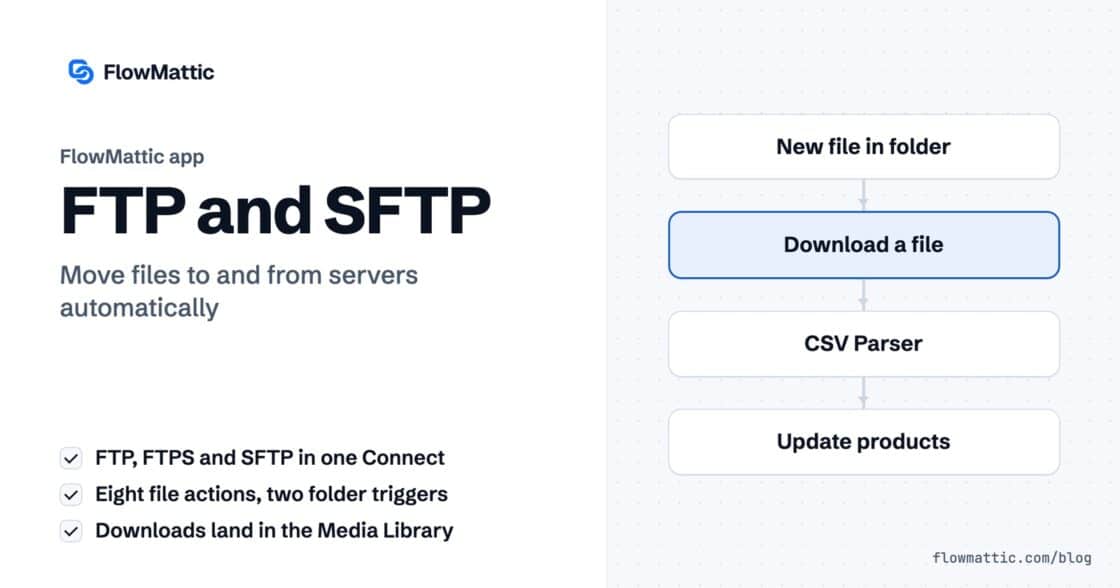
The FTP app uploads, downloads, moves and deletes files on FTP, FTPS and SFTP servers from any workflow, and starts workflows when…


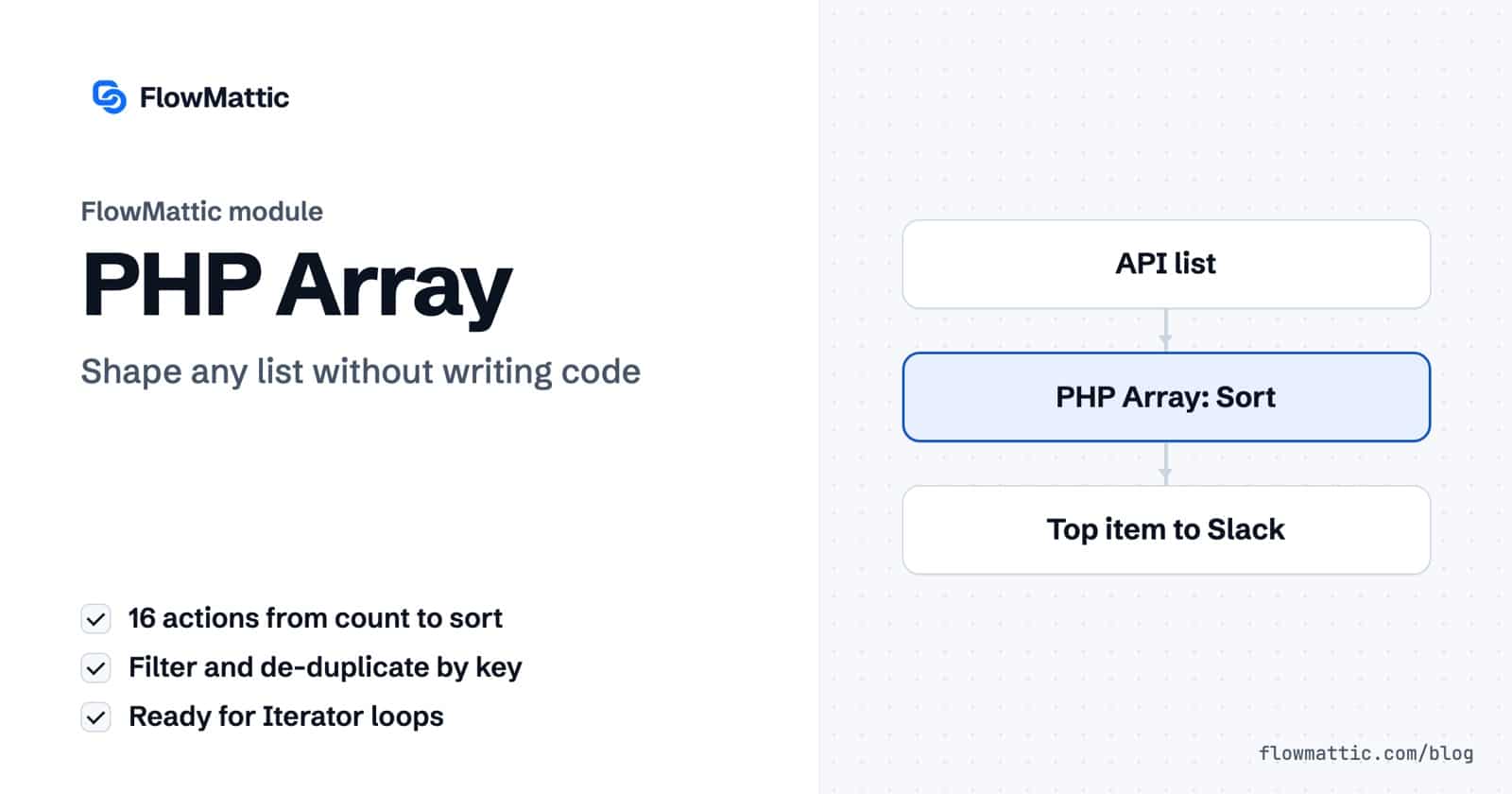
Lists turn up everywhere in automation: order line items, tags from a form, rows from an API, a column of email addresses pasted into a textarea. The PHP Array module in FlowMattic gives you 16 ready-made PHP array functions as a workflow step, so you can count, search, filter, sort and de-duplicate that data without writing a line of code.
It is for anyone whose workflow receives a list and needs one item, a cleaner list or a different shape before the next app will accept it. Each action returns plain fields you can map, plus a status so you can branch on the result. Here is every one of the PHP array functions, what it needs and what it returns.
PHP Array by FlowMattic is a built-in action app whose purpose, in the builder’s words, is to “Perform array functions on the array data in your workflow”. You add it like any other step in the visual workflow builder, pick an action, and point it at JSON data from the trigger or an earlier step. It sits with the other data tools in the app picker.

| Action | Fields | What you get back |
|---|---|---|
| Get Value by Index | JSON Data, Array Index(es) | The item at an index, starting from 0. Comma-separated indexes such as 1,3 return several. |
| Get Array Count | JSON Data | count of items |
| Array Search | JSON Data, Array Search Term | The key where the value was found, including inside nested items |
| Convert List to Array | List of Values, Separator | An array; the separator defaults to a comma |
| Convert Array to List | Array, Separator | A list joined by the separator |
| Insert Value at Index | Array, Array Index, Value to Insert | The updated_array |
| New Line to Array | New Line Separated List | original_array and an iterator_array of list_item objects |
| Extract JSON Data | JSON Data to Extract | Each key as its own field; nested objects become fields such as customer_name, while lists of objects stay as JSON |
| Itemize Array | JSON Data | An items list, one item per entry |
| Create Line Items | Line Items (key and value rows) | line_items built from comma-separated values, each with an fm_item_index |
| Get Array Item by Key and Value | JSON Data, Search Key, Search Value | The first matching item, up to 4 levels deep, as json_item plus its fields |
| Get Array Item by Value | JSON Data, Search Value | The first item containing the value in any field, up to 4 levels deep |
| Filter Array by Key and Value | JSON Data, Filter Key, Filter Value | filtered_array and its count |
| Remove Array Item by Key and Value | JSON Data, Key, Value | updated_array, removed_count, remaining_count |
| Sort Array by Key | JSON Data, Sort Key, Sort Order | sorted_array, Ascending (A-Z, 0-9) or Descending (Z-A, 9-0) |
| Remove Duplicates | JSON Data, Deduplication Key (Optional) | unique_array, removed_items and the counts |
Sort Array by Key compares numbers as numbers when both values are numeric, and text in natural, case-insensitive order otherwise. Remove Duplicates without a key drops exact duplicate items; with a key such as email, it keeps the first item for each value.
A form sends interests as “seo, email, ads”. Convert the list to an array and loop through it to apply one CRM tag per interest.
Form submission → PHP Array (Convert List to Array) → Iterator → CRM: add tag
An operations lead pastes email addresses one per line. New Line to Array trims each line, drops repeats and returns an iterator_array ready for a loop that sends each invite.
Webhook → PHP Array (New Line to Array) → Iterator → Send email
A pricing API returns offers in no particular order. Sort by price ascending, then take index 0 to get the cheapest offer for a WooCommerce note or a Slack alert.
API request → PHP Array (Sort Array by Key) → PHP Array (Get Value by Index) → Slack
A partner sends a lead file with repeats. Remove Duplicates by email and import only unique_array; the removed_items output tells you who was skipped.
Webhook → PHP Array (Remove Duplicates) → Iterator → WP Tables: new record
Filter a list of ticket items by priority equal to urgent and use Get Array Count on the result. A Router sends the run to the on-call channel only when the count is above zero.
Scheduler → API request → PHP Array (Filter Array by Key and Value) → Router
An order form sends product as “Hosting, Domain” and price as “120, 15”. Create Line Items pairs them into item_1 and item_2, ready for a PDF invoice.
Form submission → PHP Array (Create Line Items) → PDF Template → Email
An AI step returns a JSON list of companies with scores. Get Array Item by Key and Value finds the entry where domain matches the lead, so you can write that score to the CRM.
AI Agent → PHP Array (Get Array Item by Key and Value) → CRM: update contact
Urgent and urgent differ.0 as missing. Match on another field, or use a PHP Functions step.filtered_array come back as JSON text, which the Iterator and the JSON Parser read directly.No. The PHP array functions are named actions with labelled fields. You pick the action, map your data and test it. If you do want custom logic, the PHP Functions step is there too.
Shape the list with a PHP Array action such as New Line to Array or Itemize Array, then pass the result to the Iterator module. The steps inside the loop run once per item.
Use Convert Array to List. Map the array into the Array field and set a separator; leave it empty for a comma. The joined text arrives as list.
Yes. Remove Duplicates takes an optional Deduplication Key. Set it to email, for example, and only the first item for each email address is kept.
PHP Array ships with FlowMattic as a built-in module, next to nearly 900 integrations. Compare the plans and put your lists into shape inside the workflow.
The FTP app uploads, downloads, moves and deletes files on FTP, FTPS and SFTP servers from any workflow, and starts workflows when…
Share Secrets turns a password or API key into a link that expires after a set time, a set number of views,…
Generate Magic Login Link creates single-use sign-in links from any workflow, valid from 1 minute to 30 days, with a confirmation page…