Workflow logs in WordPress: Task History, re-execute and debug
Task History records every run and every step, with inputs and responses, and lets you re-execute a run, a single step or…


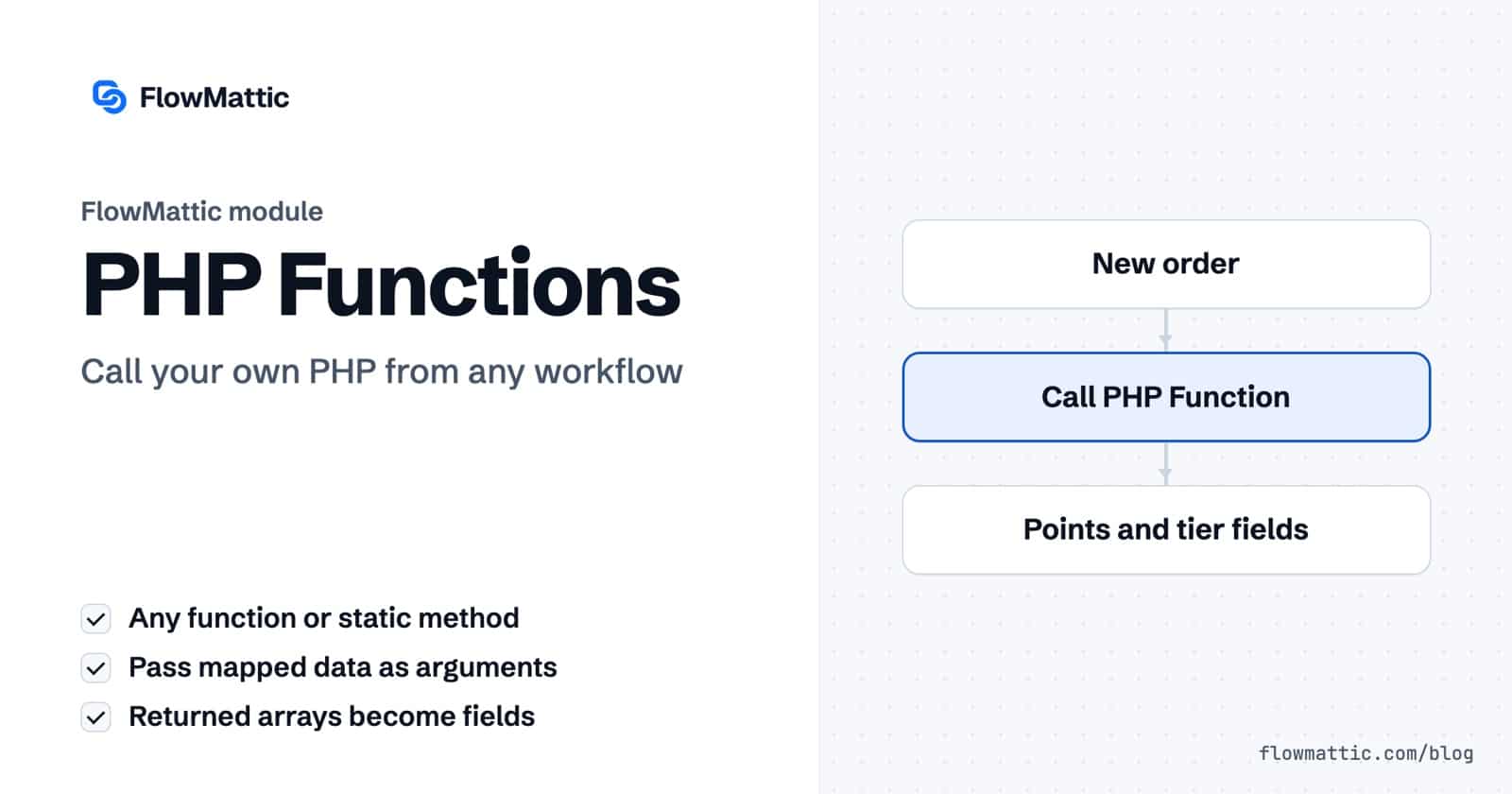
Sometimes a workflow needs one piece of logic no module covers: a loyalty-points formula, a lookup in a custom database table, a call into another plugin. The PHP Functions step lets you run PHP in a workflow by calling a function by name, passing it data from earlier steps, and handing whatever it returns to the next step.
It is built for developers and technical site owners who already have PHP on the site, in a custom plugin, a theme or a code snippets plugin, and want workflows to use it. You keep the code where code belongs and let FlowMattic decide when it runs and what data it gets.
PHP Functions by FlowMattic is a built-in action app with one event, Call PHP Function. It calls any PHP function that exists on your site when the workflow runs: a PHP built-in, a WordPress function, a function from another plugin, or one you wrote yourself. Static class methods work too, written as MyClass::my_method.
The step does not have a code editor. You write the function in PHP wherever you normally keep custom code, then name it in the step. That keeps your code in version control and out of the workflow’s settings.
acme_loyalty_points or Acme_Rewards::calculate.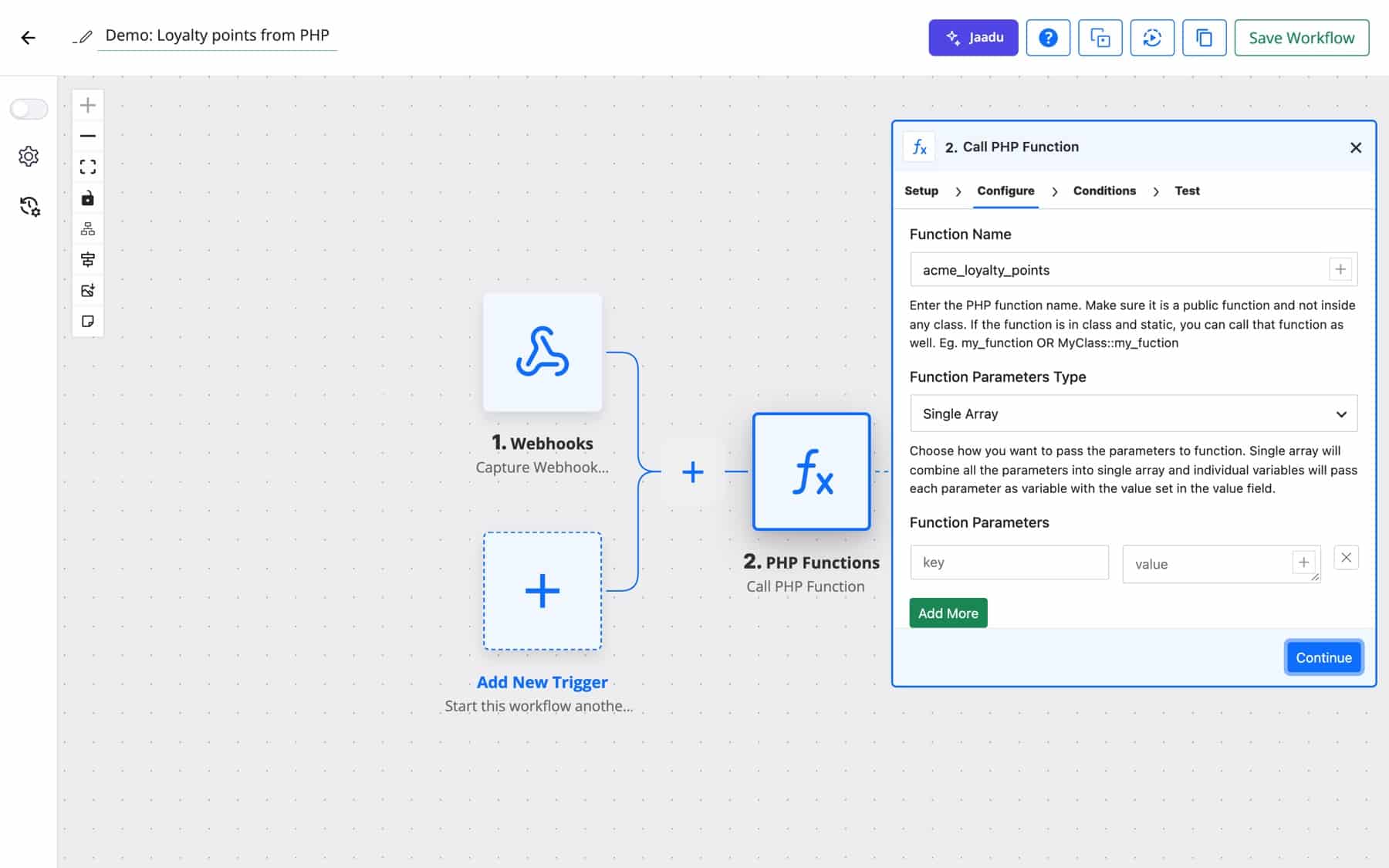
Here is a function written for the Single Array type. It receives one associative array built from your rows and returns an array, which becomes separate fields in the workflow:
function acme_loyalty_points( $args ) {
    $total  = isset( $args['order_total'] ) ? (float) $args['order_total'] : 0;
    $points = (int) floor( $total / 10 );

    return array(
        'points' => $points,
        'tier'   => $points >= 50 ? 'gold' : 'standard',
    );
}
With a row order_total mapped to the order total, the step returns points and tier as fields you can use in an email, a CRM update or a Router condition.
| Option | What it does |
|---|---|
| Function Name | A function name, or ClassName::method for a static method. The step checks it exists before calling it. |
| Function Parameters Type: Single Array | Passes one argument: an array of all rows as key => value. |
| Function Parameters Type: Individual Variable | Passes each row’s value as a separate argument, in row order. The keys are labels for you only. |
| Function Parameters Type: No Parameters | Calls the function with no arguments and hides the parameter rows. |
| Function Parameters | Key and value rows; values accept dynamic data. |
| JSON Value Decode | Pass as it is sends values as text. Convert JSON to Array turns any value that is valid JSON into a PHP array first. |
status is success, response holds the whole result as JSON, and each key also becomes its own field. Nested arrays are flattened with underscores, so address['city'] becomes address_city.status is success and response holds the value.status is error and response holds the error message.Acme’s points rules live in one PHP function the whole site shares. The workflow passes the order total, gets back points and tier, and emails the customer their new balance.
Flow: WooCommerce New Order Created → Call PHP Function (acme_loyalty_points) → Send Email
You do not have to write anything to use WordPress core. Call get_user_by with Individual Variable rows email and the submitted address, and the user’s details come back as fields a Router can check.
Flow: Form Builder New Form Submission → Call PHP Function (get_user_by) → Router
An editorial team wants fresh pages the moment a post goes live. A No Parameters call to wp_cache_flush clears the object cache, then Slack confirms it.
Flow: WordPress New Post → Call PHP Function (wp_cache_flush, No Parameters) → Slack Send Channel Message
An agency built Northwind a reporting plugin with a static Northwind_Reports::weekly_summary method. The workflow calls it on a schedule and emails the result, with no duplicate logic.
Flow: Schedule Every Week → Call PHP Function (Northwind_Reports::weekly_summary) → Send Email
A SaaS product checks keys against a custom table. The webhook passes the key to a validation function, and its answer goes straight back as the webhook response.
Flow: Webhook → Call PHP Function → Webhook Response Set Webhook Response
An AI agent drafts product descriptions, and a house-style function strips banned phrases and fixes casing before the text is saved to a WP Table for review.
Flow: AI Agent Execute Agent → Call PHP Function → WP Tables New Record
response.ClassName::method must be a static method. To use an object’s method, wrap it in a plain function.No. The PHP Functions step calls a function by name. Put your code in a custom plugin, your theme or a code snippets plugin, then enter the function’s name in the step.
Yes. Any function that exists when the workflow runs can be called, including WordPress core functions and functions from other active plugins. Static class methods work with ClassName::method.
Choose Single Array to receive one associative array, or Individual Variable to receive each value as its own argument in row order. Set JSON Value Decode to Convert JSON to Array if a value is a JSON string you want as an array.
The PHP Functions step is one of the modules in the visual workflow builder. See FlowMattic pricing and run PHP in a workflow on your own server.
Task History records every run and every step, with inputs and responses, and lets you re-execute a run, a single step or…
DNS / Domain Tools adds seven checks to any workflow: DNS, reverse DNS, MX, email domain, SSL certificate, HTTP headers and open…
The FTP app uploads, downloads, moves and deletes files on FTP, FTPS and SFTP servers from any workflow, and starts workflows when…