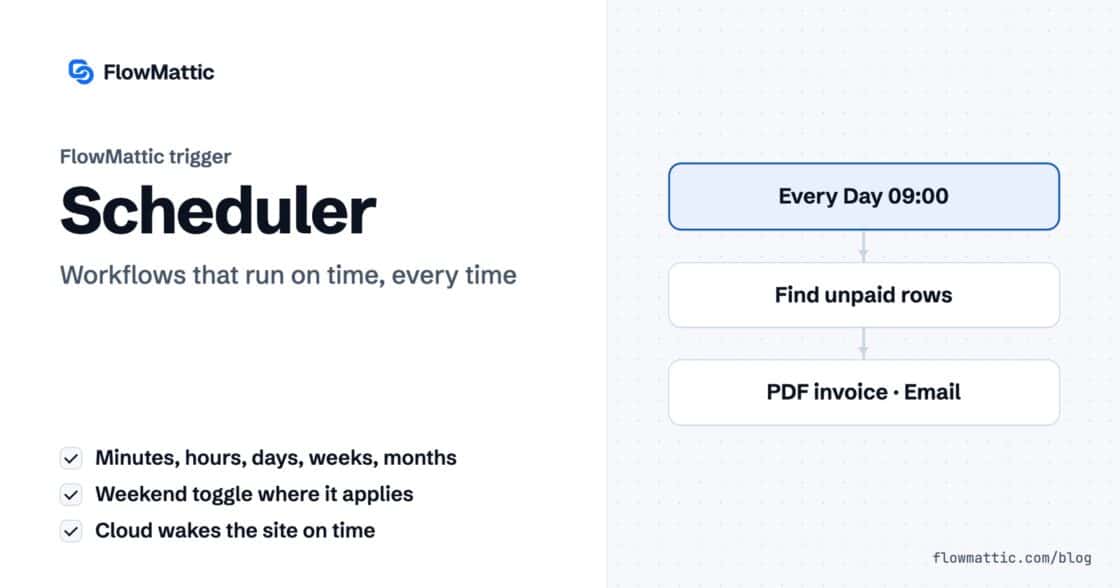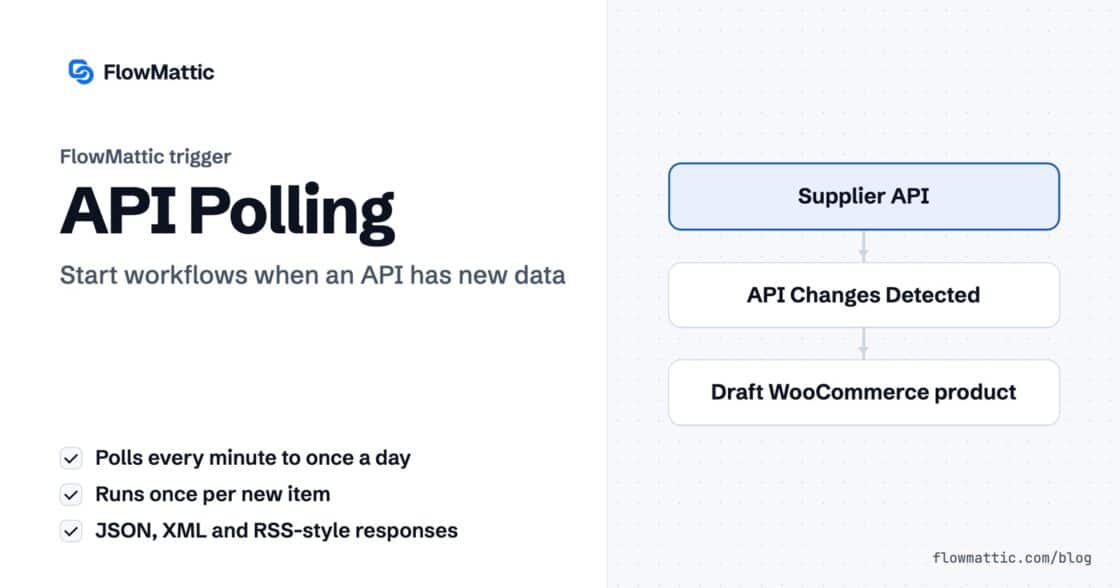
API Polling Trigger: Start Workflows When Any API Has New Data
For apps without webhooks: poll any REST endpoint on a schedule, detect the items added since last time and run your workflow…



RSS feed automation in FlowMattic lets your WordPress site watch any feed, start a workflow for every new item, read a feed on demand, and even publish a feed of its own from workflow data. It is one built-in module, RSS Feed, with two triggers and two actions.
It suits content teams who curate news, agencies keeping an eye on client blogs, and product teams who want a changelog feed without another plugin. Everything runs on your own server, inside the automation plugin for WordPress you already use for the rest of your workflows.
RSS Feed is a core FlowMattic app, so there is nothing to install. In the builder’s app picker it sits with the utilities and is described as “Read from and write to RSS feeds.” It gives you four events:
The two triggers are polling triggers: FlowMattic checks the feed on a schedule you choose rather than waiting for the publisher to notify you. That makes RSS feed automation work with any RSS 2.0 feed, whether or not the site behind it offers webhooks.
On each check, every item listed above the remembered title counts as new. FlowMattic runs the workflow once per new item, oldest first, then remembers the newest title for next time. Item fields arrive with a channel_item_ prefix, such as channel_item_title, channel_item_link, channel_item_description and channel_item_pubDate. Namespaced tags are renamed with an underscore, so content:encoded becomes channel_item_content_encoded and dc:creator becomes channel_item_dc_creator.
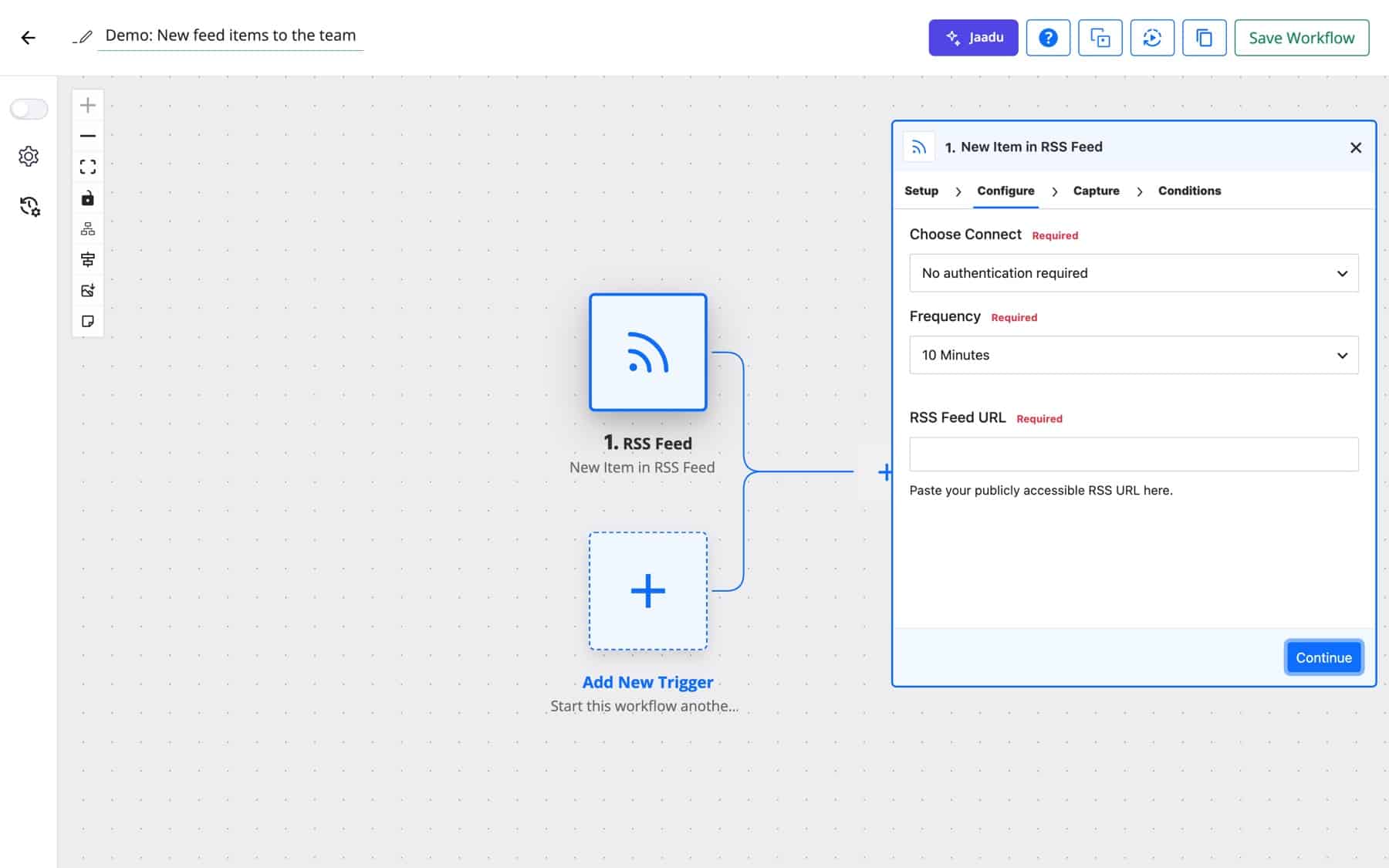
New Item in Multiple RSS Feeds replaces the URL box with RSS Feed URLs, one address per line. All feeds are checked on each polling interval, and each one keeps its own record of the last item it saw. Every run carries a feed_url field, so later steps know which feed the item came from. The sample you capture comes from the first URL in the list.
Retrieve RSS Feed Items fetches a feed when the workflow reaches that step, for example on a schedule. The RSS Feed URL field accepts mapped data, and Response Format decides the shape of the result. Simple flattens the feed into individual fields. Advanced returns the channel details plus feed_items_json, every item as one JSON array, which is the format to hand to an Iterator or an external service.
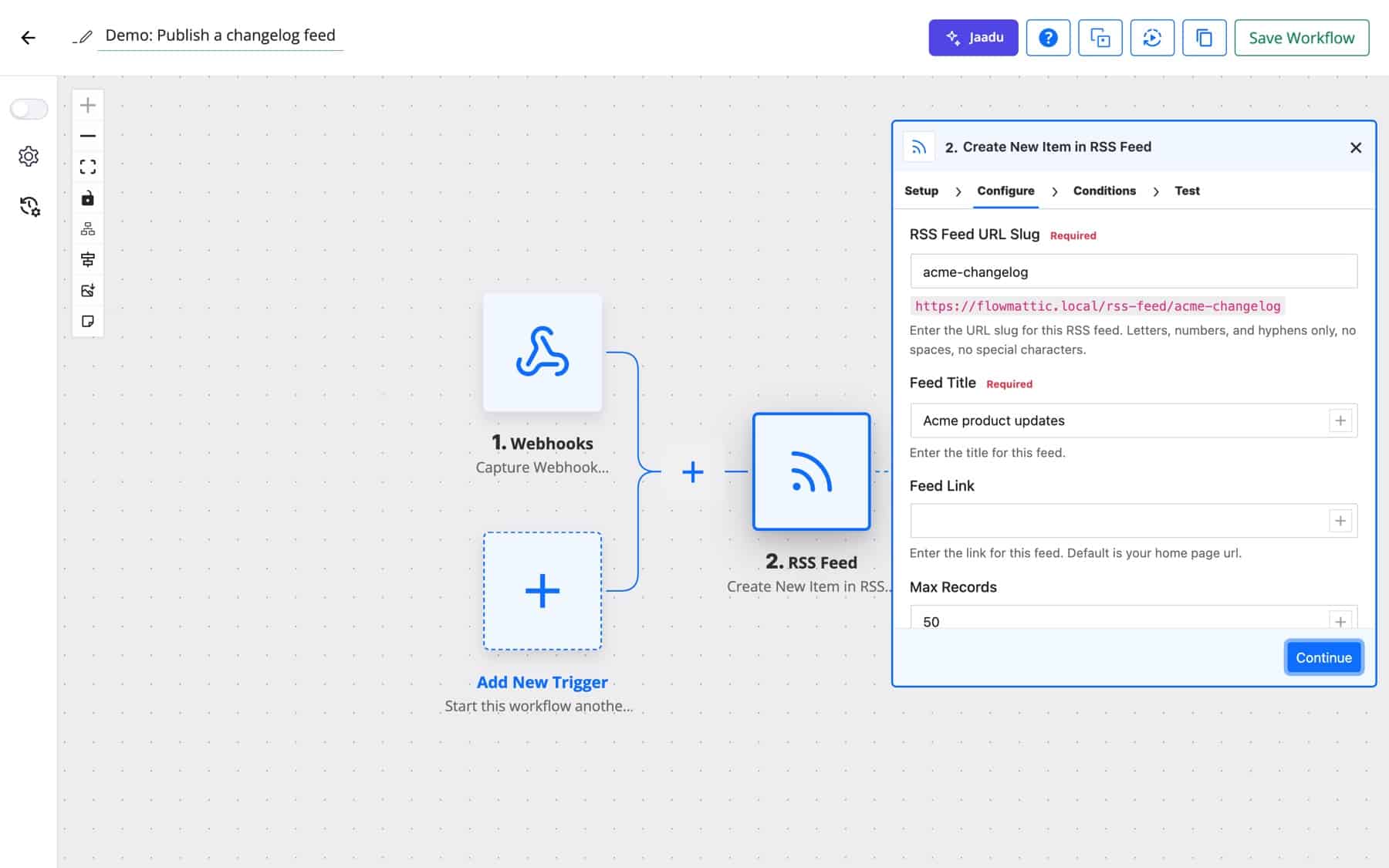
Create New Item in RSS Feed turns your site into a feed publisher. Enter an RSS Feed URL Slug (letters, numbers and hyphens) and the step shows the address the feed will live at, yoursite.com/rss-feed/your-slug. Each time the step runs it adds one item to that feed, and any RSS reader can subscribe to it.
| Option | Where | What it does |
|---|---|---|
| Choose Connect | Both triggers | No authentication, or a saved connect whose bearer token, basic credentials, API key header or OAuth token is sent with the request. |
| Frequency | Both triggers | How often the feed is checked, from 1 Minute to 1 Day (default 10 Minutes). |
| RSS Feed URL / RSS Feed URLs | Triggers | One feed, or one feed per line for the multiple-feeds trigger. |
| Response Format | Retrieve RSS Feed Items | Simple (flattened fields) or Advanced (channel fields plus feed_items_json). |
| RSS Feed URL Slug | Create New Item | The feed’s address under /rss-feed/. Required. |
| Feed Title, Feed Link | Create New Item | Channel title (required) and link. The link defaults to the feed’s own address. |
| Max Records | Create New Item | How many items the feed shows. Default 50. |
| Remove Old Records on Record Limit? | Create New Item | Yes deletes items beyond Max Records from the database, to keep it clean. |
| Item Title, Item Source URL, Item Description | Create New Item | The required item fields. Description accepts plain text or HTML. |
| Author Name, Author Email, Item Category | Create New Item | Optional item details. Author shows only when both name and email are set. |
| Media URL, Media Length in Bytes, Media MIME Type | Create New Item | Adds an enclosure for a podcast file, image or other media. Length defaults to 0 and type to audio/mpeg when it can’t be detected. |
| Item Publish Date | Create New Item | The item’s date. The preferred format is ISO 8601. |
A marketing team follows three trade publications and wants a two-line summary of each new article in Slack. An AI Agent reads the title and description and writes the summary with your own API key.
New Item in Multiple RSS Feeds → AI Agent → Slack
An agency lists every client’s blog feed in one trigger. A Router reads feed_url and sends each new post to the right client channel, so the account manager can share it the same day.
New Item in Multiple RSS Feeds → Router (by feed_url) → Slack · Email
A SaaS team posts release notes from its build pipeline to a webhook. Each release becomes an item in a public feed at /rss-feed/changelog that customers can follow in any reader.
Webhook → Create New Item in RSS Feed
Acme’s audio team submits each new episode through a form with the title, show notes and the hosted MP3 address. The workflow writes the episode into the feed with Media URL, Media Length in Bytes and Media MIME Type filled in, so podcast players pick up the enclosure.
Form Builder submission → Create New Item in RSS Feed
Northwind publishes partner news in a feed. Each item becomes a WordPress draft with the title and a link back to the source, ready for an editor to add commentary before it goes live.
New Item in RSS Feed → WordPress: New Post (draft)
Many status pages publish incidents as RSS. A Filter lets through only items whose title contains words such as “outage” or “degraded”, and the support team hears about it before the tickets arrive.
New Item in RSS Feed → Filter → Slack · Email
Instead of one message per item, a schedule fetches the whole feed each morning in Advanced format. An AI Agent turns feed_items_json into a short digest that goes out by email.
Schedule (daily) → Retrieve RSS Feed Items → AI Agent → Send Email
A few details from the module’s code that are worth knowing before you rely on RSS feed automation in production:
{channel_item_link} and choose a window of up to 30 days. An item whose link already ran within that window is recorded in Task History as skipped instead of running again.channel and item elements of an RSS feed. An Atom feed, which uses entry elements, does not produce items.feed_items_json one item at a time.For more site-level triggers to pair with feeds, see WordPress automation.
Yes. Start a workflow with New Item in RSS Feed and add the WordPress New Post action, mapping the item title, link and description into the post. Saving as a draft first gives an editor the chance to review before anything is published.
As often as you set in Frequency: every 1, 2, 5, 10, 15 or 30 minutes, every 1, 2, 3, 6 or 12 hours, or once a day. The default is every 10 minutes. Each check is booked in FlowMattic’s own job table: on a site connected to FlowMattic Cloud, Cloud wakes the site when a check is due, and without Cloud, WordPress cron runs it.
Yes, with the triggers. Choose a saved connect in Choose Connect and FlowMattic sends its bearer token, basic credentials, API key header or OAuth token with each request. The Retrieve RSS Feed Items action makes a plain request, so it is for public feeds.
Yes. Create New Item in RSS Feed publishes a feed at /rss-feed/your-slug on your domain and adds one item each time it runs. You can run as many feeds as you have slugs, each with its own title and record limit.
The module reads RSS 2.0 feeds, which wrap items in channel and item elements. Atom feeds use a different structure and won’t produce items, so look for the RSS version of the feed, which most sites offer.
Ready to put a feed to work? Try FlowMattic and build your first RSS workflow on a live demo site.
For apps without webhooks: poll any REST endpoint on a schedule, detect the items added since last time and run your workflow…
Run a workflow every few minutes, hourly, daily, weekly or monthly. Connect FlowMattic Cloud and it wakes your site the moment a…
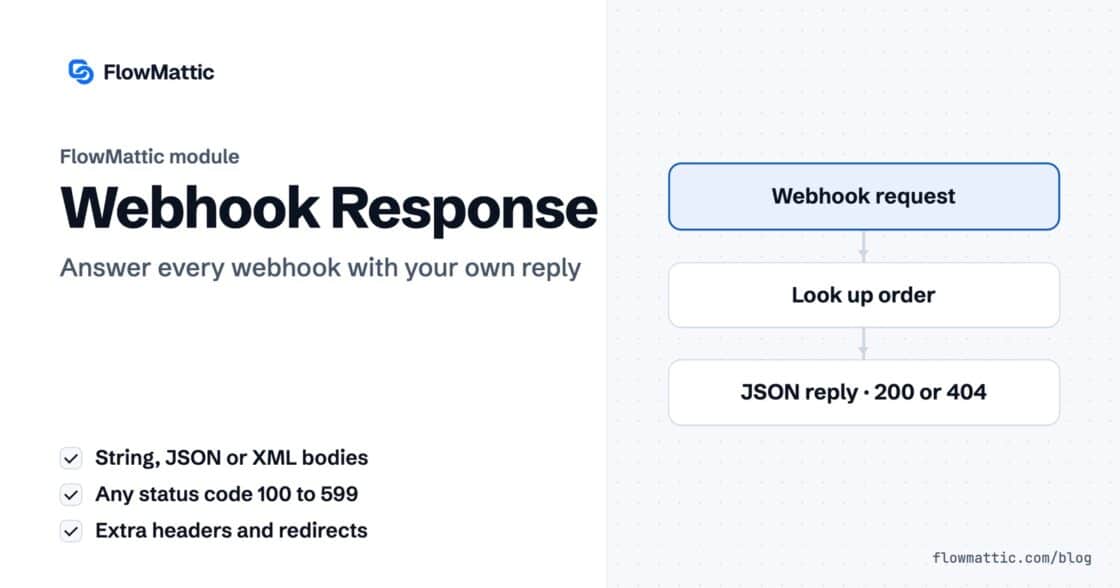
Reply to a webhook with data from the run: String, JSON or XML bodies, any HTTP status from 200 to 599, extra…