

Notify the team in Slack the moment a booking is made
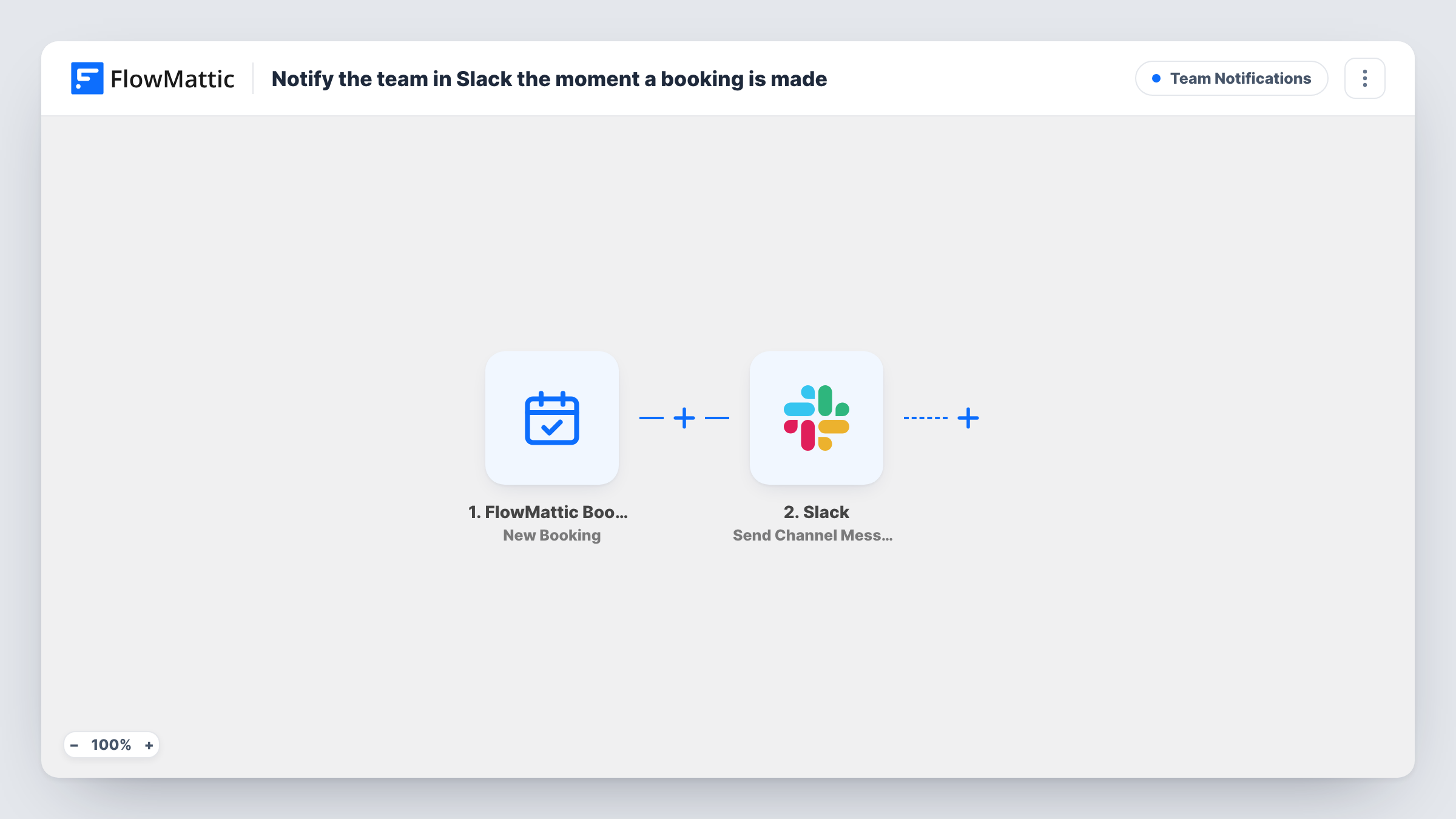
Each new FlowMattic Bookings appointment posts a Slack channel message naming the customer, the calendar they booked and the date and time of the slot, so the team knows without opening WordPress.
 FlowMattic Bookings
 Slack
2 steps Setup ~5 min Used on 1.5k sites Ops Free to import
What this workflow does
Teams that take bookings on their website often find out about them late, because nobody watches the bookings screen. A message in Slack puts each new booking where the team already talks, so whoever handles the call or visit can prepare.
The FlowMattic Bookings New Booking trigger runs as soon as a visitor books a slot on one of your calendars. It carries the customer's name, email and phone, the calendar name, the booking date and time, and any notes.
The Slack step, Send Channel Message, posts a line that starts with New booking, then the customer's name in bold, the calendar name and the date and time. After import, connect your Slack workspace and choose the channel. Send Channel Message is for a public channel. Slack's separate Send Private Channel Message action handles private ones.
Every new booking posts once, on any calendar that feeds this workflow. Reschedules, cancellations and completed bookings don't post, because they have their own triggers. Make a test booking and look at the channel and Task History to check the message reads the way you want.
Sales team call alerts
An agency's #sales channel gets a line for every discovery call booked on the website, so the account manager can look up the company before the call.
Salon front desk
Stylists see new appointments in a shared Slack channel on the tablet at reception as clients book online.
Support sessions for a software product
A SaaS company posts onboarding session bookings to its customer success channel, so the right person can claim each one.
How this workflow runs
What happens at each step once the workflow is on, and what you need before you import it.
 FlowMattic Bookings New Booking
Starts a run as soon as a new booking is saved on a FlowMattic Bookings calendar. The customer's name and contact details, calendar name, date, time and notes are available to the Slack message.
- Slack Send Channel Message
Posts a message to the Slack channel you choose with the customer's name in bold, the calendar name and the booking date and time. Edit the text to add the email, phone or notes.
What you need
- FlowMatticCore
- Slack AccountAccount
After importing, map your own data. To keep the template universal, not every step is pre-filled. Open each step in the builder and connect your accounts and fields (channels, lists, sheets, recipients) before you switch the workflow on.
Make it yours
Changes worth making after you import it.
- Add the customer's email and the booking notes to the Slack text, so whoever picks up the booking has the context without opening WordPress.
- Swap the step for Slack's Send Direct Message action if one person, such as the calendar's owner, should get the alert instead of a whole channel.
- For several calendars handled by different teams, put a Router between the New Booking trigger and the Slack step with one route per calendar name, each with its own Slack step and channel.
Questions about this workflow
Does Slack get a message when a booking is cancelled or rescheduled?
No. This workflow uses New Booking only. FlowMattic Bookings has separate Booking Cancelled and Booking Rescheduled triggers if you want messages for those in another workflow.
Can the booking alert go to a private Slack channel?
Send Channel Message is meant for a channel you pick in the step. For a private channel, use Slack's Send Private Channel Message action instead and choose the channel there.
Which booking details appear in the Slack message?
As imported, the customer's name, the calendar name and the booking date and time. The trigger also carries the email, phone, notes and duration, which you can add to the message text.
More Team Notifications workflows
Other ready-to-import templates from the same category.






Import this workflow into your WordPress site
Download the JSON, import it from the Workflows screen and connect your accounts. Every run stays on your server, with no per-task fees.
30-day money-back guarantee Unlimited workflows and runs Self-hosted