

Back up each new FluentCRM contact to a Google Sheet
Every time a contact is created in FluentCRM, FlowMattic adds a row with their details to your Google Sheet, building a running copy of your contacts outside WordPress.
 FluentCRM
 Google Sheets
2 steps Setup ~5 min Used on 3.3k sites Data Ops Free to import
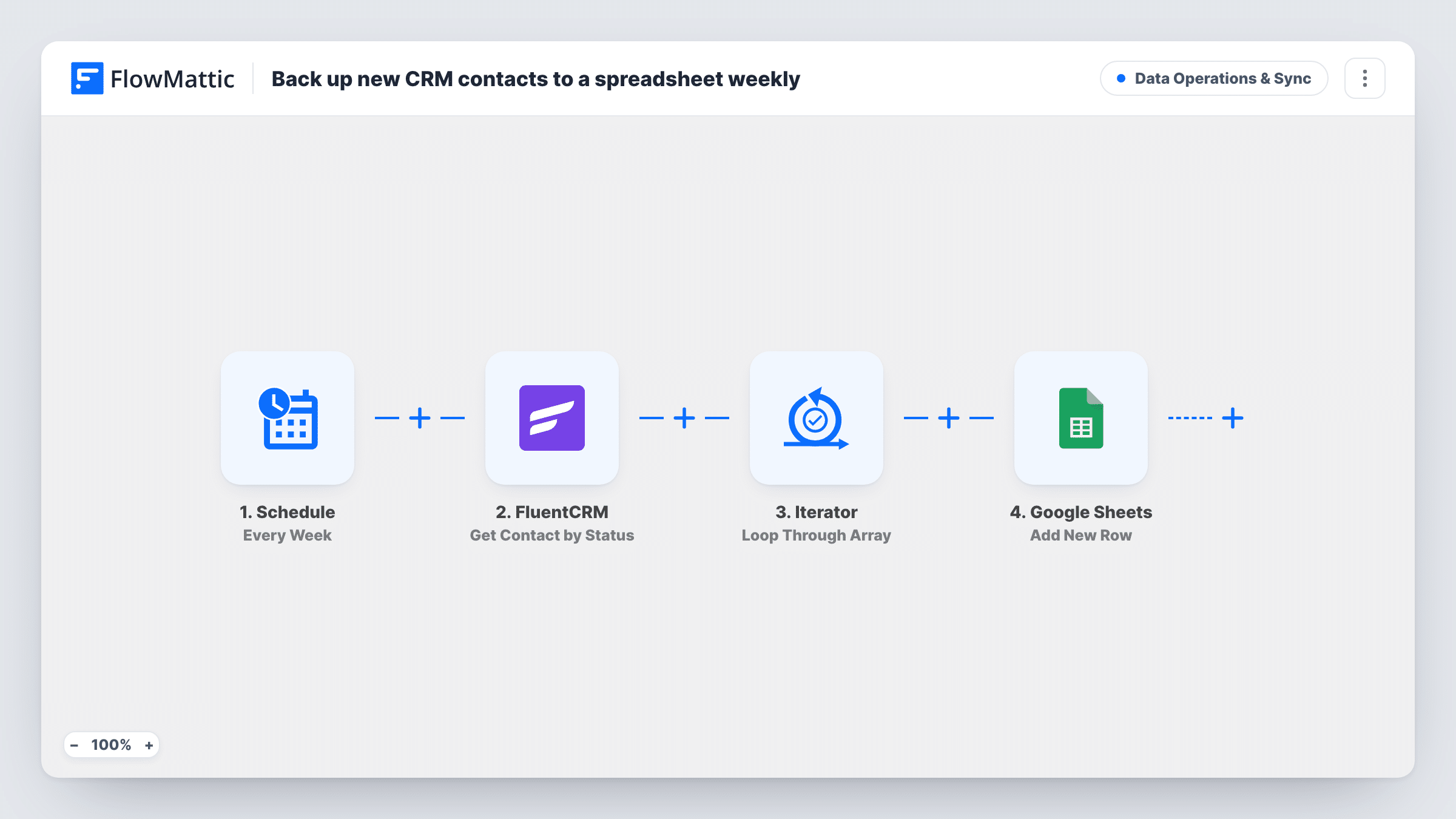
What this workflow does
FluentCRM keeps your contacts inside your WordPress database. That works well day to day, but it helps to have a second copy you can open anywhere, share with a colleague, or check if something goes wrong with the site. This workflow keeps that copy growing in Google Sheets, one row per new contact.
The FluentCRM New Contact Created trigger fires whenever a contact is created in FluentCRM. Their details, such as email, name and status, are passed on.
The Google Sheets Add New Row step ships unmapped. After import you connect your Google account, pick the spreadsheet and sheet, and match contact fields to your column headers. Add a column for the date if you want to see when each contact joined.
The sheet is a log of new contacts, not a mirror. Later changes to a contact, such as a new tag or an unsubscribe, don't update the row, and contacts that existed before you turned the workflow on aren't added.
An off-site copy of your list
A site owner wants new FluentCRM contacts also stored in Google Drive, so the list survives a broken plugin update or a lost hosting account.
Sharing new leads with a sales partner
A consultant shares the sheet with a partner who follows up on new contacts but has no access to the WordPress dashboard.
Weekly growth check
A marketer counts the sheet's new rows each Monday to see how many contacts the site gained and from which source.
How this workflow runs
What happens at each step once the workflow is on, and what you need before you import it.
 FluentCRM New Contact Created
Runs each time FluentCRM adds a contact to your list. The contact's email, name and other profile fields are passed to the Google Sheets step.
- Google Sheets Add New Row
Adds one row to your Google Sheet for the new contact. Connect your account, choose the spreadsheet and sheet, and map the contact fields to columns.
What you need
- FlowMatticCore
- FluentCRM PluginPlugin
- Google Sheets AccountAccount
After importing, map your own data. To keep the template universal, not every step is pre-filled. Open each step in the builder and connect your accounts and fields (channels, lists, sheets, recipients) before you switch the workflow on.
Make it yours
Changes worth making after you import it.
- Create the column headers in the sheet before you set up the step, so the Add New Row mapping shows each one by name.
- Map the contact's source or the form it came from into its own column, so you can sort the backup by where people signed up.
- Build a second workflow on FluentCRM's Contact Updated trigger that writes to another tab if you also want a record of changes.
- Keep the backup sheet's sharing limited, since it holds personal data such as email addresses.
Questions about this workflow
Does the Google Sheet update when a FluentCRM contact changes?
No. The workflow only runs when a contact is created and adds a row then. Edits, tags and status changes made afterwards don't change that row.
Are my existing FluentCRM contacts added to the sheet?
No. Only contacts created after the workflow is active are added. Export your current contacts from FluentCRM once and paste them into the sheet to start it off.
Which contact fields end up in the backup?
The ones you map. The Add New Row step is empty as imported, so you match FluentCRM fields to your columns, such as email, first name, last name and status.
Do contacts imported in bulk into FluentCRM each get a row?
Whether an import starts a run depends on how FluentCRM creates those contacts. Test with a small import first and check Task History to confirm each new contact started a run.
More Data Operations & Sync workflows
Other ready-to-import templates from the same category.





Import this workflow into your WordPress site
Download the JSON, import it from the Workflows screen and connect your accounts. Every run stays on your server, with no per-task fees.
30-day money-back guarantee Unlimited workflows and runs Self-hosted