

Add each newly subscribed FluentCRM contact to a Notion directory
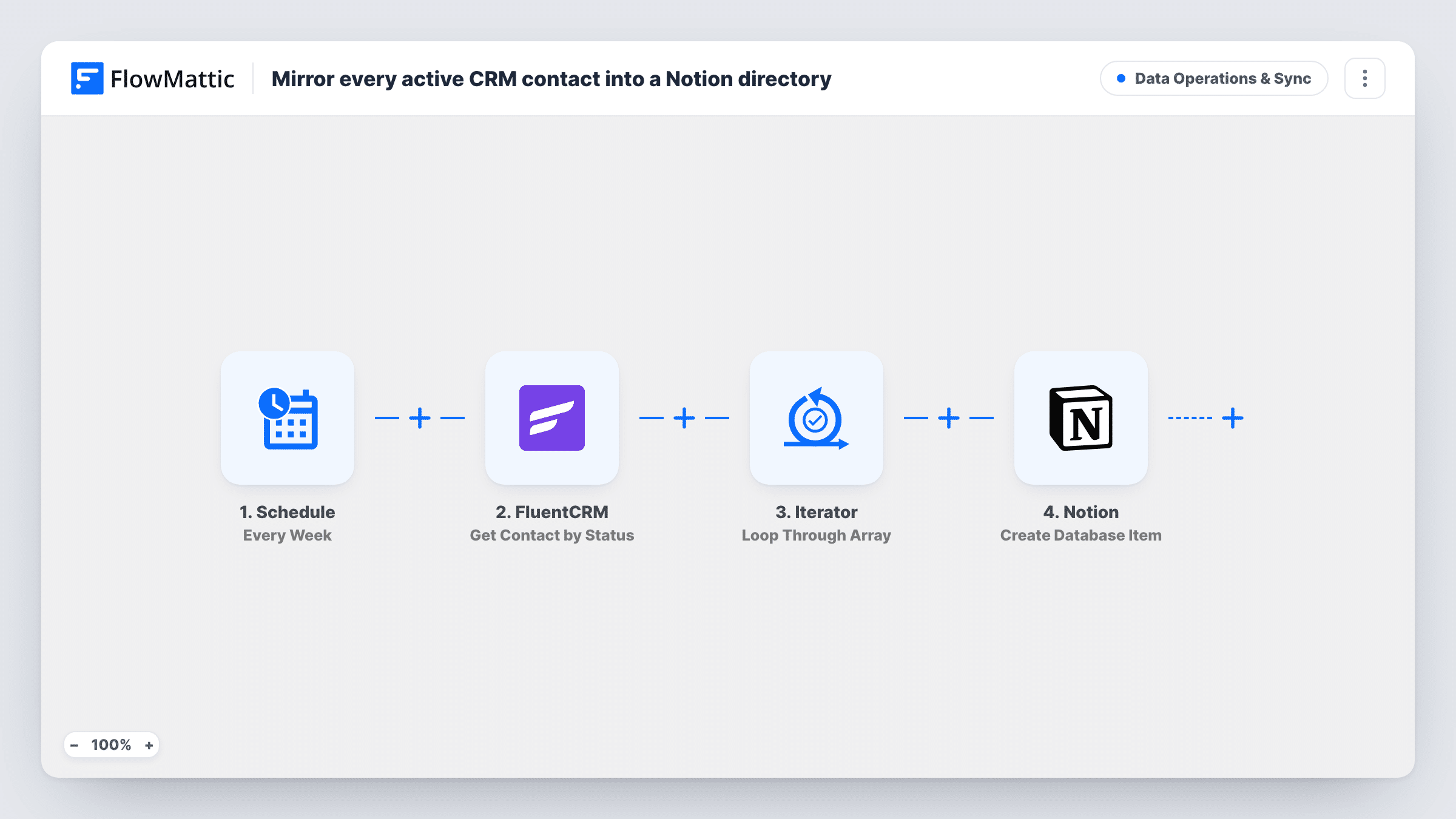
When a FluentCRM contact’s status changes to Subscribed, FlowMattic creates an item for that person in a Notion database, building a directory of subscribed contacts.
 FluentCRM
 Notion
2 steps Setup ~5 min Used on 1.4k sites Data Ops Free to import
What this workflow does
FluentCRM is where your email list lives, but the people on your team who plan content, partnerships or community work may spend their day in Notion. A Notion database of subscribed contacts gives them a list they can sort, tag and comment on without a WordPress login. This workflow adds people to that database as they subscribe.
The FluentCRM trigger fires when a contact's status changes to Subscribed. A pending contact confirming a double opt-in is one example of that change. FlowMattic passes the contact's details, such as email, name and other profile fields.
The Notion step creates one database item per run. It ships unmapped, so after import you connect Notion, pick the database you use as the directory and map FluentCRM fields into its properties. Set up the database columns first, for example Name, Email and Subscribed on.
Items are added, never updated. The workflow never edits or removes them, so someone who unsubscribes stays in Notion, and a contact who later becomes Subscribed again gets a second item. Each run, with what Notion returned, is listed in Task History.
Community roster for a membership team
A course creator's community manager keeps a Notion database of everyone who subscribes in FluentCRM, adding notes on who has joined live calls.
Partner outreach list
A B2B blog tags subscribers in Notion by company size so the partnerships lead can spot companies worth contacting.
Newsletter audience snapshot
An editor reviews the Notion directory weekly to see who subscribed recently and which signup source they came from, if that field is mapped.
How this workflow runs
What happens at each step once the workflow is on, and what you need before you import it.
 FluentCRM Contact Status Change to Subscribed
Runs when a FluentCRM contact's status changes to Subscribed. The contact's email, name and other stored details are passed on to the Notion step.
- Notion Create Database Item
Adds the contact as one item in your Notion directory database. Nothing is mapped yet: connect your Notion account, choose the database and match the contact fields to its properties, then test with one contact.
What you need
- FlowMatticCore
- FluentCRM PluginPlugin
- Notion AccountAccount
After importing, map your own data. To keep the template universal, not every step is pre-filled. Open each step in the builder and connect your accounts and fields (channels, lists, sheets, recipients) before you switch the workflow on.
Make it yours
Changes worth making after you import it.
- Map the contact's email into a dedicated Email property in Notion, so you can search the directory and spot repeat items.
- If only some subscribers belong in the directory, add a Filter between the FluentCRM trigger and the Notion step on a field such as a tag or the source. Which field to check is up to you.
- Build the Notion properties before mapping, since Notion only stores values in properties that already exist in the database.
Questions about this workflow
Are contacts who were already subscribed in FluentCRM added to Notion?
No. The trigger only fires when a status changes to Subscribed while the workflow is active. Export your current list from FluentCRM and import it into the Notion database to start from a full directory.
What happens in Notion when someone unsubscribes from FluentCRM?
Nothing. This workflow only reacts to the Subscribed status and only creates items, so the Notion entry stays until you remove it.
Can a FluentCRM contact end up in the Notion database twice?
Yes, if their status changes to Subscribed more than once, for example after they unsubscribe and opt in again. Each change creates a new item.
More Data Operations & Sync workflows
Other ready-to-import templates from the same category.






Import this workflow into your WordPress site
Download the JSON, import it from the Workflows screen and connect your accounts. Every run stays on your server, with no per-task fees.
30-day money-back guarantee Unlimited workflows and runs Self-hosted