

Add a Monday.com item for every new Flipsnack contact form
When a reader fills out the contact form inside one of your Flipsnack flipbooks, this workflow creates an item on a Monday.com board from their details, so every enquiry becomes a piece of work your team can assign.
 Flipsnack
 Monday.com
2 steps Setup ~5 min Used on 1.2k sites Productivity Free to import
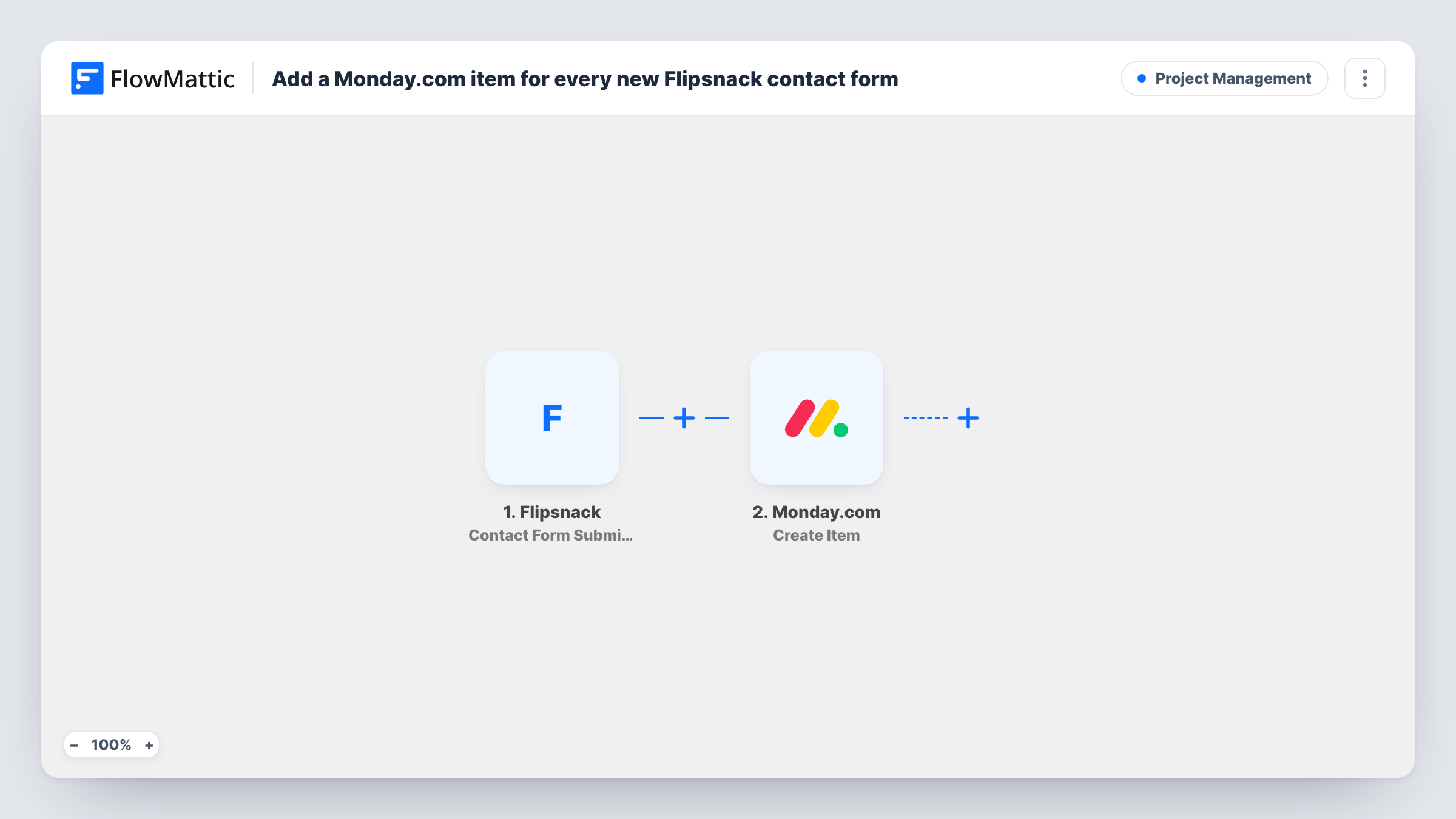
What this workflow does
A flipbook in Flipsnack can carry a contact form, so a reader browsing your catalogue or brochure can get in touch without leaving it. Those messages are useful only if someone follows them up. If your team plans its work in Monday.com, an enquiry that stays in Flipsnack is easy to miss.
This workflow starts with the Contact Form Submitted trigger from Flipsnack, which fires when someone fills out a contact form in a Flipsnack flipbook. FlowMattic takes the submitted details and passes them to Monday.com. The Create Item action then adds a new item to a board, named and filled with the form values you map.
Each submission creates one item, and the workflow does not check whether that person already has an item on the board. From there, your team can assign the item, move it through your board's statuses and keep notes on it as they would with any other work. Task History lists each run with the data Flipsnack sent.
Product catalogue enquiries
A furniture maker publishes its catalogue as a Flipsnack flipbook. Each contact form reply becomes a Monday.com item the sales team assigns and works through.
Brochure requests for an agency
Prospects read an agency's services brochure in Flipsnack and ask for a call. The request lands on the agency's new-business board as an item.
School or course prospectus
Parents reading a digital prospectus send questions through the flipbook's form. Admissions staff see each question as an item on their Monday.com board.
How this workflow runs
What happens at each step once the workflow is on, and what you need before you import it.
 Flipsnack Contact Form Submitted
Fires when someone fills out a contact form in one of your Flipsnack flipbooks. The submitted details are passed on so you can map them into Monday.com.
- Monday.com Create Item
Creates a new item on a Monday.com board. Connect your Monday.com account, then map the Flipsnack form details into the item and run a test to check where it appears.
What you need
- FlowMatticCore
- Flipsnack AccountAccount
- Monday.com AccountAccount
After importing, map your own data. To keep the template universal, not every step is pre-filled. Open each step in the builder and connect your accounts and fields (channels, lists, sheets, recipients) before you switch the workflow on.
Make it yours
Changes worth making after you import it.
- Use the person's name together with the flipbook or form name as the item name, so your board shows at a glance who wrote in and from which publication.
- Add a Slack or email step after Create Item if someone should hear about each new Flipsnack enquiry as soon as it is added to the board.
- Fill in the form in one of your flipbooks after import, so FlowMattic captures real Flipsnack data before you map it into the Monday.com item.
Questions about this workflow
Does this also handle Flipsnack orders?
No. It only uses the Contact Form Submitted trigger. Flipsnack also has an Order Submitted trigger in FlowMattic, which you would use in a separate workflow.
What if the same person fills in the Flipsnack form twice?
Each submission creates its own Monday.com item. The workflow doesn't look for an existing item first.
Which Flipsnack form details can go into the Monday.com item?
Whatever Flipsnack sends with the submission. Send a test entry after import, then look at the captured data to see which values you can map.
Will past Flipsnack form replies be added to Monday.com?
No. Only forms submitted after the workflow is turned on create items.
More Project Management workflows
Other ready-to-import templates from the same category.






Import this workflow into your WordPress site
Download the JSON, import it from the Workflows screen and connect your accounts. Every run stays on your server, with no per-task fees.
30-day money-back guarantee Unlimited workflows and runs Self-hosted