

Add a Monday.com item for every new Rezdy product
When a product is created in Rezdy, this workflow adds an item to the Monday.com board you choose, so the work that comes with a new tour or activity gets tracked on your team’s board from the start.
 Rezdy
Rezdy
 Monday.com
2 steps Setup ~5 min Used on 1.4k sites Productivity Free to import
What this workflow does
A new product in Rezdy often means work for the rest of the team: photos, a page on your website, guide training, partner listings. If that work is tracked in Monday.com, someone has to notice the product and add it to the board. This workflow adds the item for you.
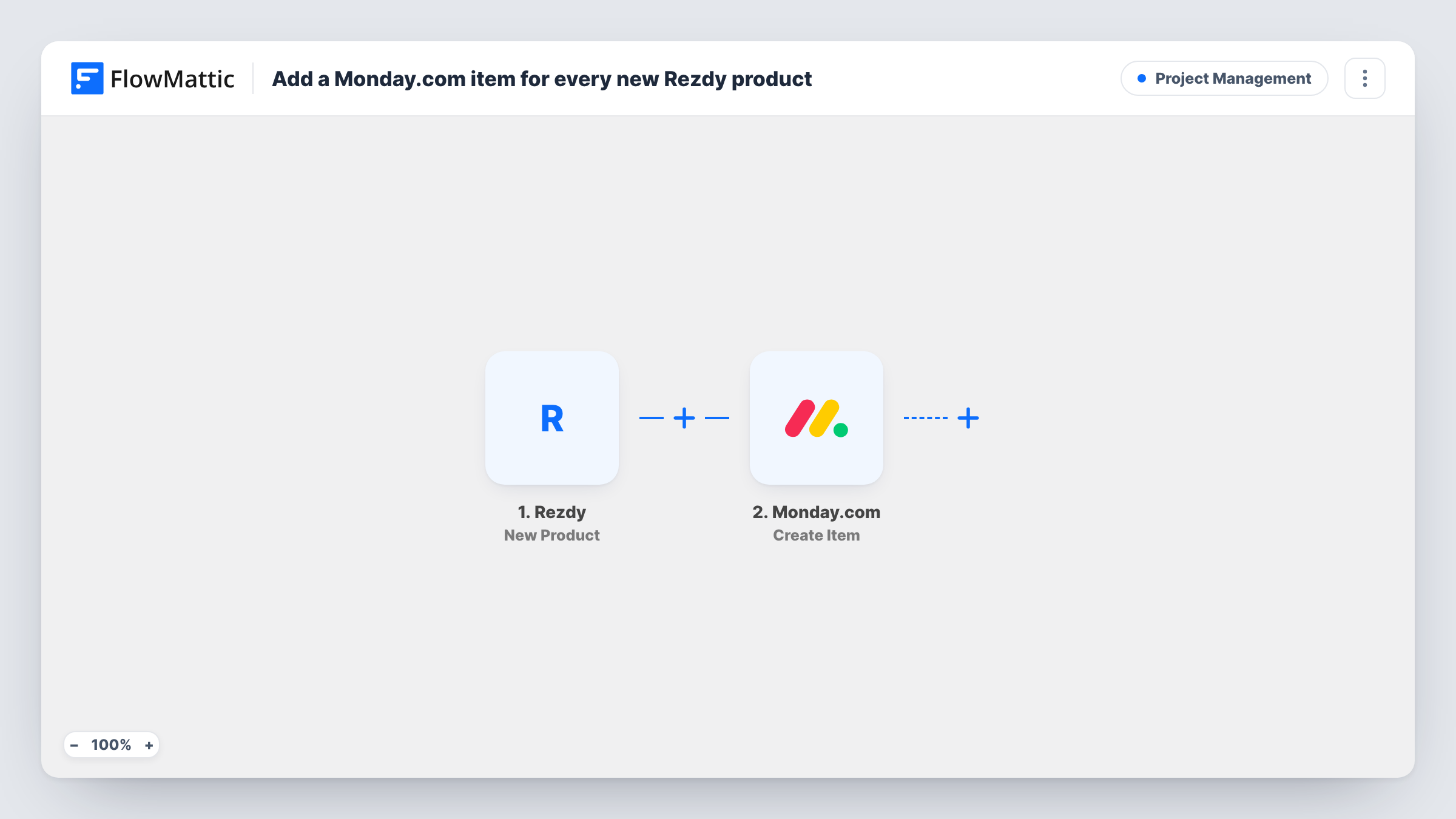
The Rezdy trigger fires when a new product is created, and FlowMattic captures the product data. The Monday.com step runs Create Item, which adds a new item to a board. You choose the board and map product fields from Rezdy into the item.
Only product creation starts the workflow, so editing a Rezdy product does not add or change an item. Each product gets one item, and the run, with the data sent to Monday.com, appears in Task History.
Launch checklist for new tours
A new walking tour in Rezdy appears on your Monday.com launch board, where the marketing and operations team work through its tasks.
Content board for a tour operator's website
Each new Rezdy activity becomes an item for the web team to write a page and add photos before promoting it.
Catalogue tracking across several operators
A team managing products for different operators keeps one Monday.com board listing every product added in Rezdy.
How this workflow runs
What happens at each step once the workflow is on, and what you need before you import it.
 Rezdy New Product
Fires when a new product is created in your Rezdy account. The product data is captured and passed on for mapping into Monday.com.
- Monday.com Create Item
Creates one item per new product on the Monday.com board set in this step. Connect your Monday.com account, then map the Rezdy product name to the item name and any other product details you want on the board.
What you need
- FlowMatticCore
- Rezdy AccountAccount
- Monday.com AccountAccount
After importing, map your own data. To keep the template universal, not every step is pre-filled. Open each step in the builder and connect your accounts and fields (channels, lists, sheets, recipients) before you switch the workflow on.
Make it yours
Changes worth making after you import it.
- Create a test product in Rezdy after import so FlowMattic captures real data, then map the product fields into the Monday.com item and check the result on your board.
- Should the team hear about it too? Add a Slack or email step after Monday.com that mentions the new product and the board it was added to.
- If only some products need tracking, add a Filter after the trigger on a field from the captured Rezdy product data so the rest stop before Monday.com.
Questions about this workflow
Does editing a Rezdy product update its Monday.com item?
No. The workflow only runs when a product is created and only creates items. Later edits in Rezdy are not sent to Monday.com.
Which Monday.com board do new Rezdy products go to?
The board you pick in the Create Item step after connecting your account. Set up the board and its columns first so you have somewhere to map the product details.
Are existing Rezdy products added to Monday.com?
No. Only products created after you turn the workflow on become items.
Can Rezdy bookings be added to Monday.com the same way?
Not with this template. It reacts to new products only. Bookings would need a different Rezdy trigger in another workflow.
More Project Management workflows
Other ready-to-import templates from the same category.





Import this workflow into your WordPress site
Download the JSON, import it from the Workflows screen and connect your accounts. Every run stays on your server, with no per-task fees.
30-day money-back guarantee Unlimited workflows and runs Self-hosted