

Add a new Greenhouse prospect to a HubSpot CRM contact for nurturing
When a prospect is created in Greenhouse, this workflow adds them to HubSpot CRM as a new contact, so passive candidates you are not ready to hire yet can be kept warm with the HubSpot emails and lists you already use.
 Greenhouse
 HubSpot CRM
2 steps Setup ~5 min Used on 793 sites Free to import
What this workflow does
Recruiters add prospects to Greenhouse when someone looks promising but is not applying yet. Keeping in touch with those people over months is closer to marketing than to hiring, and HubSpot is built for that kind of follow-up. This workflow copies each new Greenhouse prospect into HubSpot so your talent team can reach them from there.
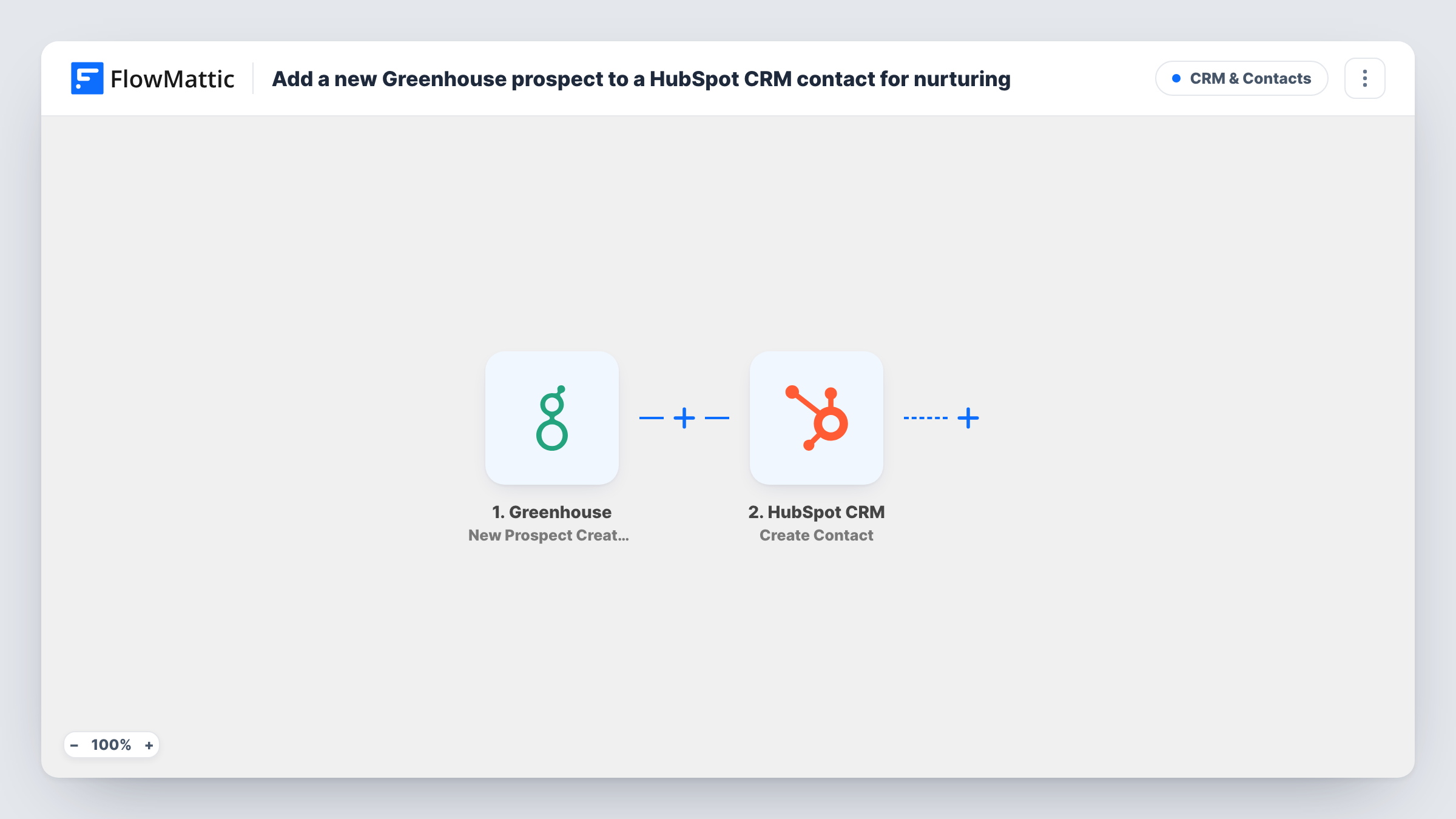
The Greenhouse trigger runs when a new prospect is created and passes their details to FlowMattic. The HubSpot CRM step then uses Create Contact to add them, with the name, email and any other Greenhouse values you map into the contact.
The workflow creates the contact. It does not enrol the person in a sequence or add them to a list, so set that up in HubSpot, for example with a list based on a property you map. Create a test prospect after import and check Task History to confirm what Greenhouse sends.
Talent newsletters for passive candidates
Prospects sourced at events or on LinkedIn land in HubSpot, where your talent team includes them in a monthly email about open roles and company news.
Pipelines for hard-to-fill roles
Engineers you would like to hire next year are added to HubSpot as soon as they are entered in Greenhouse, ready for a long-running campaign.
Employer brand reporting
With prospects in HubSpot, marketing can see which talent emails are opened alongside their other campaign reports.
How this workflow runs
What happens at each step once the workflow is on, and what you need before you import it.
 Greenhouse New Prospect Created
Runs when a new prospect is created in your Greenhouse account. The prospect's details become available to map into the HubSpot contact.
- HubSpot CRM Create Contact
Adds the prospect to HubSpot CRM as a new contact. Connect your HubSpot account and map the Greenhouse name and email into the contact, then check the result with a test prospect.
What you need
- FlowMatticCore
- Greenhouse AccountAccount
- HubSpot CRM AccountAccount
After importing, map your own data. To keep the template universal, not every step is pre-filled. Open each step in the builder and connect your accounts and fields (channels, lists, sheets, recipients) before you switch the workflow on.
Make it yours
Changes worth making after you import it.
- Map a fixed value such as Greenhouse prospect into a HubSpot contact property you use for lead source, if the step offers one, so you can build a HubSpot list of these contacts.
- Add a Filter after the trigger that continues only when the prospect has an email address, since a contact without one is hard to nurture by email.
- When a prospect is later hired, you may want them out of talent emails. A second workflow on Greenhouse's Candidate Hired trigger can handle that if FlowMattic's HubSpot integration offers an action to update the contact.
Questions about this workflow
Does this enrol the Greenhouse prospect in a HubSpot sequence or workflow?
No. It only creates the contact. Use HubSpot's own lists or workflows to start nurturing once the contact exists.
What if the prospect already exists as a HubSpot contact?
The step creates a contact and does not search first. HubSpot may refuse a contact whose email is already in use, and Task History shows that error on the HubSpot step.
Are Greenhouse prospects added before I import this sent to HubSpot?
No. Only prospects created after the workflow is turned on start a run.
Should candidates know they are being added to HubSpot?
Check your privacy notice and local rules on candidate data before emailing prospects from HubSpot. The workflow sends every new prospect it receives.
More CRM & Contacts workflows
Other ready-to-import templates from the same category.





Import this workflow into your WordPress site
Download the JSON, import it from the Workflows screen and connect your accounts. Every run stays on your server, with no per-task fees.
30-day money-back guarantee Unlimited workflows and runs Self-hosted