

When a Malcolm! workflow is completed, add a lead in FunnelKit Automations
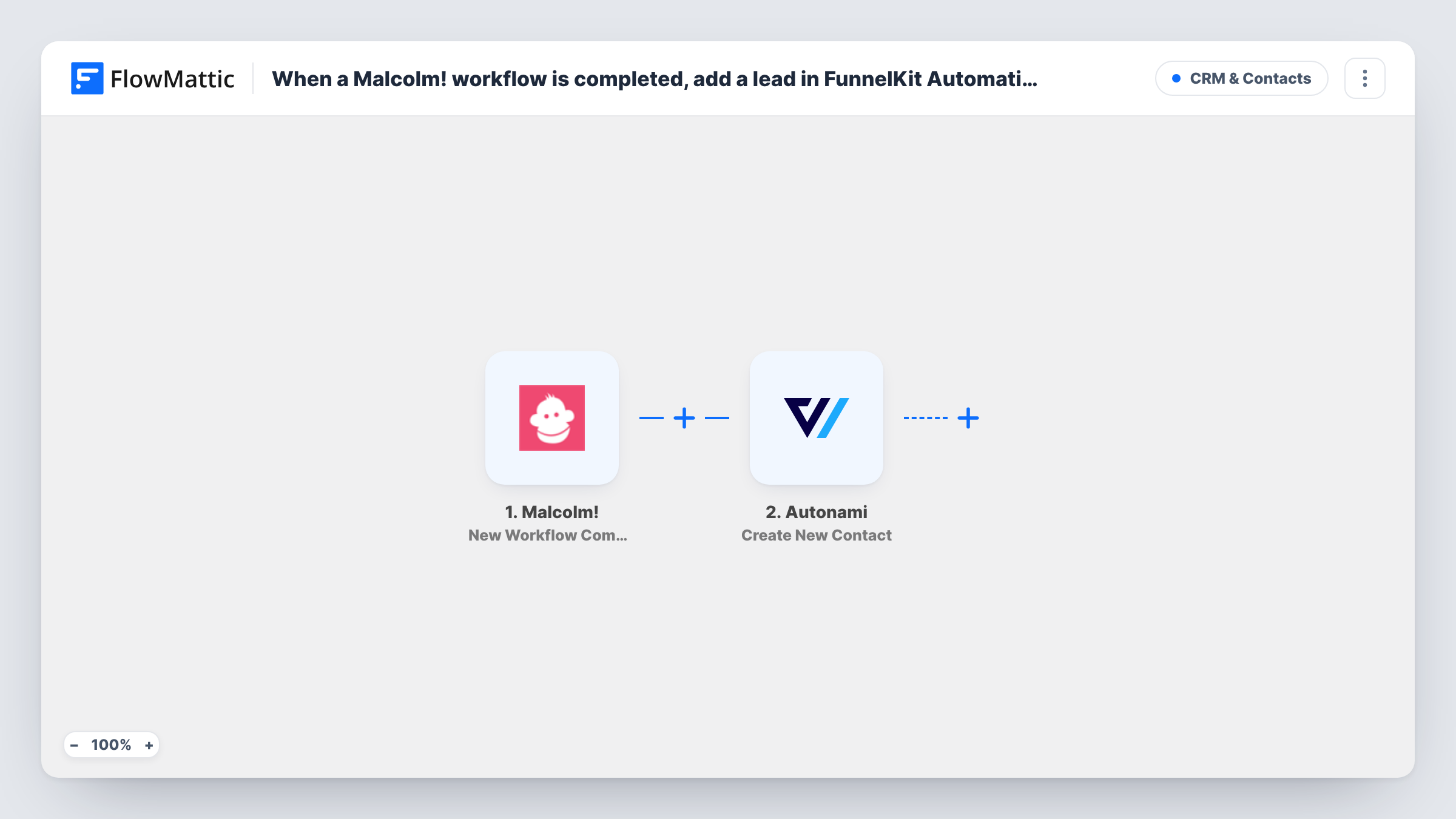
When a workflow is completed in Malcolm!, this FlowMattic workflow creates a new contact in FunnelKit Automations on your WordPress site, using the details the completion carries.
 Malcolm!
 Autonami
2 steps Setup ~5 min Used on 1.6k sites Free to import
What this workflow does
If Malcolm! is where people work through a process with you, finishing it is a natural moment to start emailing them. FunnelKit Automations can run those emails from WordPress, but only once the person is a contact there. This workflow adds that contact when the Malcolm! workflow is done.
A run starts when the Malcolm! trigger reports a finished workflow. FlowMattic passes the event data to FunnelKit Automations and its Create New Contact action, where you map the values that identify the person, such as an email address and a name.
Whether this works depends on what the completion event carries. Run a test completion in Malcolm! after import and check that it includes the person's email. If it doesn't, the contact can't be built from it. Every completion runs the step, and Task History shows the FunnelKit response for each one.
Course or onboarding completed
A coach guides clients through a Malcolm! workflow. Finishing it adds the client to FunnelKit Automations, where a follow-up email series can start.
Application or intake processes
Applicants complete an intake workflow in the Malcolm! app. Each one becomes a FunnelKit contact so your WordPress site can send the next steps by email.
Customer setup handover
Once a new customer's setup workflow is complete in Malcolm!, the marketing side gets them as a contact and can include them in product updates.
How this workflow runs
What happens at each step once the workflow is on, and what you need before you import it.
 Malcolm! New Workflow Completion
Runs once for each Malcolm! workflow that reaches completion. Check a test run to see which fields arrive, especially an email address.
- Autonami Create New Contact
Creates a new contact in FunnelKit Automations on your WordPress site. Map the person's email and any name fields from the Malcolm! event data.
What you need
- FlowMatticCore
- Malcolm! AccountAccount
- FunnelKit Automations ( Autonami ) PluginPlugin
After importing, map your own data. To keep the template universal, not every step is pre-filled. Open each step in the builder and connect your accounts and fields (channels, lists, sheets, recipients) before you switch the workflow on.
Make it yours
Changes worth making after you import it.
- Add a Filter after the trigger that continues only when the email field from Malcolm! is not empty, so runs without an address don't try to create a contact.
- Follow the contact step with FunnelKit's "Add Tags to Contact" or "Add Lists to Contact" action, so these contacts are grouped and can start their own automation.
- Put FunnelKit's "Get Contact by Email" step right after the trigger if you expect repeat completions from the same person, then use a Filter to create a contact only when none is found.
Questions about this workflow
Does every completed Malcolm! workflow create a FunnelKit contact?
Every completion runs the FunnelKit step, as there is no Filter. A contact is only created when the data you map includes what FunnelKit needs, such as an email.
What if the person is already a contact in FunnelKit Automations?
The step is Create New Contact, and its behaviour with an existing email isn't stated. Test with a known contact and check Task History, or add a Get Contact by Email step first.
Where does the FunnelKit contact get created?
On your WordPress site. FunnelKit Automations is a WordPress plugin, so it must be installed on the same site as FlowMattic.
Can I tag the new contacts by Malcolm! workflow?
Not as imported. Add FunnelKit's Add Tags to Contact action after the contact step and choose the tag there.
More CRM & Contacts workflows
Other ready-to-import templates from the same category.






Import this workflow into your WordPress site
Download the JSON, import it from the Workflows screen and connect your accounts. Every run stays on your server, with no per-task fees.
30-day money-back guarantee Unlimited workflows and runs Self-hosted