

Add a Trello-style task in ClickUp when a Viterbit candidate is created
Each new candidate created in Viterbit gets a task in ClickUp, giving recruiters and hiring teams a card for every person that they can move along a board alongside the rest of their work.
 Viterbit
 ClickUp
2 steps Setup ~5 min Used on 691 sites Productivity Free to import
What this workflow does
Recruiters often plan their day in a project tool, not in the ATS. When new candidates only appear in Viterbit, screening calls and reference checks get tracked in two places, or not at all. This workflow puts a ClickUp task on your list for every candidate as soon as Viterbit records them.
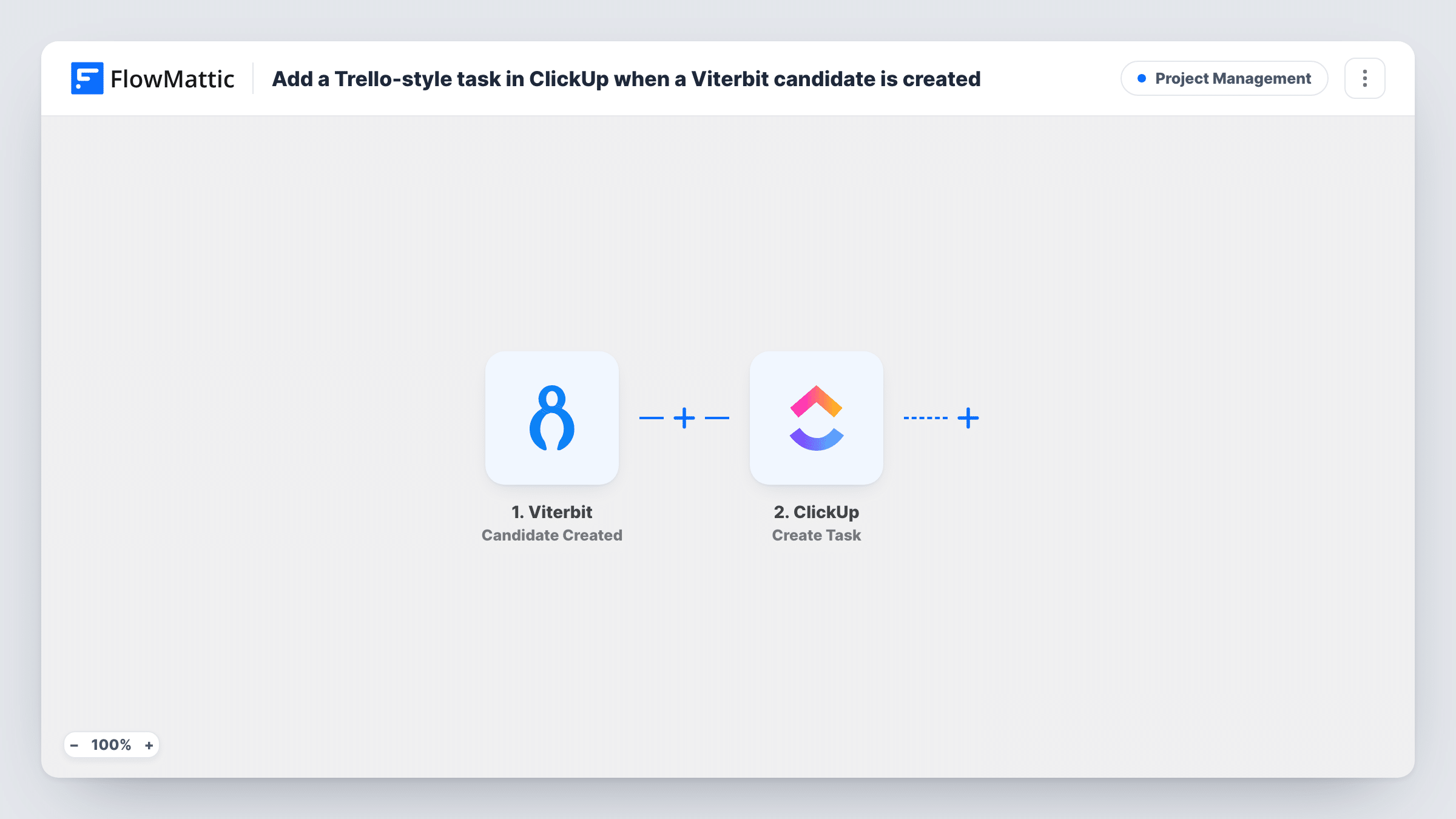
The Viterbit trigger runs when a candidate is created in your account. FlowMattic takes the candidate data Viterbit sends and makes it available to map. The ClickUp step then creates a task in your ClickUp workspace from the candidate details you map. Viewed as a board in ClickUp, those tasks behave like the cards a Trello user would expect.
One candidate means one task, and the link only runs in one direction. Moving the task in ClickUp does not change the candidate in Viterbit. Run a test with a sample candidate after import to see exactly which fields arrive before you build the task name.
Screening pipeline on a ClickUp board
Every new Viterbit candidate lands as a task in a Screening list, and recruiters drag each one across board columns as calls are booked and held.
Agency recruiters sharing work with a client
Candidates you add in Viterbit appear in a ClickUp space the client can see, so they follow the shortlist without an ATS login.
Small teams hiring without a dedicated recruiter
A founder who already runs the company in ClickUp gets a task for each candidate and handles follow-up next to product and sales work.
How this workflow runs
What happens at each step once the workflow is on, and what you need before you import it.
 Viterbit Candidate Created
Runs when a new candidate is created in your Viterbit account. The candidate data Viterbit passes along becomes available to map into the ClickUp task.
- ClickUp Create Task
Adds a task to ClickUp for the new candidate. Connect your ClickUp account and map Viterbit values such as the candidate's name into the task. Use a test run to confirm where it appears.
What you need
- FlowMatticCore
- Viterbit AccountAccount
- ClickUp AccountAccount
After importing, map your own data. To keep the template universal, not every step is pre-filled. Open each step in the builder and connect your accounts and fields (channels, lists, sheets, recipients) before you switch the workflow on.
Make it yours
Changes worth making after you import it.
- If you want only certain candidates on the board, add a Filter after the Viterbit trigger that checks one of the candidate values your test run shows.
- Pair this with a second workflow on Viterbit's Application Hired trigger that sends a Gmail email, so hires reach the hiring manager as well.
- Create a test candidate in Viterbit after import and check Task History to see the values captured, then build a task name such as the candidate's name plus the role.
Questions about this workflow
Does moving the ClickUp task update the candidate in Viterbit?
No. The workflow only sends data from Viterbit to ClickUp when a candidate is created. Changes you make in ClickUp stay there.
Is this actually a Trello card?
No. It creates a ClickUp task. The Trello-style name refers to how the tasks look on a ClickUp board view, where each one sits as a card you can drag between columns.
What happens for candidates already in Viterbit when I import this?
Nothing. The trigger reacts only to candidates created after you turn the workflow on, so existing ones need tasks added by hand if you want them.
Which accounts does the Viterbit to ClickUp workflow need?
A Viterbit account connected in FlowMattic for the Candidate Created trigger, and a ClickUp account with access to the workspace where the tasks should be created.
More Project Management workflows
Other ready-to-import templates from the same category.







Import this workflow into your WordPress site
Download the JSON, import it from the Workflows screen and connect your accounts. Every run stays on your server, with no per-task fees.
30-day money-back guarantee Unlimited workflows and runs Self-hosted