

Add contacts to FluentCRM from Zerowork.io TaskBot data
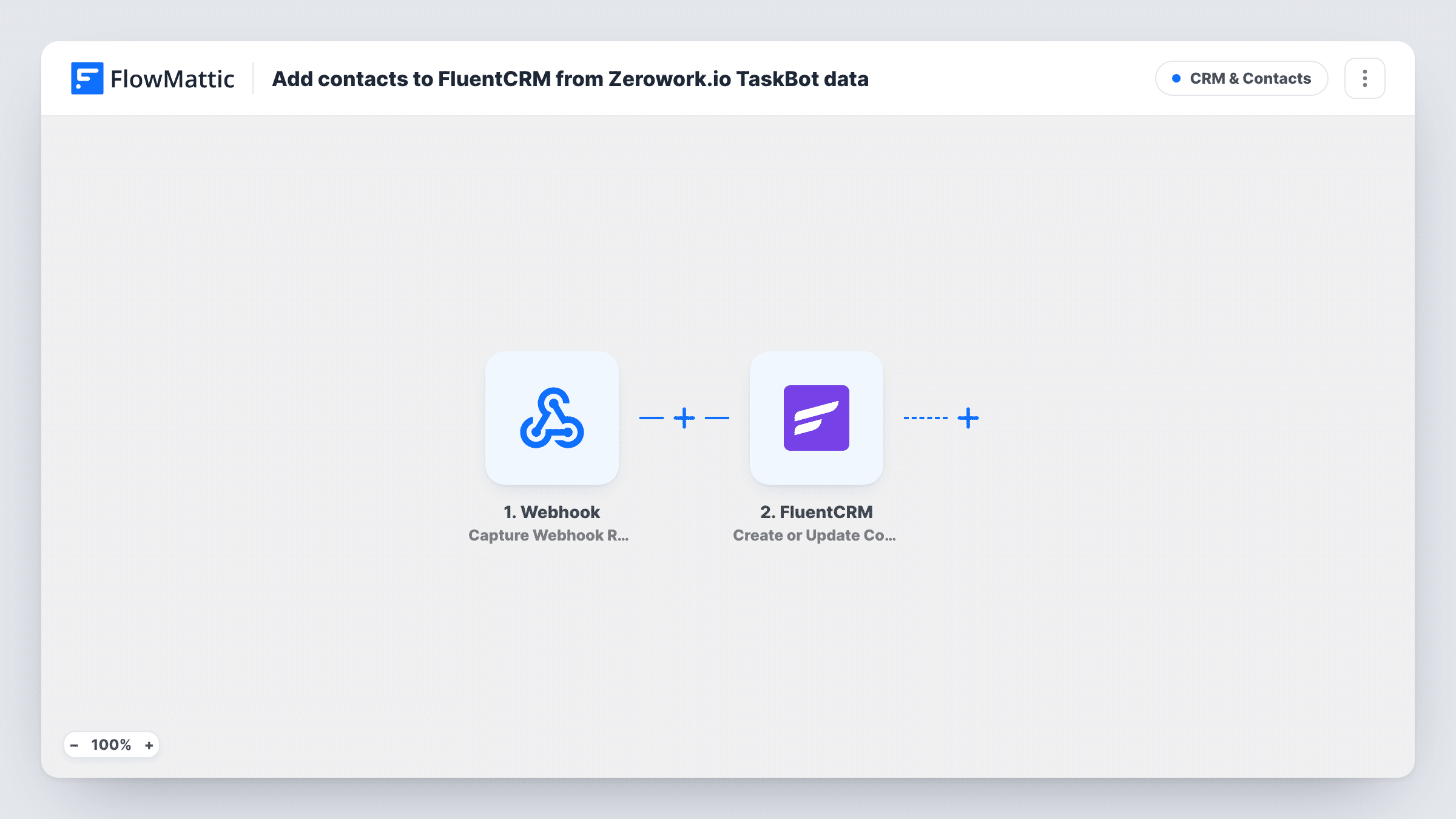
Point a Zerowork.io TaskBot at this workflow’s webhook URL, and each request it sends adds or updates a FluentCRM contact matched by email, so the people your bot collects land in your CRM.
 Webhook
 FluentCRM
2 steps Setup ~5 min Used on 1.4k sites Free to import
What this workflow does
A Zerowork.io TaskBot can gather names and email addresses from websites much faster than you can by hand. Those people are only useful once they are in your CRM, ready for an email or a follow-up. This workflow takes what the bot sends and saves it in FluentCRM on your WordPress site.
Bot data arrives through a Webhook trigger. You copy its URL into your TaskBot and have the bot send an HTTP request with each record. FlowMattic then passes the data to FluentCRM. Create or Update Contact checks the email address, adds a contact when none exists, and updates the matching contact when one does.
Zerowork's native FlowMattic trigger is also an HTTP receiver, so this webhook works the same way. A request without an email address gives FluentCRM nothing to match on. Turn the webhook's authentication setting on so only your bot can add contacts.
Building a prospect list from a directory
Your TaskBot works through an industry directory and sends each listing's contact details. Each one becomes a FluentCRM contact you can tag and email later.
Refreshing details you already hold
When the bot collects someone whose email is already in FluentCRM, the contact is updated with the newer values instead of being added twice.
Event speaker outreach
A bot gathers speakers from conference pages. FluentCRM holds them as contacts, ready for a personal invitation from your team.
How this workflow runs
What happens at each step once the workflow is on, and what you need before you import it.
 Webhook Capture Webhook Response
Provides a URL your Zerowork.io TaskBot sends an HTTP request to. Each request starts a run, and its values, such as name and email, become available to map.
- FluentCRM Create or Update Contact
Adds the person to FluentCRM, or updates their existing contact, using the email address from the request. Map the email, plus any name or other values the TaskBot sends.
What you need
- FlowMatticCore
- FluentCRM PluginPlugin
After importing, map your own data. To keep the template universal, not every step is pre-filled. Open each step in the builder and connect your accounts and fields (channels, lists, sheets, recipients) before you switch the workflow on.
Make it yours
Changes worth making after you import it.
- Make sure every TaskBot request includes an email address. FluentCRM matches contacts by email, so a record without one has nothing to create or update.
- Turn on Require authentication on incoming requests in the Webhook trigger and include the key in the TaskBot's request, so random traffic can't add contacts.
- Add a FluentCRM Add Tags to Contact step after this one if you want every bot-collected contact tagged by source, since the contact exists by then.
Questions about this workflow
What if the TaskBot sends someone already in FluentCRM?
FluentCRM finds the contact by email and updates it with the mapped values. A blank value in a later request may overwrite a stored field, so map only fields the bot always fills.
Does the webhook accept a list of contacts in one TaskBot request?
One request runs the FluentCRM step once. To add several people from one request, put an Iterator before FluentCRM so it runs per item.
Is it legal to email contacts my TaskBot collected?
That depends on where you and they are, and how the data was gathered. Check the rules that apply to you before you add bot-collected people to campaigns.
Where is the FluentCRM contact stored?
In FluentCRM on your WordPress site, the same site where FlowMattic runs. The workflow doesn't send the contact anywhere else.
More CRM & Contacts workflows
Other ready-to-import templates from the same category.







Import this workflow into your WordPress site
Download the JSON, import it from the Workflows screen and connect your accounts. Every run stays on your server, with no per-task fees.
30-day money-back guarantee Unlimited workflows and runs Self-hosted