

Add contacts to Zoho Campaigns lists from new FluentCRM contacts
Each contact created in FluentCRM is added to a Zoho Campaigns mailing list, or updated there if Zoho already has them, so both tools hold the same audience.
 FluentCRM
 Zoho Campaigns
2 steps Setup ~5 min Used on 2.9k sites Free to import
What this workflow does
Some teams keep their WordPress contacts in FluentCRM but send newsletters or larger campaigns from Zoho Campaigns. Without a link between the two, new contacts only reach Zoho when someone exports and imports a file. This workflow copies each new FluentCRM contact into a Zoho Campaigns list as it is created.
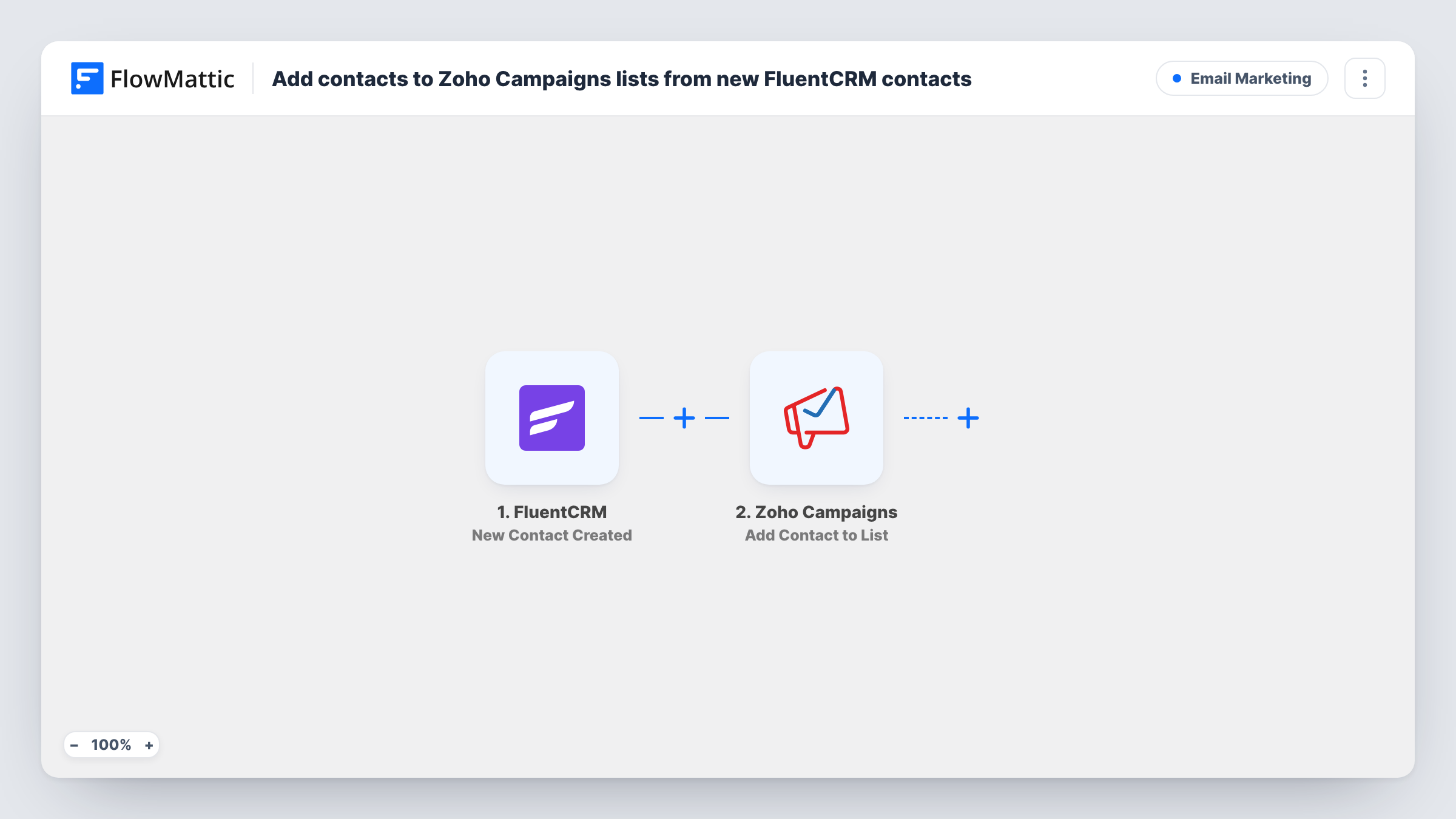
The FluentCRM trigger fires when a new contact is created in FluentCRM. The contact's email, name and other details are passed on. Updates to existing FluentCRM contacts don't start a run.
The Zoho Campaigns Add/Update Contact step adds the person to the mailing list you choose, or updates them if they are already there. It ships unmapped, so after import you connect Zoho, pick the list and map the email, first name and last name.
Every new FluentCRM contact goes to Zoho, whatever their status in FluentCRM, so pending or unsubscribed contacts are sent as well. If you only want subscribed contacts in Zoho, add a Filter on the status as the tips describe. Each run and Zoho's answer to it appear in Task History.
Newsletters sent from Zoho
A publisher collects sign-ups with FluentCRM forms on WordPress and sends its weekly newsletter from Zoho Campaigns, which now gets each new reader.
Store customers for promotions
A WooCommerce shop that creates FluentCRM contacts from orders sends seasonal promotions through a Zoho Campaigns list that stays current.
Moving between tools gradually
A team testing Zoho Campaigns keeps FluentCRM as its main CRM while new contacts also build up a Zoho list for trial sends.
How this workflow runs
What happens at each step once the workflow is on, and what you need before you import it.
 FluentCRM New Contact Created
Starts a run whenever a contact is newly added in FluentCRM. The new contact's email, name and status are passed on for Zoho Campaigns.
- Zoho Campaigns Add/Update Contact
Adds the contact to the Zoho Campaigns mailing list you pick, or updates them if they already exist. The step ships unmapped: connect Zoho, choose the list and map the email and name.
What you need
- FlowMatticCore
- FluentCRM PluginPlugin
- Zoho Campaigns AccountAccount
After importing, map your own data. To keep the template universal, not every step is pre-filled. Open each step in the builder and connect your accounts and fields (channels, lists, sheets, recipients) before you switch the workflow on.
Make it yours
Changes worth making after you import it.
- To send only subscribed contacts to Zoho, put a Filter between the FluentCRM trigger and the Zoho Campaigns step on the contact's status, continuing when it is subscribed.
- Map FluentCRM custom fields such as company or country into Zoho contact fields, so you can segment the list in Zoho the same way.
- Use a separate Zoho list for these contacts if you also add people to Zoho in other ways, so you know which ones came from WordPress.
Questions about this workflow
What if the contact is already in the Zoho Campaigns list?
Add/Update Contact updates an existing contact instead of adding a second copy, so the person stays on the list once.
Do changes to existing FluentCRM contacts sync to Zoho?
No. The trigger only fires for newly created contacts. Edits to a contact after it was created don't start this workflow.
Will my current FluentCRM contacts be copied to Zoho?
No. Contacts that already exist in FluentCRM when you switch this on stay where they are. Export your existing FluentCRM contacts and import them into Zoho Campaigns separately.
More Email Marketing workflows
Other ready-to-import templates from the same category.







Import this workflow into your WordPress site
Download the JSON, import it from the Workflows screen and connect your accounts. Every run stays on your server, with no per-task fees.
30-day money-back guarantee Unlimited workflows and runs Self-hosted