

Add each new Bookingmood booking to a Google Calendar event
When a booking is created in Bookingmood, this workflow creates a matching event in your Google Calendar, so each stay or reservation appears next to the rest of your schedule.
 Bookingmood
 Google Calendar
2 steps Setup ~5 min Used on 1.2k sites Free to import
What this workflow does
Bookingmood keeps track of your reservations, but most people plan their days in Google Calendar. If bookings only live in one place, you check two screens before you plan cleaning, check-ins or staff. This workflow puts each new booking on your calendar.
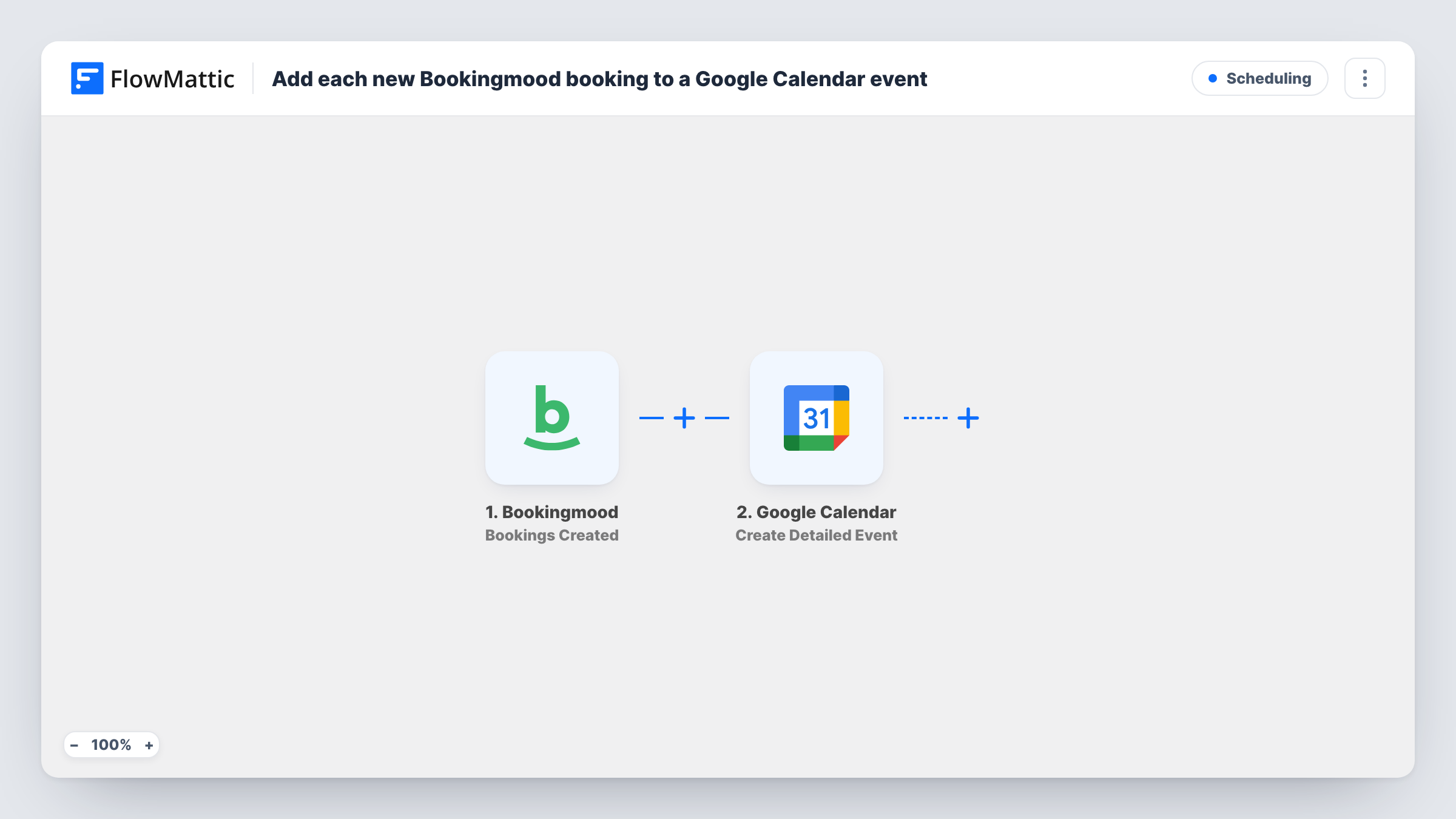
The Bookingmood trigger is Bookings Created, which fires when a booking is created. The booking's details, such as the dates and the guest information your test run shows, are passed on for mapping.
Then Google Calendar runs Create Detailed Event, which per the catalog creates an event with detailed options. You map the booking's start and end dates to the event times and choose what the title and description say, such as the guest's name and the unit they booked.
Calendar entries are only ever added here, never edited. If a booking changes or is cancelled later, the calendar event stays as it was. Bookingmood has separate Updated and cancellation triggers you can build on, as the tips explain. Task History lists each booking that ran.
Holiday rental owner
Each new reservation for your cottage appears in Google Calendar, so you can see guest arrivals while planning the rest of your week.
Cleaning team schedule
Create the events in a calendar you share with your cleaners, so they see which units have guests and when each stay ends.
Equipment or room hire
A business renting meeting rooms through Bookingmood sees each booking on the same calendar the staff already use for shifts.
How this workflow runs
What happens at each step once the workflow is on, and what you need before you import it.
 Bookingmood Bookings Created
Fires when a booking is created in your Bookingmood account. Its dates and details are passed on so you can place them into the calendar event.
- Google Calendar Create Detailed Event
Creates an event in the Google Calendar you choose. Map the booking dates to the event start and end, and build the title and description from booking details.
What you need
- FlowMatticCore
- Bookingmood AccountAccount
- Google Calendar AccountAccount
After importing, map your own data. To keep the template universal, not every step is pre-filled. Open each step in the builder and connect your accounts and fields (channels, lists, sheets, recipients) before you switch the workflow on.
Make it yours
Changes worth making after you import it.
- Make a separate Google Calendar just for bookings and pick it in this step, so you can show or hide reservations without touching your other events.
- Bookingmood also has a Calendar Events Cancelled trigger. Build a second workflow on it that emails you, so you know which calendar event to remove by hand.
- Put the guest's contact details from Bookingmood in the event description, so you can reach them straight from the calendar.
Questions about this workflow
Does the Google Calendar event change when a Bookingmood booking changes?
No. This workflow only creates the event when the booking is first made. Changes and cancellations need their own workflow on Bookingmood's update or cancellation triggers.
Will my existing Bookingmood bookings be added to the calendar?
No. Only bookings created after you turn the workflow on start a run. Add older stays to the calendar yourself.
Can the bookings go to a shared calendar?
Yes. Pick any calendar the connected Google account can add events to, including one shared with your team.
Does this stop double bookings in Bookingmood?
No. The workflow copies bookings to Google Calendar after they are made. It doesn't send calendar events back to Bookingmood or block dates there.
More Scheduling workflows
Other ready-to-import templates from the same category.






Import this workflow into your WordPress site
Download the JSON, import it from the Workflows screen and connect your accounts. Every run stays on your server, with no per-task fees.
30-day money-back guarantee Unlimited workflows and runs Self-hosted