

Add each new Sarv lead as a subscriber in FluentCRM
When Sarv captures a new lead, this workflow passes the lead’s details to FluentCRM, which creates a contact or updates the one that already has that email address, so callers and enquirers end up in your WordPress CRM.
 Sarv
 FluentCRM
2 steps Setup ~5 min Used on 2.0k sites Free to import
What this workflow does
Sarv handles your cloud telephony, and the leads it captures sit in Sarv until someone copies them elsewhere. If you run your email marketing from WordPress, that copying is the step that gets missed. This workflow moves each new Sarv lead into FluentCRM on its own.
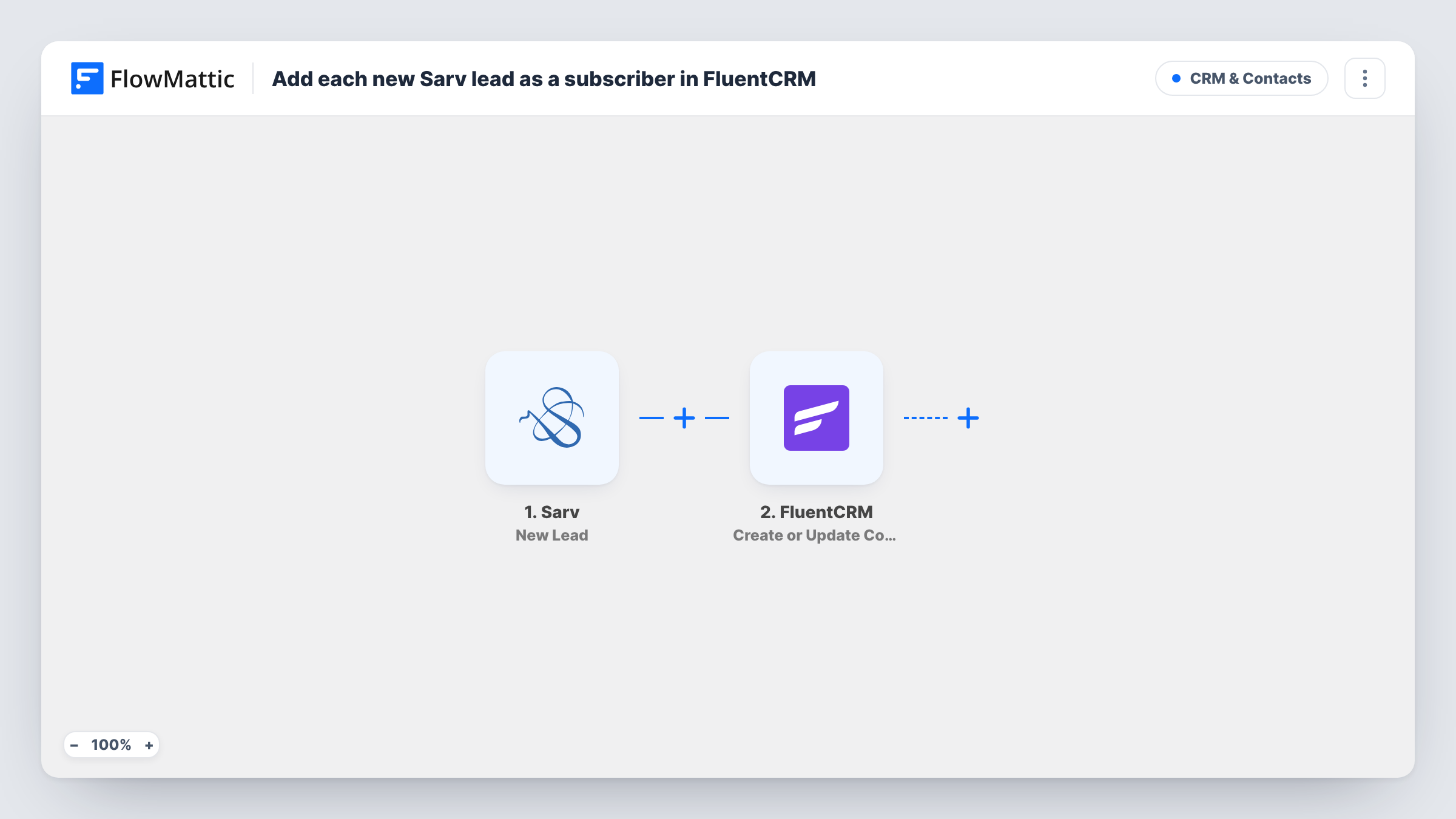
The Sarv trigger fires when a new lead is captured. FlowMattic receives the lead data and hands it to FluentCRM with the Create or Update Contact action. FluentCRM matches on email address: a new address becomes a new contact, and an address it already holds has that contact updated instead.
Because FluentCRM matches by email, the lead needs an email address for the contact step to work. Leads from a phone call may only carry a number, so run a test lead after import and look at what Sarv sends. Task History lists every run, with the data each step received and returned.
Inbound sales calls into a nurture list
Callers who leave their details with your Sarv number become FluentCRM contacts, ready for the email sequence you already send to new prospects.
Click-to-call campaign leads
Leads Sarv records from a calling campaign are copied to FluentCRM, so your marketing team works from one contact list instead of exporting from Sarv.
Returning callers
When someone already in FluentCRM comes in again as a Sarv lead with the same email, their existing contact is updated rather than duplicated.
How this workflow runs
What happens at each step once the workflow is on, and what you need before you import it.
 Sarv New Lead
Fires each time Sarv captures a new lead. The lead's details become data that the FluentCRM step can map.
- FluentCRM Create or Update Contact
Creates a FluentCRM contact from the Sarv lead, or updates the existing contact with the same email address. Map the lead's email and name into the contact after a test run shows what Sarv sends.
What you need
- FlowMatticCore
- Sarv AccountAccount
- FluentCRM PluginPlugin
After importing, map your own data. To keep the template universal, not every step is pre-filled. Open each step in the builder and connect your accounts and fields (channels, lists, sheets, recipients) before you switch the workflow on.
Make it yours
Changes worth making after you import it.
- Add a Filter after the Sarv trigger that continues only when the lead's email is not empty, so leads without an address stop there instead of reaching FluentCRM.
- Capture one test lead in Sarv before you switch the workflow on, then map its fields in the FluentCRM step. Check the contact in FluentCRM to confirm the name and email landed where you expect.
- Add a Google Sheets step after FluentCRM to keep a dated log of each Sarv lead, which is handy when you compare call volume with campaign dates.
Questions about this workflow
Does every Sarv lead have an email address for FluentCRM?
Not necessarily. FluentCRM matches contacts by email, and a lead captured from a call may carry only a phone number. Send a test lead after import and check in Task History which fields Sarv provides.
What happens if the Sarv lead is already a FluentCRM contact?
The action is Create or Update Contact, so FluentCRM updates the contact that has the same email address instead of adding a second one.
Are leads Sarv captured before I import this copied over?
No. The trigger fires for new leads, so only leads captured after you turn the workflow on reach FluentCRM.
Where does the FluentCRM contact live?
FluentCRM is a WordPress plugin, so the contact is stored in your own site's database, on the same site where FlowMattic runs.
More CRM & Contacts workflows
Other ready-to-import templates from the same category.





Import this workflow into your WordPress site
Download the JSON, import it from the Workflows screen and connect your accounts. Every run stays on your server, with no per-task fees.
30-day money-back guarantee Unlimited workflows and runs Self-hosted