

Add the user to FluentCRM when he joins a group
When a member joins a BuddyPress group on your site, this workflow creates or updates their FluentCRM contact by email, so group members are in your CRM.
 BuddyPress
 FluentCRM
2 steps Setup ~5 min Used on 1.4k sites Free to import
What this workflow does
BuddyPress groups tell you what your members care about: a local chapter, a course cohort, a product interest. FluentCRM is where you email them. Without a link between the two, you export member lists and import them by hand. This workflow adds each member to FluentCRM when they join a group.
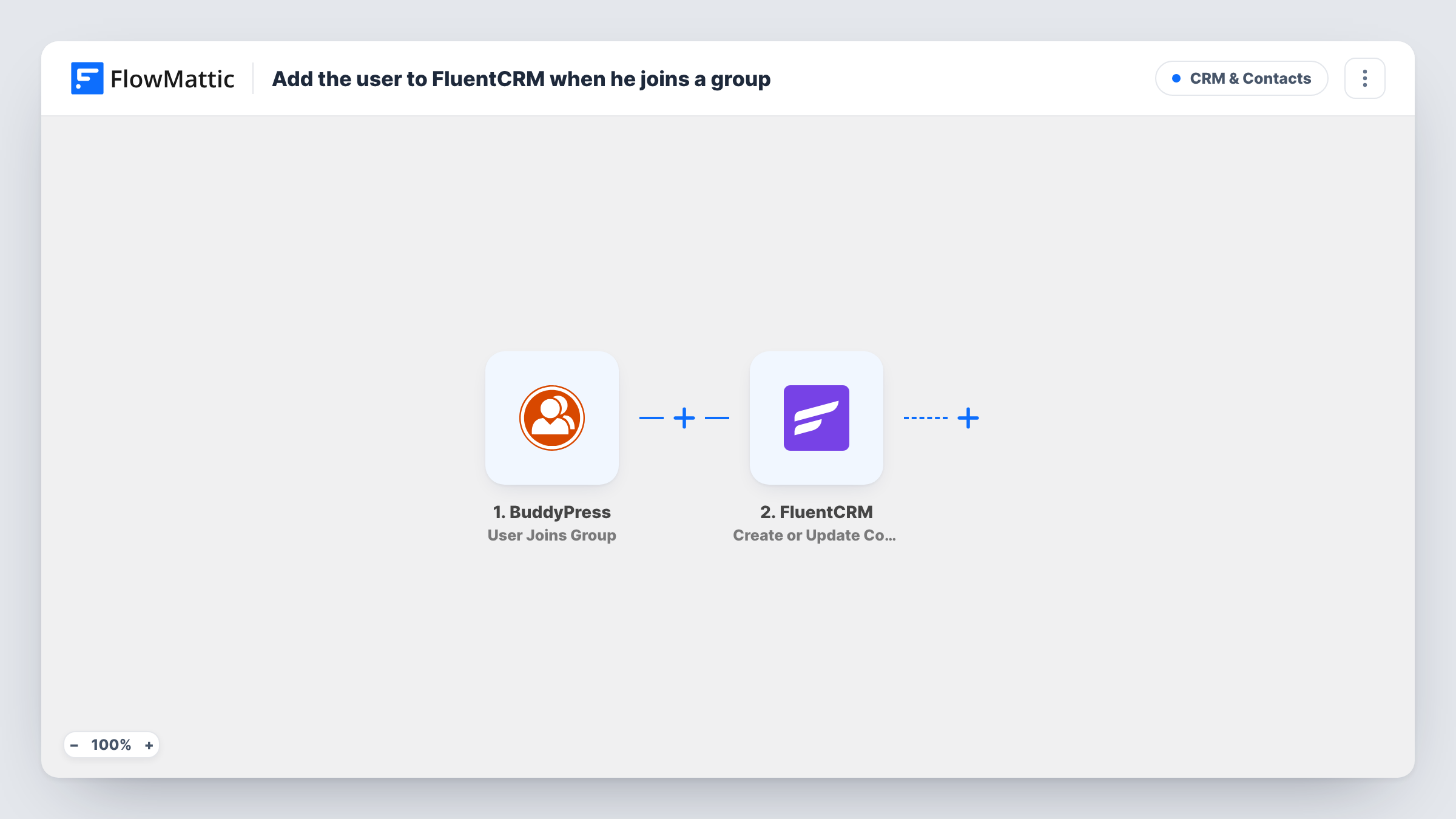
The BuddyPress trigger fires on User Joins Group and passes the member and group data to FlowMattic. The FluentCRM step runs Create or Update Contact, which matches on email address. A member who is not yet in FluentCRM becomes a new contact. A member who is already there has their contact updated with what you map in.
Both plugins run on your WordPress site, so the member data stays there. Every group on the site runs the same workflow, with no Filter. The tips cover how to treat groups differently and keep track of which one a member joined.
Interest groups on a community site
Members join groups such as Beginners or Advanced. Each join adds or updates them in FluentCRM, ready for emails about that topic once you add a tag.
Course cohorts in BuddyPress
Students join their cohort group at the start of a course, and FluentCRM holds every cohort member as a contact for course announcements.
Local chapters of a membership organisation
Members join the group for their city. FluentCRM picks them up, so chapter organisers can send updates from the CRM.
How this workflow runs
What happens at each step once the workflow is on, and what you need before you import it.
 BuddyPress User Joins Group
Runs when a member of your site joins a BuddyPress group. The member's details and the group data are available to map into FluentCRM.
- FluentCRM Create or Update Contact
Creates the FluentCRM contact, or updates it when that email address is already in FluentCRM. Map the member's email, plus any name details you want stored.
What you need
- FlowMatticCore
- BuddyPress PluginPlugin
- FluentCRM PluginPlugin
After importing, map your own data. To keep the template universal, not every step is pre-filled. Open each step in the builder and connect your accounts and fields (channels, lists, sheets, recipients) before you switch the workflow on.
Make it yours
Changes worth making after you import it.
- Map the group into the FluentCRM step as a tag or list, if the step offers it in your setup, so you know which group each contact came from. Check the result with a test join.
- Add a Filter after the trigger that continues only for one group, then import the workflow again for each group you want to treat differently.
- Pair this with a second workflow on BuddyPress's User Leaves Group trigger if you want leaving members handled in FluentCRM as well.
Questions about this workflow
What if the BuddyPress member is already a FluentCRM contact?
Create or Update Contact matches on email address, so the existing contact is updated instead of a second one being created.
Does joining a second BuddyPress group create another contact?
No. The same email address points to the same FluentCRM contact, which is updated again on each join.
Are members who joined groups before import added to FluentCRM?
No. Only group joins that happen after you turn the workflow on start a run.
Do BuddyPress and FluentCRM need to be on the same site as FlowMattic?
Yes. Both are WordPress plugins, and the trigger and action run on the site where FlowMattic is installed.
More CRM & Contacts workflows
Other ready-to-import templates from the same category.




Import this workflow into your WordPress site
Download the JSON, import it from the Workflows screen and connect your accounts. Every run stays on your server, with no per-task fees.
30-day money-back guarantee Unlimited workflows and runs Self-hosted