

Add WooCommerce customer to Membership level on new purchase
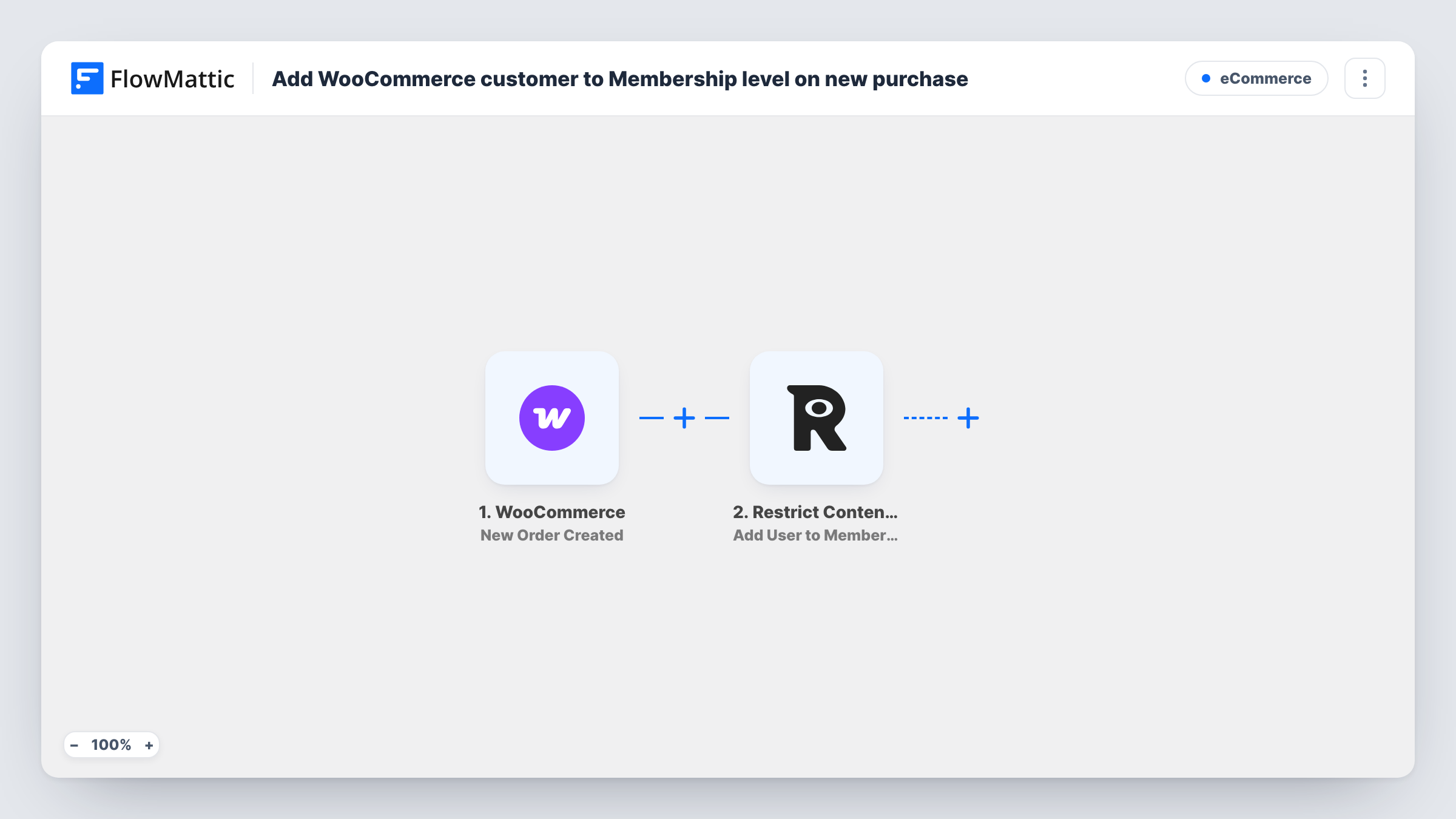
When a WooCommerce order is created, FlowMattic adds the customer’s WordPress user to the Restrict Content Pro membership level you choose, so buying from your shop grants access to members-only content.
 WooCommerce
 Restrict Content Pro
2 steps Setup ~5 min Used on 3.4k sites Free to import
What this workflow does
Selling access through WooCommerce while protecting content with Restrict Content Pro leaves a gap: the purchase happens in one plugin and the membership lives in the other. Adding each buyer to a level by hand is slow and easy to forget. This workflow links the two on your WordPress site.
The WooCommerce trigger fires when a new order is created, and the order data, including the customer's WordPress user where there is one, comes through with it. FlowMattic then runs Add User to Membership Level in Restrict Content Pro, which adds that user to the level you set. Members-only content protected by that level becomes available to them.
Restrict Content Pro works with WordPress users, so guest checkouts can't be added. Require an account at checkout, or the step will have no user to work with. As imported, every new order runs the step, whatever the product or payment status. Add a Filter if access should depend on a particular product or a paid order.
Selling a course bundle as a product
A creator sells a course bundle in WooCommerce, and each buyer's account joins the RCP level that protects the lesson pages, so they can open them.
Paid community access
A membership site sells a joining pack through the shop, and every purchase puts the buyer's account in the community's member level.
Bonus content with physical products
A shop selling printed planners adds buyers to a level that opens downloadable extras on the site.
How this workflow runs
What happens at each step once the workflow is on, and what you need before you import it.
 WooCommerce New Order Created
Starts the run as soon as WooCommerce records a new order. The order details and the customer's WordPress user, when the buyer has an account, are passed to the membership step.
- Restrict Content Pro Add User to Membership Level
Adds the customer's WordPress user to the Restrict Content Pro membership level you choose. Map the user from the WooCommerce order and test with a known account first.
What you need
- FlowMatticCore
- WooCommerce PluginPlugin
- Restrict Content Pro PluginPlugin
After importing, map your own data. To keep the template universal, not every step is pre-filled. Open each step in the builder and connect your accounts and fields (channels, lists, sheets, recipients) before you switch the workflow on.
Make it yours
Changes worth making after you import it.
- Add a Filter after the trigger that continues only when the order contains your membership product, so other purchases don't grant access.
- Check the order status in a test run. If orders can be created before payment completes, add a Filter so only paid statuses continue.
- Turn on account creation at checkout in WooCommerce, or make it required, so every buyer has a WordPress user the membership step can use.
Questions about this workflow
Does this work for WooCommerce guest checkout orders?
No. Restrict Content Pro adds WordPress users to levels, and a guest order has no user account. Require customers to create an account at checkout.
What if the customer is already in that Restrict Content Pro level?
The step asks Restrict Content Pro to add them again. Test with an account that already holds the level and check Task History to see how RCP responds.
Does a WooCommerce refund remove the membership?
No. This workflow only adds users on new orders. Removing access after a refund or cancellation would need a separate workflow.
Do WooCommerce and Restrict Content Pro need to be on the same site?
Yes. Both plugins and FlowMattic run on the same WordPress site, so the order's user is the same account RCP manages.
More E-Commerce workflows
Other ready-to-import templates from the same category.






Import this workflow into your WordPress site
Download the JSON, import it from the Workflows screen and connect your accounts. Every run stays on your server, with no per-task fees.
30-day money-back guarantee Unlimited workflows and runs Self-hosted