

Create a ClickUp task for each Halo Security webhook event
Each event Halo Security sends to your FlowMattic webhook creates a ClickUp task, so security findings and alerts become tracked work with an owner instead of messages that scroll away.
 Halo Security
 ClickUp
2 steps Setup ~5 min Used on 464 sites Productivity Free to import
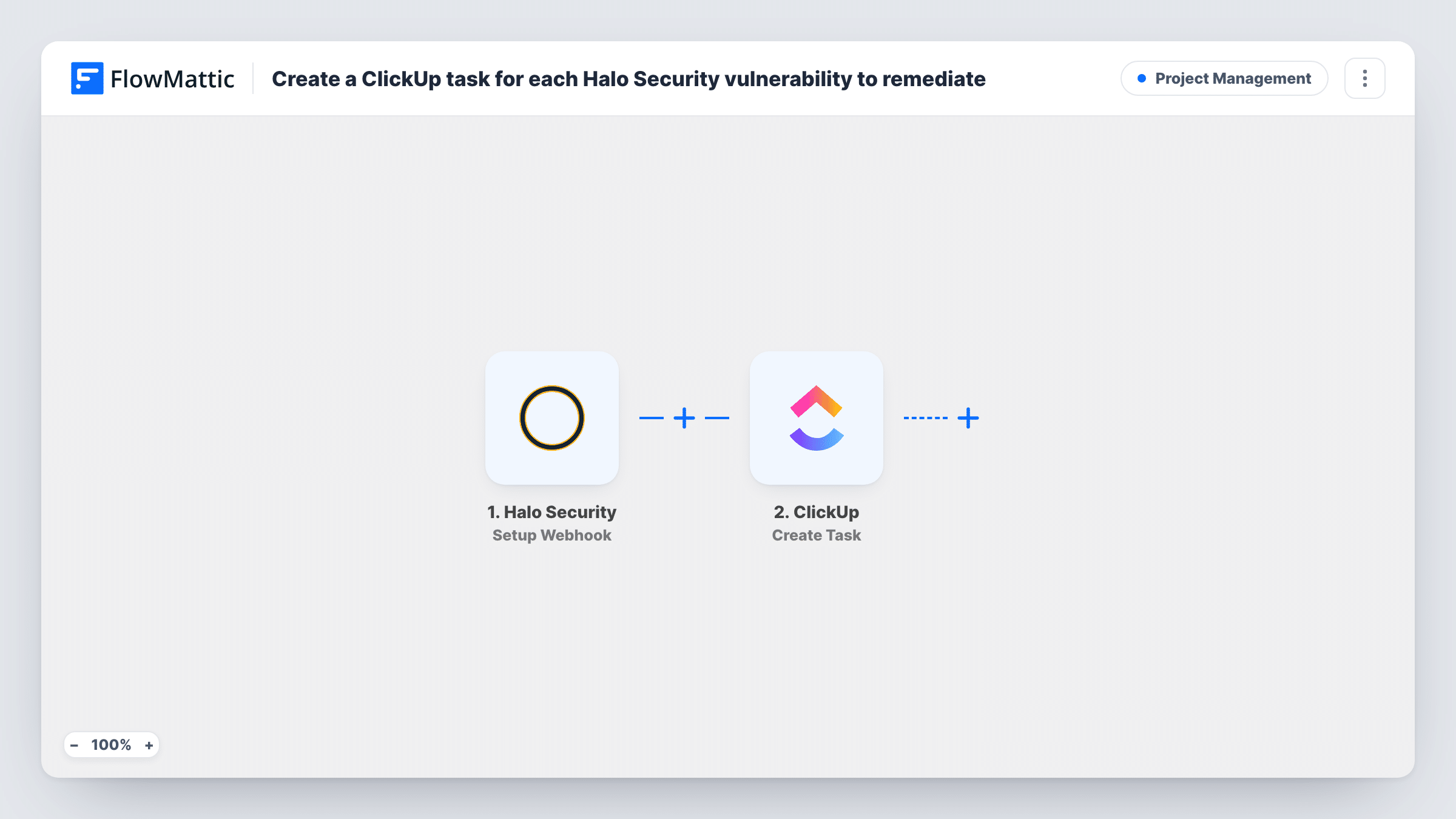
What this workflow does
Security alerts are only useful if someone follows them up. When findings arrive by email or in a dashboard, it is hard to see which ones have been handled. This workflow turns each Halo Security event into a ClickUp task, so remediation sits next to the rest of your team's work.
The Halo Security Setup Webhook trigger gives you a URL to add in Halo Security. FlowMattic describes it as a trigger for all the events, so every event Halo Security sends to that URL starts a run. If Halo Security lets you pick which events the webhook sends, choose only the ones you want as tasks, such as new vulnerabilities.
The ClickUp Create Task step then adds a task. It ships unmapped, so after import you connect ClickUp, choose where the task goes, and map the event details into the name and description, such as the finding, the affected asset and its severity, as far as Halo Security sends them.
Send a test event from Halo Security and look at Task History to see its fields before you map them. One event creates one task, so a scan that reports several issues as separate events creates several tasks.
Vulnerability backlog for a dev team
A web team receives each Halo Security finding as a ClickUp task in its security list and works through them in the next sprint.
Client security reports for an agency
An agency that monitors client sites with Halo Security keeps a ClickUp list per client and assigns fixes to the developer responsible.
Audit trail for remediation
A compliance lead uses the ClickUp tasks to show when each Halo Security issue was raised and when it was closed.
How this workflow runs
What happens at each step once the workflow is on, and what you need before you import it.
 Halo Security Setup Webhook
Gives you a webhook URL to add in Halo Security. Every event Halo Security posts to it starts a run, so choose the events to send there if Halo Security offers that choice.
- ClickUp Create Task
Creates a ClickUp task for the Halo Security event. Nothing is mapped yet: connect ClickUp, pick the destination and map the event details from a test run into the task name and description.
What you need
- FlowMatticCore
- Halo Security AccountAccount
- ClickUp AccountAccount
After importing, map your own data. To keep the template universal, not every step is pre-filled. Open each step in the builder and connect your accounts and fields (channels, lists, sheets, recipients) before you switch the workflow on.
Make it yours
Changes worth making after you import it.
- Put a Filter between the Halo Security trigger and the ClickUp step on the event type or severity, if Halo Security sends one, so only the events you act on become tasks. Set the field and value from a test event.
- Map the severity into the task name, for example at the start, so the ClickUp list shows the most serious findings at a glance.
- Add a Slack Send Channel Message step after the ClickUp step to tell the security channel that a new task was created.
Questions about this workflow
Does every Halo Security event create a ClickUp task?
Yes. The trigger accepts all events that reach the webhook URL. Limit what Halo Security sends, or add a Filter between the trigger and the ClickUp step.
Which Halo Security details can I put in the ClickUp task?
Any field the event carries. Send a test event, check Task History to see the fields, then map them into the task name and description.
Is the ClickUp task closed when Halo Security marks the issue fixed?
No. Nothing in this template changes a ClickUp task after it is made. Close each task yourself once the issue is fixed, and remember that any further event Halo Security sends starts its own run.
Can tasks for different Halo Security severities go to different ClickUp lists?
Yes, with a Router between the trigger and the ClickUp step. Move the ClickUp step into one route, add a copy for each other list, and use severity conditions that can't both match.
More Project Management workflows
Other ready-to-import templates from the same category.



Import this workflow into your WordPress site
Download the JSON, import it from the Workflows screen and connect your accounts. Every run stays on your server, with no per-task fees.
30-day money-back guarantee Unlimited workflows and runs Self-hosted