

Create a ClickUp task for each new Krisp notes generated
When Krisp finishes the notes for one of your meetings, FlowMattic creates a ClickUp task that carries those notes, so every call leaves a piece of tracked work in the list you choose.
 Krisp
Krisp
 ClickUp
2 steps Setup ~5 min Used on 3.4k sites Productivity Free to import
What this workflow does
Krisp writes up your meetings, but the notes stay in Krisp unless someone copies them somewhere the team works. Follow-ups get forgotten that way. This workflow puts each set of meeting notes into ClickUp as a task, so there is always something to assign, comment on and close.
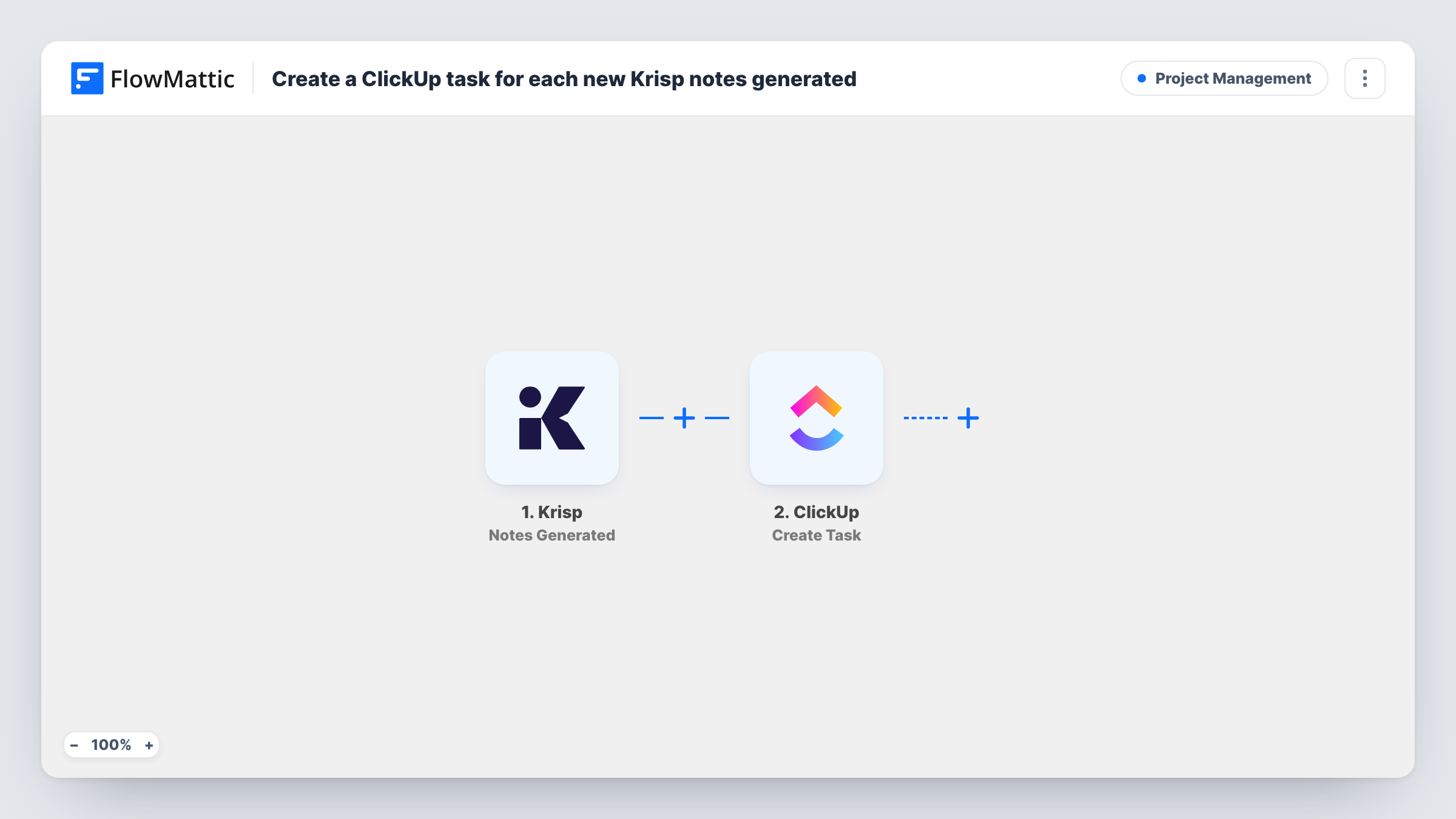
A run begins once Krisp has finished writing the notes for a meeting. FlowMattic passes the notes data to ClickUp, where Create Task adds a new task to the list you pick. After import, you map the details into the task, for example the meeting title as the task name and the notes as its description.
One task is made per set of notes. The workflow does not split the notes into separate action items, so if a meeting produces five to-dos, they arrive together in one task that you can break down in ClickUp. Each run appears in Task History with the data Krisp sent.
Client calls at an agency
After each client call, the account manager finds a ClickUp task holding the Krisp notes and turns the agreed changes into subtasks for the team.
Weekly team stand-ups
Each stand-up's notes become a task in a meetings list, giving the team a searchable history of what was discussed week by week.
Sales discovery calls
A sales rep reviews the ClickUp task created from the Krisp notes to prepare the proposal, and assigns it to a colleague if they need help.
How this workflow runs
What happens at each step once the workflow is on, and what you need before you import it.
 Krisp Notes Generated
Runs each time Krisp generates notes for a meeting. The notes and the meeting details Krisp sends are passed to ClickUp for mapping.
- ClickUp Create Task
Creates a new task in ClickUp from the Krisp notes. Connect your ClickUp account, choose where the task goes, and map the meeting details into its name and description.
What you need
- FlowMatticCore
- Krisp AccountAccount
- ClickUp AccountAccount
After importing, map your own data. To keep the template universal, not every step is pre-filled. Open each step in the builder and connect your accounts and fields (channels, lists, sheets, recipients) before you switch the workflow on.
Make it yours
Changes worth making after you import it.
- Add a ClickUp Post Task Comment step after Create Task if you also want a short note on the task, such as who attended, separate from the main description.
- Add a Filter after the trigger when only some meetings should become tasks, for example ones whose title contains the word client.
- Run a test meeting through Krisp after import so the notes fields are captured, then map them into the ClickUp task before turning the workflow on.
Questions about this workflow
Does each action item from Krisp become its own ClickUp task?
No. The workflow creates one task per set of notes. To split them, you would need extra steps, and the notes would have to arrive as a list FlowMattic can loop over.
Which ClickUp list does the task go to?
You pick the destination inside the ClickUp step once the template is imported. Every task from this workflow lands there unless you change it.
Are older Krisp meetings turned into tasks?
No. Only notes generated while the workflow is on start a run.
Can I use Krisp transcripts instead of notes?
Yes. FlowMattic offers a Krisp Transcript Created event as well, so swap the trigger and remap the ClickUp fields.
More Project Management workflows
Other ready-to-import templates from the same category.




Import this workflow into your WordPress site
Download the JSON, import it from the Workflows screen and connect your accounts. Every run stays on your server, with no per-task fees.
30-day money-back guarantee Unlimited workflows and runs Self-hosted