

Create a ClickUp task to review each completed PageVitals test series
Each time a PageVitals test series completes, FlowMattic creates a ClickUp task so someone on your team reviews the performance results while they are fresh.
 PageVitals
 ClickUp
2 steps Setup ~5 min Used on 348 sites Free to import
What this workflow does
Performance tests are only useful if someone looks at the results. When PageVitals runs on a schedule, finished series pile up in its dashboard and nobody owns the review. This workflow turns every completed series into a ClickUp task, so the check lands in the same list as the rest of your work.
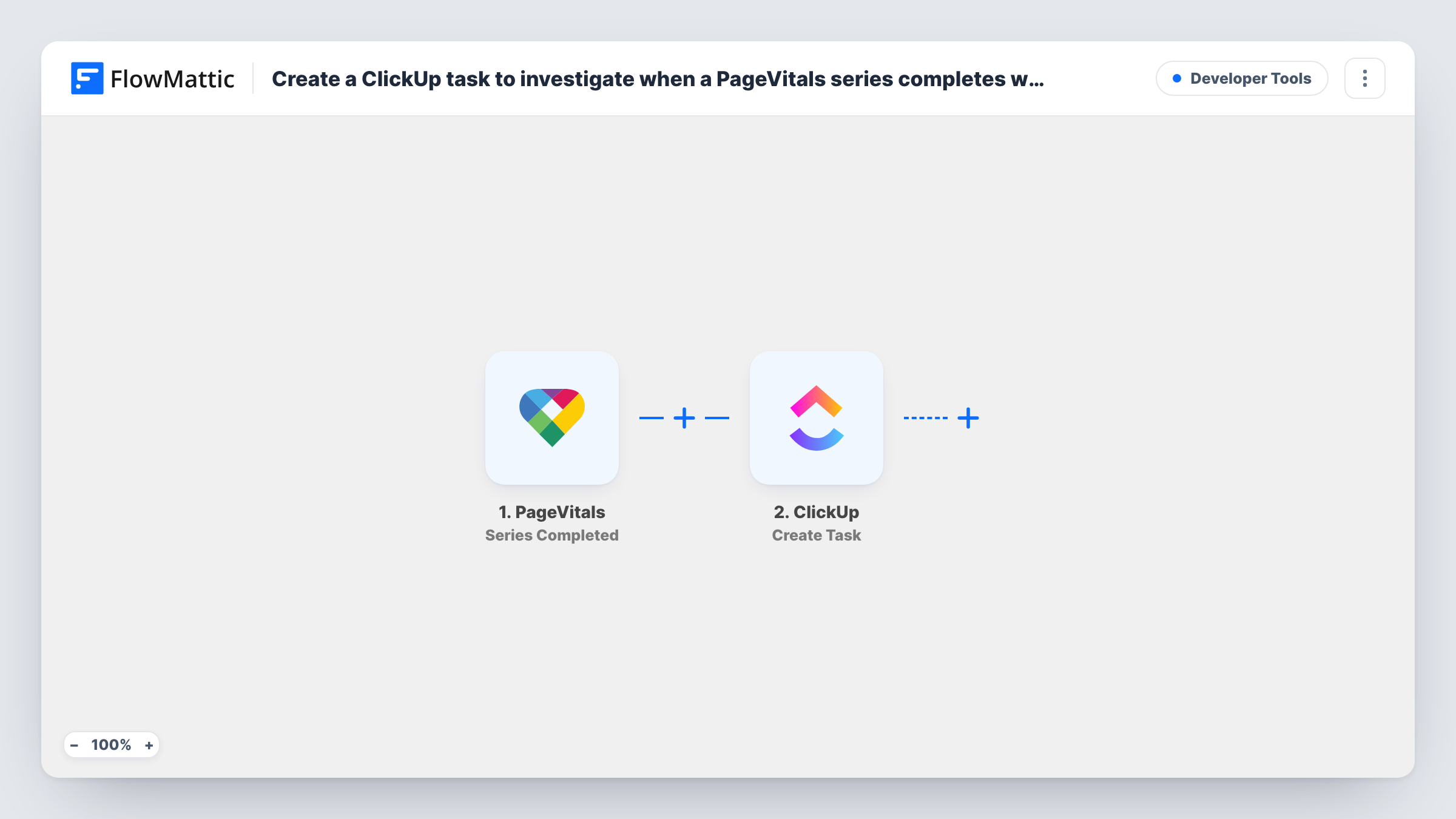
The PageVitals trigger starts a run once a whole test series has finished. The details PageVitals sends about the series, which can include the tested pages and their results, are passed to the next step. A test run after import shows exactly which fields arrive.
The ClickUp step then creates a task. It ships unmapped: after import you connect ClickUp, choose where the task goes, and map a name and description from the PageVitals data. A task name that includes the site or series name and the completion date makes the list easy to scan.
Every completed series creates a task, whether the scores went up or down. If you only want tasks when something needs attention, add a Filter on a result value, as described in the tips.
Weekly performance review for an agency
An agency runs PageVitals series on client sites each week, and every completed series becomes a ClickUp task assigned to the developer who owns that client.
Checking results after a release
A product team triggers a PageVitals series after each deploy, and the ClickUp task reminds QA to compare the new Core Web Vitals with the previous run.
An audit trail of test runs
A site owner keeps a ClickUp list of completed series with links to the results, so past performance checks are easy to find.
How this workflow runs
What happens at each step once the workflow is on, and what you need before you import it.
 PageVitals Series Completed
Runs each time PageVitals finishes a test series. The series details and results PageVitals provides become available for mapping into the ClickUp task.
- ClickUp Create Task
Opens a new review task in ClickUp. The template leaves it unmapped, so set the destination and map a task name, description and any results you want the reviewer to see.
What you need
- FlowMatticCore
- PageVitals AccountAccount
- ClickUp AccountAccount
After importing, map your own data. To keep the template universal, not every step is pre-filled. Open each step in the builder and connect your accounts and fields (channels, lists, sheets, recipients) before you switch the workflow on.
Make it yours
Changes worth making after you import it.
- Put a Filter between the PageVitals trigger and the ClickUp step on a score from the results, so a task is created only when a value falls below your target. Number checks compare whole numbers.
- Map a link to the PageVitals results into the task description, if the trigger sends one, so the reviewer can open the report directly.
- Use FlowMattic's other PageVitals trigger, Multistep Completed, in a second workflow if you also run multistep tests that need review.
Questions about this workflow
Does every completed PageVitals series create a ClickUp task?
Yes, as imported. There is no condition in the template, so good and bad results both create a task. Add a Filter between the PageVitals trigger and the ClickUp step to narrow it.
Which ClickUp list receives the PageVitals review task?
The one you pick in the Create Task step. The template doesn't set one, so choose the workspace, space and list after import.
Which PageVitals results can I put in the task?
Any field the Series Completed trigger sends. Run a test series and look at the trigger data in FlowMattic to see what's available before mapping the task.
More Developer Tools workflows
Other ready-to-import templates from the same category.






Import this workflow into your WordPress site
Download the JSON, import it from the Workflows screen and connect your accounts. Every run stays on your server, with no per-task fees.
30-day money-back guarantee Unlimited workflows and runs Self-hosted