

Create a ClickUp task when a new Runrun.it task is created
Each new task in Runrun.it is copied into ClickUp as a new task, so a team working in ClickUp sees the work as soon as it is opened in Runrun.it.
 Runrun.it
 ClickUp
2 steps Setup ~5 min Used on 2.5k sites Productivity Free to import
What this workflow does
Some teams track time and assignments in Runrun.it while partners, clients or other departments plan in ClickUp. When the same work has to appear in both, someone ends up copying task names and details across. This workflow creates the ClickUp task for you whenever a Runrun.it task is created.
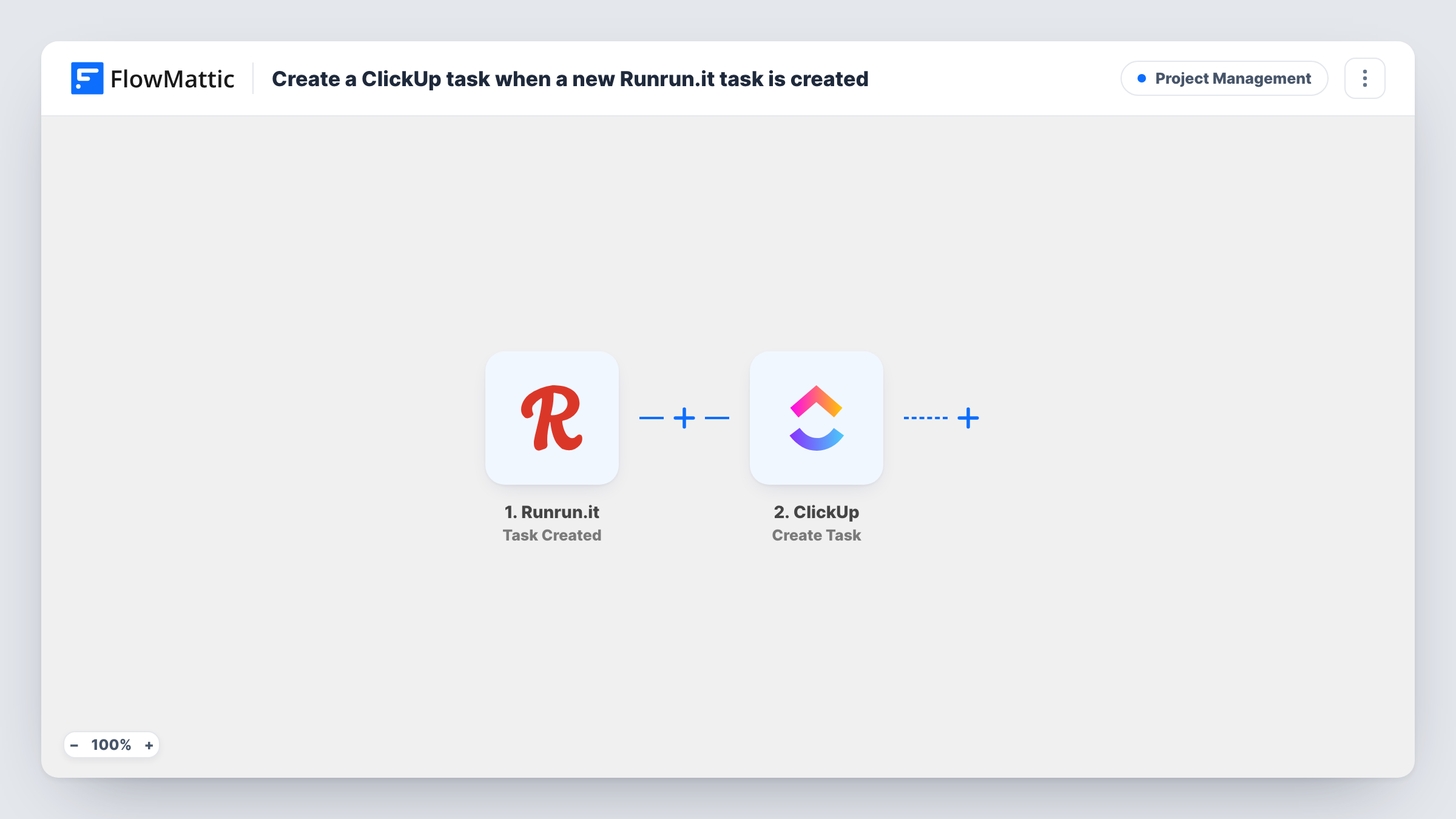
The Runrun.it trigger fires when a task is created. FlowMattic passes the task's details to ClickUp, where Create Task adds a new task in the place you pick. You choose which Runrun.it values fill the new task, such as its title and description.
ClickUp only hears about each Runrun.it task once, when it is first created. Later changes in Runrun.it, such as delivery or a new assignee, do not reach ClickUp, and changes made in ClickUp do not go back. If you need status changes too, Runrun.it has separate triggers for those that you can use in another workflow.
Agency and client on different tools
The agency plans in Runrun.it, and the client's ClickUp list gets a matching task for each new job so they can follow along.
Handing work to a design team
Tasks opened in Runrun.it for the design queue show up in the design team's ClickUp space without anyone retyping them.
Moving from Runrun.it to ClickUp gradually
While a team switches tools, new Runrun.it tasks keep appearing in ClickUp so the new workspace stays current.
How this workflow runs
What happens at each step once the workflow is on, and what you need before you import it.
 Runrun.it Task Created
Fires when a task is created in Runrun.it. The new task's details are made available to map into ClickUp.
- ClickUp Create Task
Opens a matching task in ClickUp. Choose where it is created and map the Runrun.it title and description into it, then test with a real task.
What you need
- FlowMatticCore
- Runrun.it AccountAccount
- ClickUp AccountAccount
After importing, map your own data. To keep the template universal, not every step is pre-filled. Open each step in the builder and connect your accounts and fields (channels, lists, sheets, recipients) before you switch the workflow on.
Make it yours
Changes worth making after you import it.
- Put the Runrun.it task ID in the ClickUp task name or description, so you can tell which task each one came from.
- Add a Filter after the trigger if only tasks from one Runrun.it project or team should reach ClickUp.
- Build a second workflow with Runrun.it's Task Deliver trigger to post a note when the original task is delivered.
Questions about this workflow
Does closing a ClickUp task deliver the Runrun.it task?
No. The workflow only goes from Runrun.it to ClickUp and only when a task is created. Nothing is sent back to Runrun.it.
Are Runrun.it tasks created before import copied to ClickUp?
No. Only tasks created while the workflow is active start a run.
Will edits to a Runrun.it task update the ClickUp copy?
No. Runrun.it has a separate Task Updated trigger, but this template does not use it, and it has no step that edits ClickUp tasks.
More Project Management workflows
Other ready-to-import templates from the same category.







Import this workflow into your WordPress site
Download the JSON, import it from the Workflows screen and connect your accounts. Every run stays on your server, with no per-task fees.
30-day money-back guarantee Unlimited workflows and runs Self-hosted