

Create a ClickUp task when an Onfleet task fails
When a delivery task fails in Onfleet, this workflow opens a task in ClickUp, so the failed drop-off sits in your team’s work list with an owner instead of only in the dispatch dashboard.
 Onfleet
 ClickUp
2 steps Setup ~5 min Used on 2.7k sites Productivity Free to import
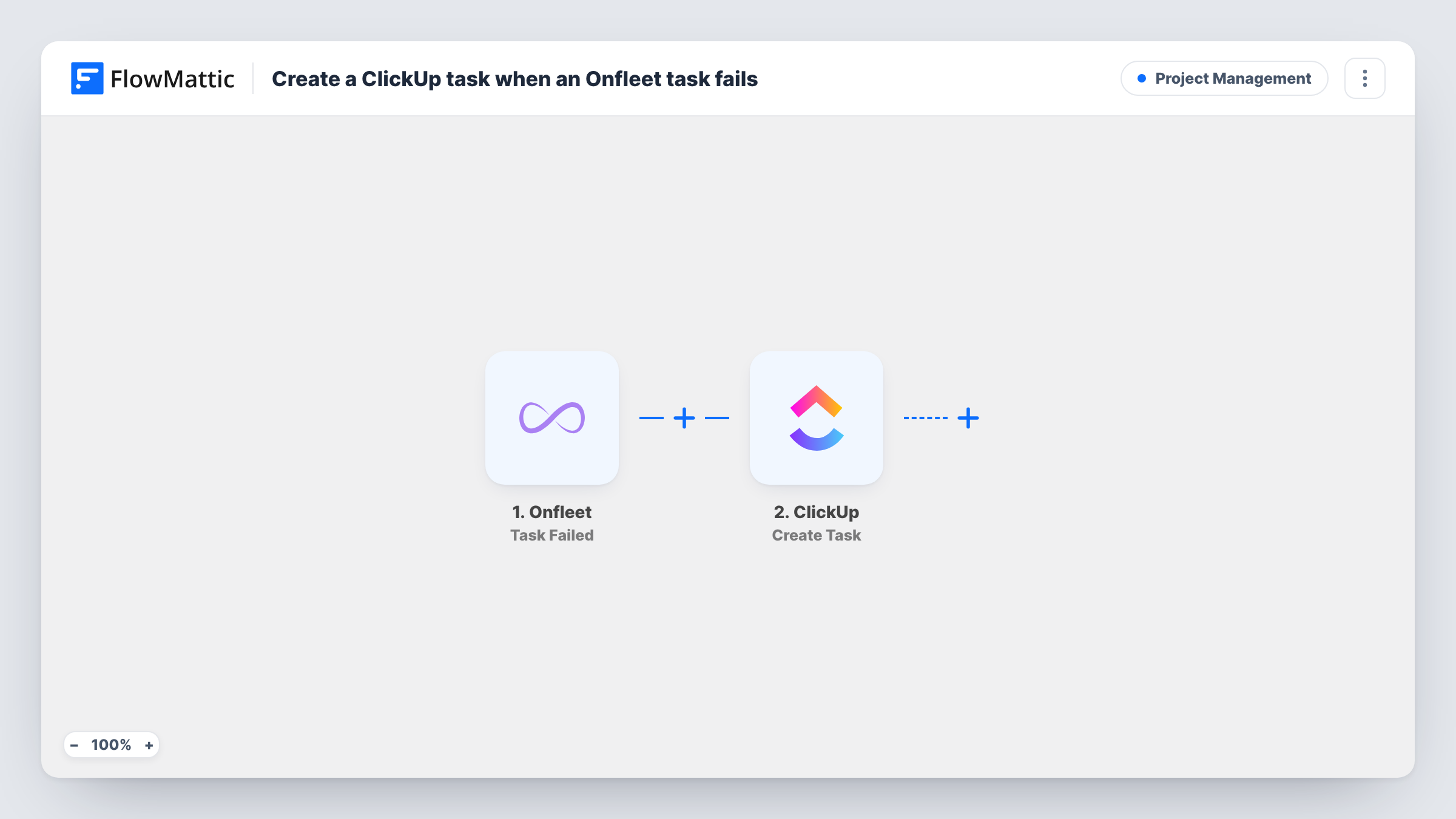
What this workflow does
A failed delivery needs follow-up: a call to the customer, a new slot, maybe a refund. Dispatchers see the failure in Onfleet, but the people who sort it out often plan their day in ClickUp. This workflow turns each failed Onfleet task into a ClickUp task so the follow-up is tracked where your team already works.
The Onfleet trigger fires when a task is marked as failed. FlowMattic passes that task's data to ClickUp, where the Create Task action adds a new task. You map the Onfleet details you want into the new task when you set the step up, and a test run shows what the step asks for.
Nothing else is checked along the way, so every failure creates one ClickUp task. Task History shows each run, with the data Onfleet sent and ClickUp's response, which helps when you test the mapping.
Grocery delivery follow-ups
When a driver cannot hand over an order, a ClickUp task appears for customer service to call the shopper and book a new slot.
Courier service exception queue
Each failed drop-off becomes a ClickUp task in an exceptions list, so the operations lead can assign it and see what is still open.
Furniture delivery reschedules
A failed two-person delivery creates a task for the scheduling team, who rebook the van and update the customer.
How this workflow runs
What happens at each step once the workflow is on, and what you need before you import it.
 Onfleet Task Failed
Fires when a task is marked as failed in your Onfleet account. The failed task's data is passed on for mapping into ClickUp.
- ClickUp Create Task
Creates a new task in ClickUp from the Onfleet data. Connect your ClickUp account and map the Onfleet details you want into the task; a test run shows how it looks.
What you need
- FlowMatticCore
- Onfleet AccountAccount
- ClickUp AccountAccount
After importing, map your own data. To keep the template universal, not every step is pre-filled. Open each step in the builder and connect your accounts and fields (channels, lists, sheets, recipients) before you switch the workflow on.
Make it yours
Changes worth making after you import it.
- Map the Onfleet task's ID into the ClickUp task so whoever picks it up can find the original delivery in Onfleet quickly.
- Add a Slack step after ClickUp if your dispatch team also wants a message for each failure in their channel.
- Trigger a failure on a test task in Onfleet after import, then check the new ClickUp task and adjust the mapping before real deliveries run.
Questions about this workflow
Does a completed Onfleet task create anything in ClickUp?
No. The trigger only fires for failed tasks, so successful deliveries never reach ClickUp.
What if the same Onfleet delivery fails twice?
Each failure event starts its own run, so you get a ClickUp task for each one. The workflow does not look for an existing task first.
Will a person in ClickUp own each failed-delivery task?
Check the options the Create Task step offers after you connect ClickUp. If it lets you set an assignee, pick a fixed person; otherwise assign it in ClickUp.
Do I need accounts in both Onfleet and ClickUp?
Yes. You connect your Onfleet account for the trigger and your ClickUp account for the action when you import the workflow.
More Project Management workflows
Other ready-to-import templates from the same category.




Import this workflow into your WordPress site
Download the JSON, import it from the Workflows screen and connect your accounts. Every run stays on your server, with no per-task fees.
30-day money-back guarantee Unlimited workflows and runs Self-hosted