

Create a Google Calendar event from each saved Aloware appointment
Whenever an appointment is saved in Aloware, this workflow creates a matching event in Google Calendar, so calls and meetings booked by your phone team show up in the calendar you plan your day from.
 Aloware
 Google Calendar
2 steps Setup ~5 min Used on 994 sites Free to import
What this workflow does
Your agents book appointments while they are on calls in Aloware. If the rest of your day lives in Google Calendar, those bookings stay out of view unless someone enters them twice. This workflow adds each one to your calendar for you.
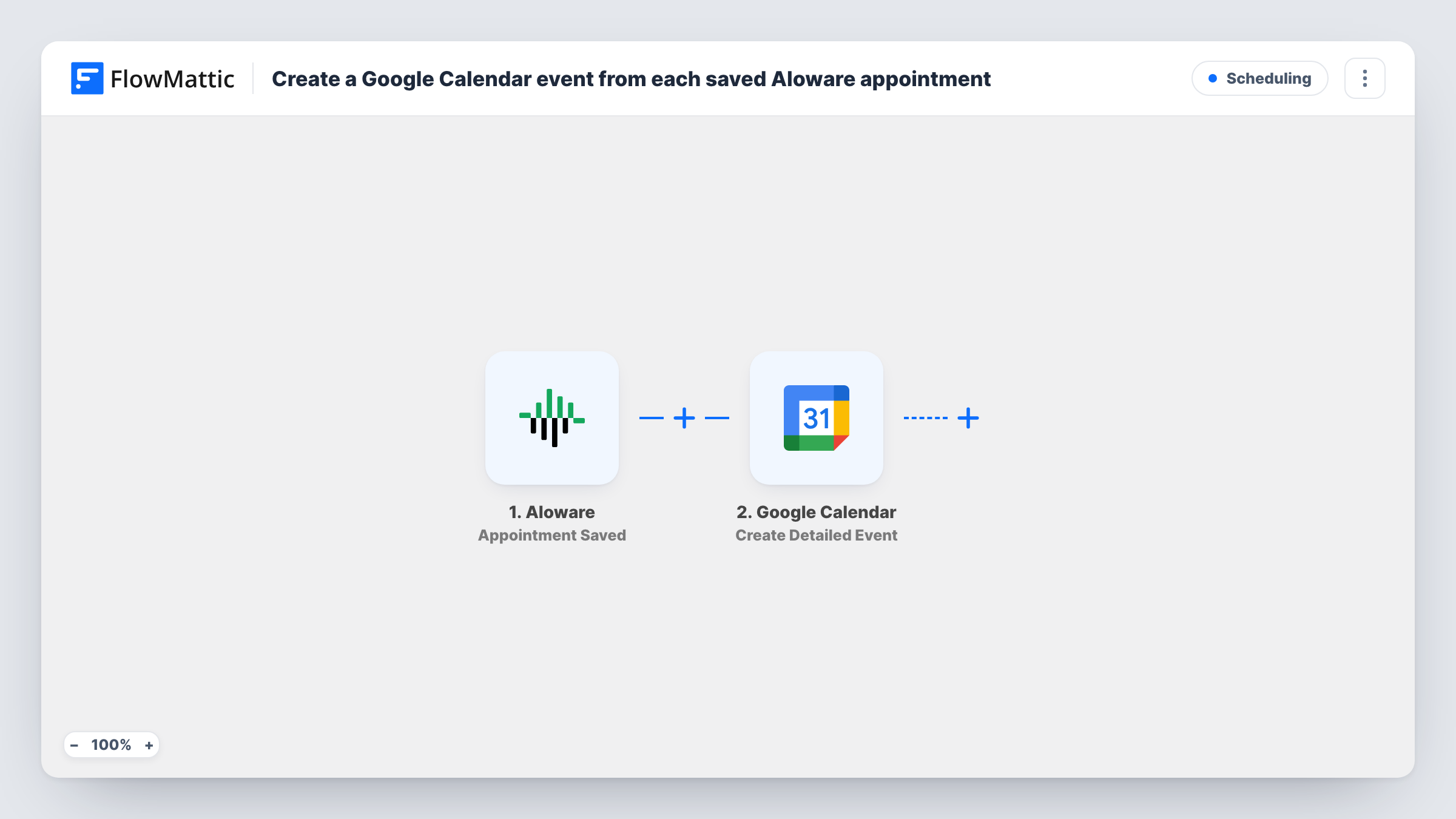
The Aloware trigger fires when an appointment is saved. FlowMattic passes the appointment data to Google Calendar, where the Create Detailed Event action adds an event to your calendar. You map the Aloware values into the event, so it carries the time of the booking and who it is with. A test booking shows which details Aloware sends.
Every run creates a new event. Aloware's trigger fires on a saved appointment, so if saving an edit to an existing appointment fires it again, you get a second event rather than a changed one. Test that with one booking before you rely on it. Task History lists each run and the event data Google Calendar returned.
Sales reps booking demos on the phone
A rep sets a demo time during an Aloware call. The demo appears in the shared Google Calendar the account executive works from.
Clinic front desk callbacks
Staff schedule patient callbacks in Aloware, and the Google Calendar event reminds the person making the call when it is due.
Managers watching team load
A manager subscribed to a team calendar sees each appointment the phone team books, without logging into Aloware.
How this workflow runs
What happens at each step once the workflow is on, and what you need before you import it.
 Aloware Appointment Saved
Runs when an appointment is saved in Aloware. The appointment and contact data it sends are passed on for mapping in the calendar step.
- Google Calendar Create Detailed Event
Creates a new Google Calendar event from the Aloware appointment. Connect your Google account and map the appointment's timing and contact details into the event, then check the result with a test booking.
What you need
- FlowMatticCore
- Aloware AccountAccount
- Google Calendar AccountAccount
After importing, map your own data. To keep the template universal, not every step is pre-filled. Open each step in the builder and connect your accounts and fields (channels, lists, sheets, recipients) before you switch the workflow on.
Make it yours
Changes worth making after you import it.
- Check the time zone on a test booking before you go live, so Aloware appointments don't land an hour off in Google Calendar.
- Map the contact's phone number into the event text, if Aloware includes it, so whoever opens the calendar entry can dial straight from it.
- If re-saving an appointment in Aloware creates a second event, add a Filter after the trigger on a field that tells new bookings from edits, if the Aloware data includes one.
Questions about this workflow
Does changing an Aloware appointment move the Google Calendar event?
No. This template has no update step, only Create Detailed Event. If an edit fires the Appointment Saved trigger again, you get another event, and the first one stays as it was.
Can Aloware appointments go to a shared team calendar?
Yes, as long as the Google account you connect can add events to it. Set the Create Detailed Event step to that calendar after import and confirm with a test booking.
Do appointments booked before import appear in Google Calendar?
No. Only appointments saved after the workflow is turned on start a run, so earlier bookings stay in Aloware only.
More Scheduling workflows
Other ready-to-import templates from the same category.







Import this workflow into your WordPress site
Download the JSON, import it from the Workflows screen and connect your accounts. Every run stays on your server, with no per-task fees.
30-day money-back guarantee Unlimited workflows and runs Self-hosted