

Create a HubSpot CRM contact from each new Zcal event booking
Each new Zcal event booking creates a contact in HubSpot CRM from the invitee’s details, so people who schedule time with you are in your CRM before the meeting starts.
 Zcal
 HubSpot CRM
2 steps Setup ~5 min Used on 1.3k sites Free to import
What this workflow does
Someone who books a meeting through your Zcal link has given you a name and an email, and often more. If your follow-up lives in HubSpot, that person needs to be a contact there, and adding them by hand after every booking is easy to forget. This workflow creates the contact as the booking comes in.
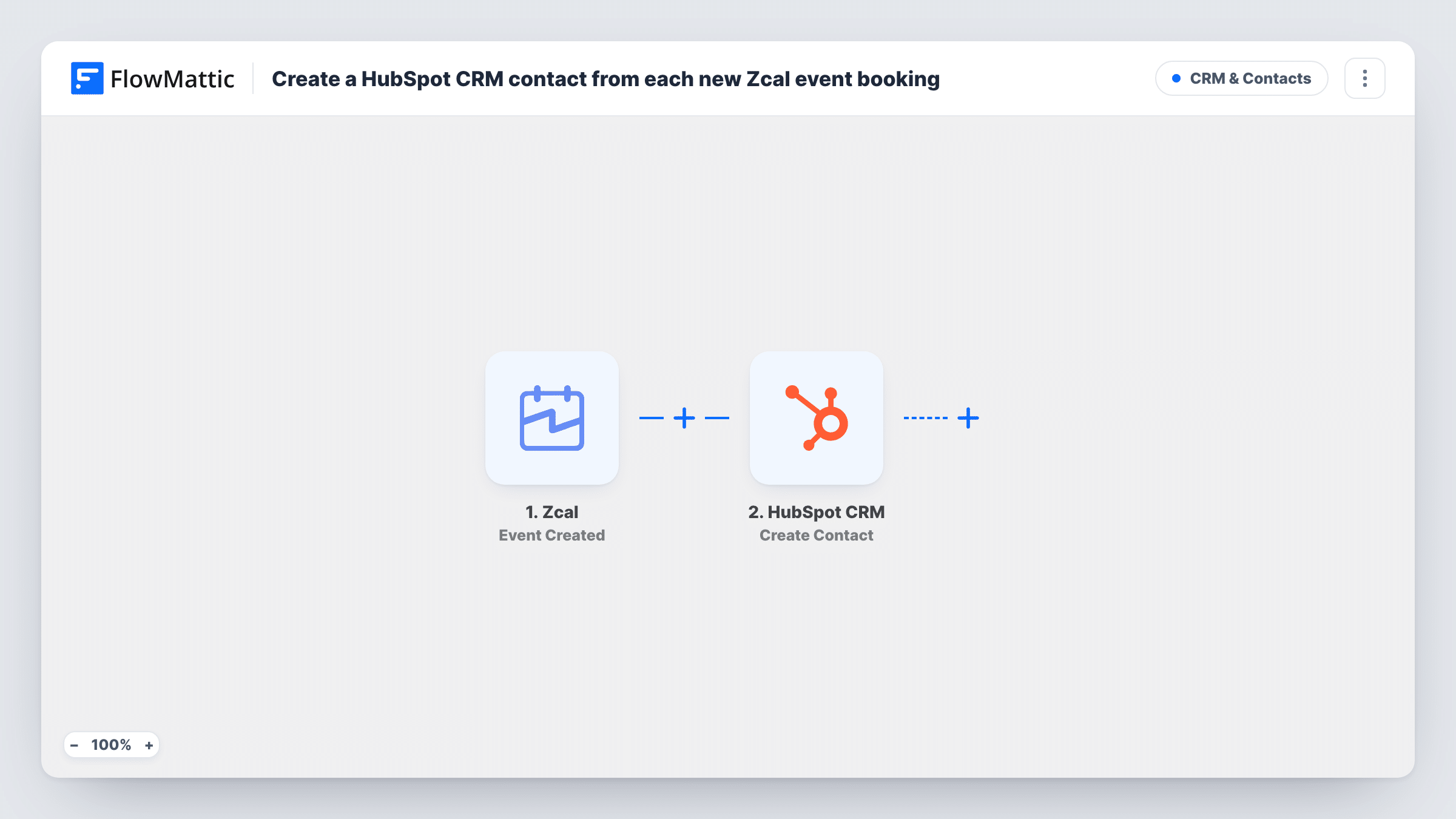
The Zcal Event Created trigger fires when an event is created through Zcal. FlowMattic sends the booking's data to HubSpot CRM, where Create Contact adds a contact from the fields you map, such as the invitee's email and name.
The HubSpot step creates contacts and doesn't update them. When an existing contact books again, HubSpot may refuse the duplicate email, and Task History shows that response. Rescheduled and cancelled meetings come through other Zcal triggers, so they don't create contacts here.
Discovery calls for a B2B team
Prospects who book a discovery call through a rep's Zcal page become HubSpot contacts the rep can work from.
Coaching consultations
A coach offers a free intro call through Zcal, and each person who books lands in HubSpot for later follow-up.
Agency strategy sessions
Potential clients booking a strategy session become HubSpot contacts, ready for the agency's sales process.
How this workflow runs
What happens at each step once the workflow is on, and what you need before you import it.
 Zcal Event Created
Fires when an event is created through your Zcal booking page. The booking data is passed to HubSpot; check a test run for the invitee's name and email.
- HubSpot CRM Create Contact
Turns the Zcal invitee into a HubSpot CRM contact. Connect HubSpot and map the invitee's email, name and any other booking fields to contact properties.
What you need
- FlowMatticCore
- Zcal AccountAccount
- HubSpot CRM AccountAccount
After importing, map your own data. To keep the template universal, not every step is pre-filled. Open each step in the builder and connect your accounts and fields (channels, lists, sheets, recipients) before you switch the workflow on.
Make it yours
Changes worth making after you import it.
- Book a test meeting through Zcal after import to capture the invitee fields, then map them to HubSpot's contact properties.
- Add HubSpot's Create Deal action after the contact step if each booking should also open a deal in your pipeline.
- Add a Slack Send Channel Message step at the end so the team sees each new contact that came from a Zcal booking.
Questions about this workflow
What happens when someone who is already in HubSpot books through Zcal?
Create Contact only adds new contacts, so HubSpot may refuse the duplicate email and no contact is created. Task History shows the response on the HubSpot step.
Do rescheduled Zcal meetings create another HubSpot contact?
No. Rescheduling and cancelling fire Zcal's Event Rescheduled and Event Cancelled triggers, which this workflow doesn't use.
Can the Zcal booking answers go into HubSpot properties?
Yes, if the Event Created data includes them. Book a test meeting to see which fields Zcal sends, then map each one to a HubSpot property.
More CRM & Contacts workflows
Other ready-to-import templates from the same category.






Import this workflow into your WordPress site
Download the JSON, import it from the Workflows screen and connect your accounts. Every run stays on your server, with no per-task fees.
30-day money-back guarantee Unlimited workflows and runs Self-hosted