

Create ClickUp tasks from action items in a new Fathom meeting summary
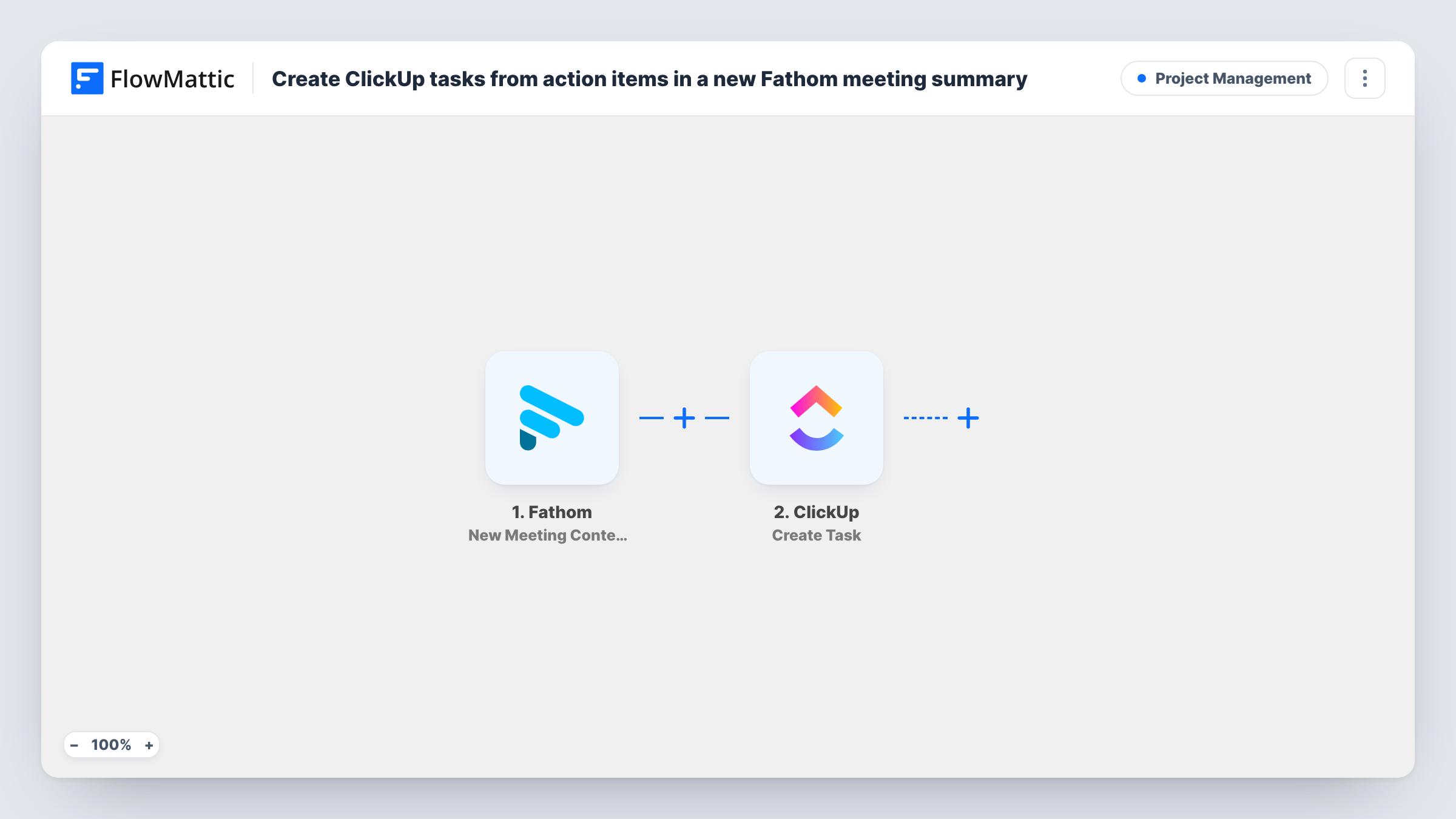
When Fathom finishes processing a meeting, FlowMattic loops through the meeting’s action items and creates one ClickUp task for each, named after the action item.
 Fathom
 Iterator
 ClickUp
3 steps Setup ~5 min Used on 2.6k sites Productivity Free to import
What this workflow does
Meeting notes are only useful if the follow-ups land where your team plans its work. Fathom already pulls action items out of a recorded call, and this workflow turns each one into its own ClickUp task, so nobody has to copy them over after the meeting ends.
The Fathom trigger fires when a meeting has been processed and all of its data is available, which includes the list of action items. An Iterator then goes through that list one item at a time; the template already points it at Fathom's action items.
For each item, the ClickUp Create Task step makes a new task. The task name is already mapped to the action item's description, so a five-item meeting gives you five tasks with readable names. After import you connect ClickUp and finish setting up where the tasks are created; a test run on a real meeting shows the result.
The workflow creates tasks for every processed meeting, and it doesn't check ClickUp for tasks that already exist. Action items that look alike from two calls become separate tasks. Use Task History to see each meeting's run and the response ClickUp gave for every item.
Client calls that end with clear next steps
An agency records client check-ins with Fathom, and each agreed follow-up becomes a ClickUp task the account team can pick up the same day.
Weekly team meetings without a note-taker
A product team lets Fathom capture its standup, and the action items appear in ClickUp named after what was agreed.
Sales calls feeding a follow-up list
A founder's demo calls produce action items such as sending a proposal, and each one lands as a separate ClickUp task to work through.
How this workflow runs
What happens at each step once the workflow is on, and what you need before you import it.
 Fathom New Meeting Content Ready
Starts when Fathom has processed a meeting and all of its data, including the action items, is ready. Each processed meeting is one run of the workflow.
- Iterator Loop Through Array
Loops through the meeting's action items list, already mapped from Fathom, and runs the ClickUp step once per item. Each item's description is passed to the next step.
- ClickUp Create Task
Creates a ClickUp task for the current action item, with the task name already mapped to its description. After import, connect ClickUp and finish choosing where the tasks go, then test with a real meeting.
What you need
- FlowMatticCore
- Fathom AccountAccount
- ClickUp AccountAccount
After importing, map your own data. To keep the template universal, not every step is pre-filled. Open each step in the builder and connect your accounts and fields (channels, lists, sheets, recipients) before you switch the workflow on.
Make it yours
Changes worth making after you import it.
- If a test run shows the Fathom trigger sending the meeting title or recording link, map it into the task as well, so each task shows which call it came from.
- If you only want tasks from some meetings, such as client calls, put a Filter between the Fathom trigger and the Iterator that checks a meeting value from a test run. Meetings it stops create no tasks.
- Add a Post Task Comment step after Create Task, inside the loop, if you want a fixed note on every task, such as a reminder to confirm the owner.
Questions about this workflow
Does each Fathom action item become a separate ClickUp task?
Yes. The Iterator runs the Create Task step once for every item in the meeting's action items list, so each item gets its own task named after its description.
What happens when a Fathom meeting has no action items?
The Iterator gets an empty list, so there is nothing for it to loop over. Check Task History after such a meeting to confirm that no tasks were created.
Will the same ClickUp task be created twice?
The workflow never searches ClickUp before it creates a task, so if two meetings produce the same action item, you get two tasks.
Who is assigned to the ClickUp tasks?
Nobody, unless you set it up. The template maps only the task name, so add any other details the Create Task step offers when you configure it, and check the result in a test run.
More Project Management workflows
Other ready-to-import templates from the same category.




Import this workflow into your WordPress site
Download the JSON, import it from the Workflows screen and connect your accounts. Every run stays on your server, with no per-task fees.
30-day money-back guarantee Unlimited workflows and runs Self-hosted