

Create a FluentCRM contact when a user is added to a SureMembers access group
Whenever a member joins a SureMembers access group, FlowMattic creates or updates that person’s FluentCRM contact, so your email list keeps up with who holds paid access.
 SureMembers
 FluentCRM
2 steps Setup ~5 min Used on 681 sites Free to import
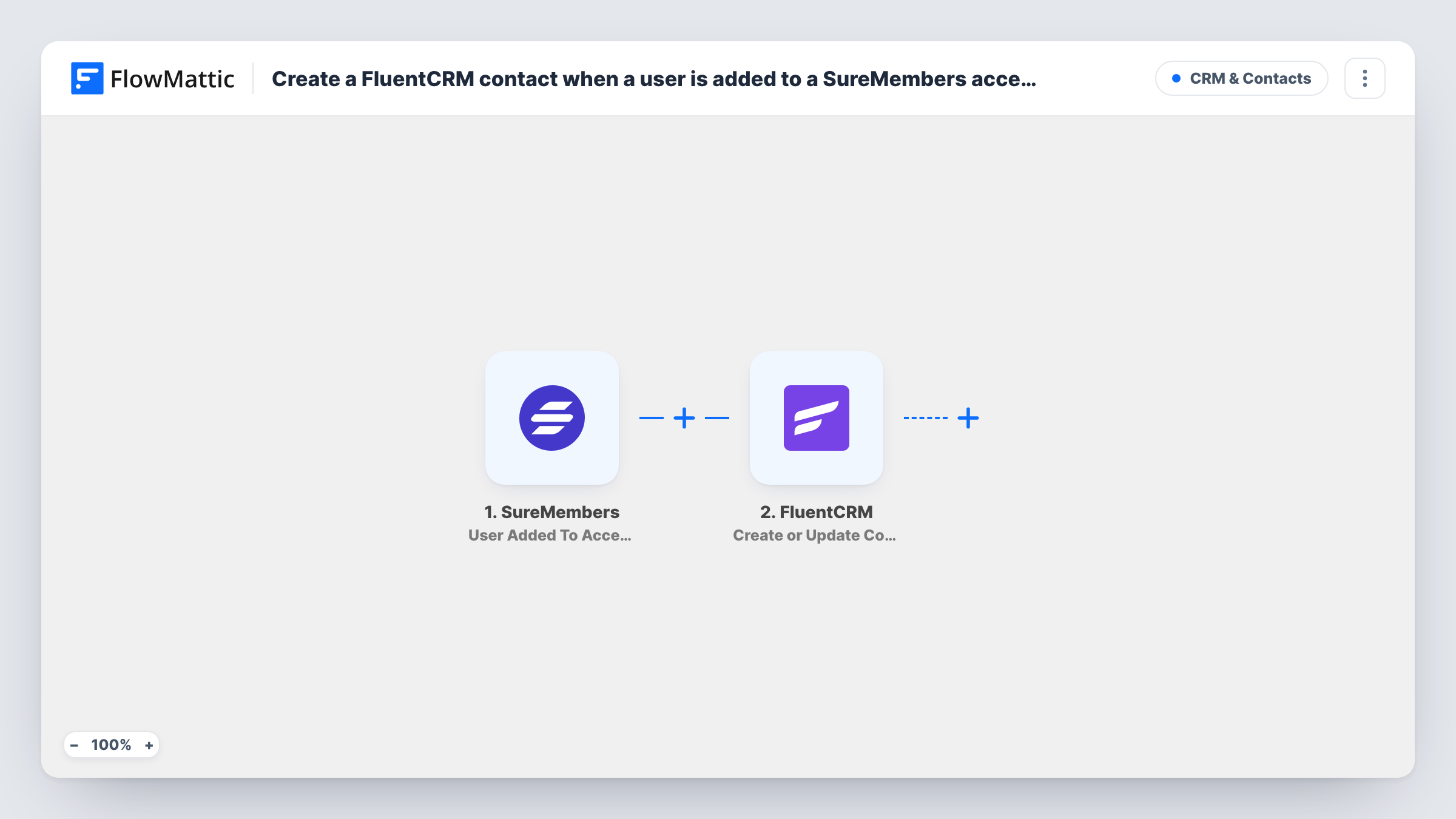
What this workflow does
Membership sites usually grant access in one plugin and send email from another. When the two don't talk, new members never hear from you, or they land in FluentCRM only after someone exports a list. This workflow passes each new group member to FluentCRM as soon as SureMembers records them.
The SureMembers trigger fires when a member joins an access group. FlowMattic describes it as firing for a new member of any group, so a person added to two groups starts two runs. The member's details from SureMembers are handed to the next step.
The FluentCRM step creates a contact, or updates the existing one when the email address is already in FluentCRM. It ships unmapped: after import you map the member's email, plus the name or any other detail you want on the contact. Run a test by adding a user to a group and open Task History to see which member fields SureMembers sent.
Because the step matches on email, a member who joins a second group doesn't produce a duplicate contact. The second run simply updates the same record.
Onboarding emails for a paid community
A coaching site adds people to its Inner Circle access group after purchase, and the matching FluentCRM contact lets an automation there send the joining instructions.
Course members in the CRM
An online school grants each course through its own SureMembers group, and the team sees every enrolled member as a contact in FluentCRM.
Manual grants that still reach your list
An admin adds a partner to a group by hand in the dashboard, and that person ends up in FluentCRM the same way a paying member would.
How this workflow runs
What happens at each step once the workflow is on, and what you need before you import it.
 SureMembers User Added To Access Group
Fires whenever a member joins a SureMembers access group. The details SureMembers sends about the member and the group become available for mapping in the next step.
- FluentCRM Create or Update Contact
Creates a FluentCRM contact, or updates the existing one when the email address is already there. The step ships unmapped, so after import map the member's email and any name fields you want stored.
What you need
- FlowMatticCore
- SureMembers PluginPlugin
- FluentCRM PluginPlugin
After importing, map your own data. To keep the template universal, not every step is pre-filled. Open each step in the builder and connect your accounts and fields (channels, lists, sheets, recipients) before you switch the workflow on.
Make it yours
Changes worth making after you import it.
- To react to one group only, put a Filter between the SureMembers trigger and the FluentCRM step that checks the group's name or ID. Use a test run to see which group value the trigger sends.
- Add FluentCRM's Add Tags to Contact action after the Create or Update Contact step to tag members by group. Placed there, it acts on the contact FluentCRM has just saved.
- Pair this with a second workflow on SureMembers' User Removed From Access Group trigger if you want to update or tag the contact when access ends.
Questions about this workflow
Does a member who joins two SureMembers groups get two FluentCRM contacts?
No. Each group join starts its own run, but FluentCRM's Create or Update Contact matches by email, so the second run updates the contact the first one made.
Which member details reach FluentCRM?
Only the ones you map. The FluentCRM step ships empty, so pick the email and any other values from the SureMembers trigger after import. A test run shows exactly what the trigger provides.
Do existing SureMembers members get added when I switch this on?
No. The trigger fires for new group joins after the workflow is active. Bring current members into FluentCRM with an import if you want them there too.
More CRM & Contacts workflows
Other ready-to-import templates from the same category.





Import this workflow into your WordPress site
Download the JSON, import it from the Workflows screen and connect your accounts. Every run stays on your server, with no per-task fees.
30-day money-back guarantee Unlimited workflows and runs Self-hosted