

Create Modern Event Calendar events from new WooCommerce products
When you add a product in WooCommerce, this workflow creates a matching event in Modern Event Calendar, so a class, workshop or ticketed session you sell also appears on your site’s calendar.
 WooCommerce
 Modern Event Calendar
2 steps Setup ~5 min Used on 3.5k sites Free to import
What this workflow does
Shops that sell seats at classes, tours or workshops often list each session twice: once as a product to take payment and once as an event so visitors can see it on a calendar. Doing that by hand is slow, and the two copies drift apart. This workflow builds the calendar entry for you from the product you just created.
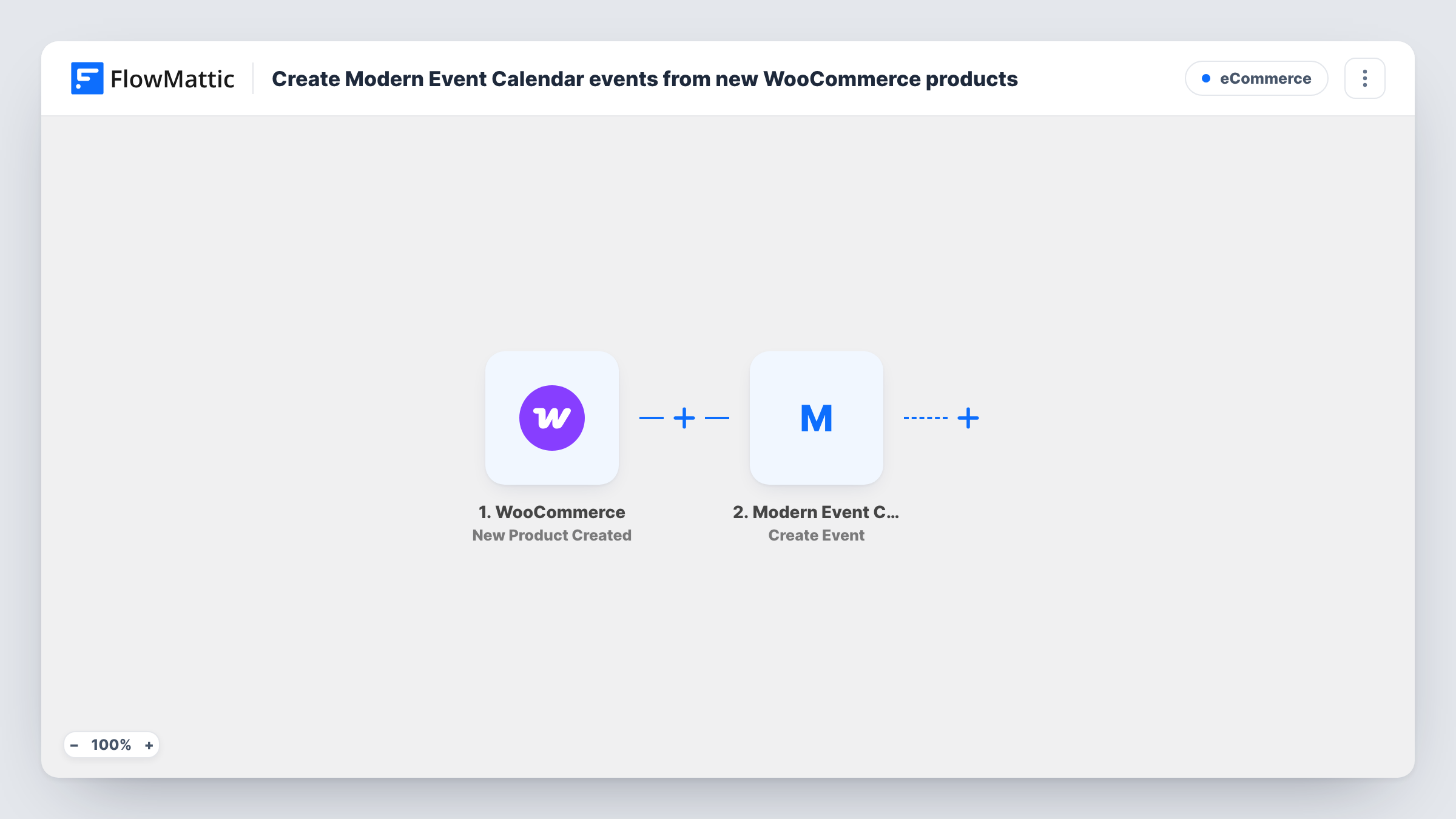
The WooCommerce trigger runs when a new product is created in your store. FlowMattic hands the product's data to Modern Event Calendar, whose Create Event action adds a new event on the same WordPress site. You decide which product details feed the event when you map the step after import.
A product does not carry a start date or time on its own, so plan where the event's timing comes from before you switch the workflow on. Run one test product, look at the data FlowMattic captured, and map what fits. Every run, with the data sent and the reply from each step, is listed in Task History.
Cooking school selling class places
Each new class you add as a WooCommerce product gets its own Modern Event Calendar event, so students browsing the calendar find the same class they can buy in the shop.
Tour operator listing departures
Every new tour product you publish produces a calendar event for that departure, giving visitors a date view next to your product pages.
Yoga studio with workshop tickets
When you create a product for a weekend workshop, a matching event lands on the studio calendar without opening the events screen.
How this workflow runs
What happens at each step once the workflow is on, and what you need before you import it.
 WooCommerce New Product Created
Starts the workflow when a new product is created in your WooCommerce store. The product's data becomes available to map into the event.
- Modern Event Calendar Create Event
Creates a new event in Modern Event Calendar on your WordPress site. Map the product data you want into the event, then run a test to see how the event looks before you go live.
What you need
- FlowMatticCore
- WooCommerce PluginPlugin
- Modern Event Calendar PluginPlugin
After importing, map your own data. To keep the template universal, not every step is pre-filled. Open each step in the builder and connect your accounts and fields (channels, lists, sheets, recipients) before you switch the workflow on.
Make it yours
Changes worth making after you import it.
- Not every product is an event. Add a Filter after the trigger that continues only for products in your events category, so ordinary stock items never reach the calendar.
- Keep the event's timing in one place on the product, for example in its short description, so you can map it into the event step the same way every time.
- Create one throwaway product after import, then check the new event in Modern Event Calendar and adjust the mapping until it reads the way you want.
Questions about this workflow
Does every new WooCommerce product become an event?
Yes, as imported. The workflow has no condition, so each product created in the store produces an event. Add a Filter on a category or tag if only some products are sessions.
Will editing a WooCommerce product update its Modern Event Calendar event?
No. The trigger is New Product Created and the action only creates events, so later price or text changes to the product are not copied to the event.
Do WooCommerce and Modern Event Calendar need to be on the same site?
Yes. FlowMattic reads the new product and writes the event on the WordPress site where it runs, so install WooCommerce and Modern Event Calendar there.
Where does the Modern Event Calendar event get its date?
From whatever you map into the event step. A product has no event date of its own, so store the date somewhere on the product and run a test to confirm the event picks it up.
More E-Commerce workflows
Other ready-to-import templates from the same category.





Import this workflow into your WordPress site
Download the JSON, import it from the Workflows screen and connect your accounts. Every run stays on your server, with no per-task fees.
30-day money-back guarantee Unlimited workflows and runs Self-hosted