

Create WordPress users for new Lemon Squeezy orders
Each time an order is created in Lemon Squeezy, this workflow creates a WordPress user from the buyer’s details, so you stop adding customer accounts to your site by hand.
 Lemon Squeezy
 WordPress
2 steps Setup ~5 min Used on 2.4k sites Free to import
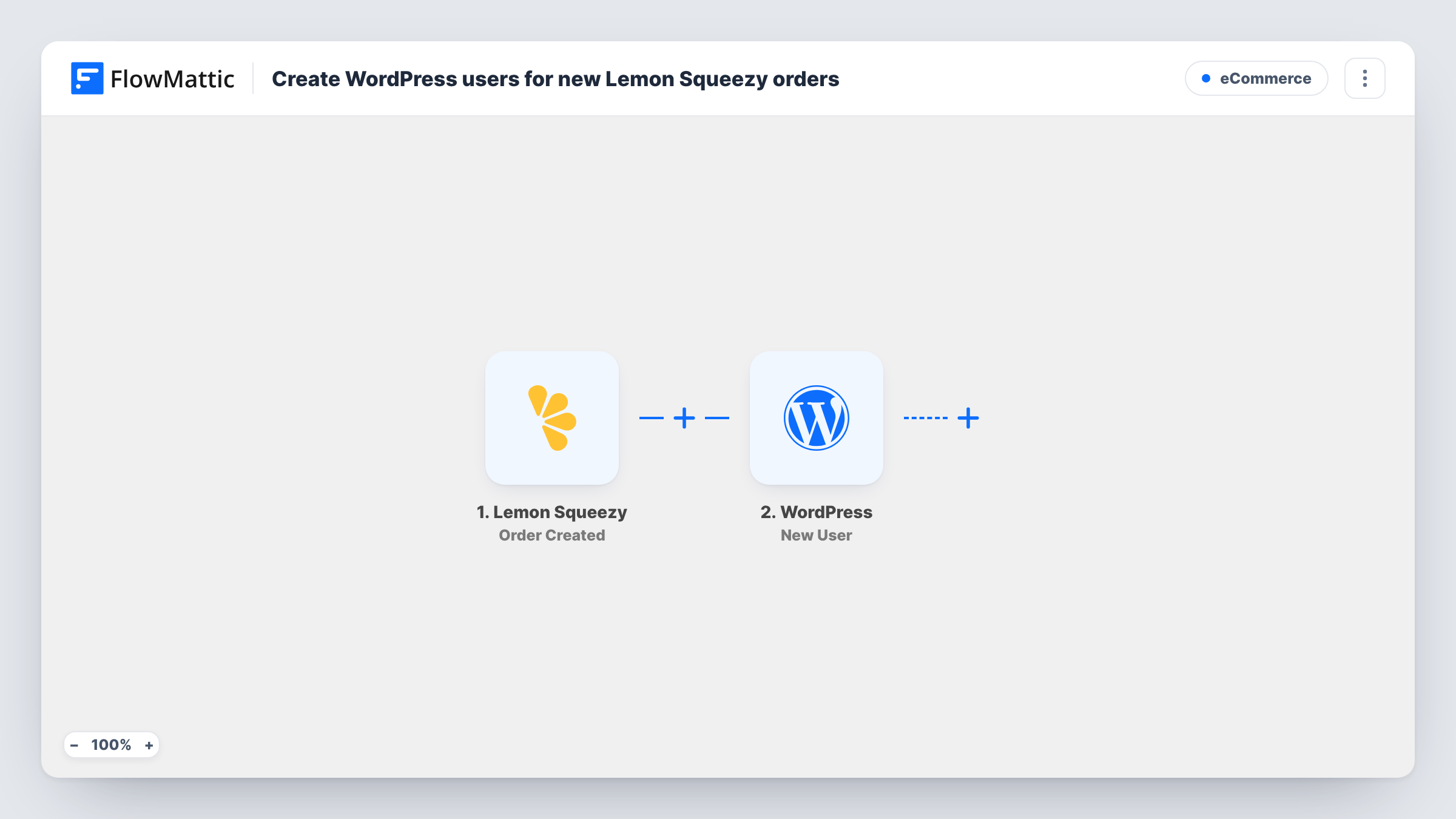
What this workflow does
Lemon Squeezy handles checkout and payment, but your WordPress site doesn't know who bought. If customers need an account on your site after paying, someone has to copy each buyer across and create the user. This workflow does that step for every order.
Each order placed with your Lemon Squeezy store starts a run. FlowMattic receives the order data and passes it to the WordPress New User action, which creates a user on the same site where FlowMattic runs. You map the buyer's details from the order into the new account after import.
Every order runs both steps, so a customer who buys a second time triggers another attempt to create a user. For a buyer who is already registered, the step adds no second account and returns the existing user's ID, which Task History shows for that run. The template doesn't email the customer, so plan how they will get their login before you switch it on.
Customer accounts for a digital download store
You sell templates through Lemon Squeezy and keep a customer area on WordPress. Each order now gives the buyer a WordPress account without you creating it by hand.
Course buyers who log in to your site
Your course lessons live on WordPress pages that need a login. Buyers who pay through Lemon Squeezy get a user account created as their order comes in.
A list of buyers inside WordPress
Plugins that work with WordPress users, such as a forum or a membership plugin, can see your Lemon Squeezy customers once each one has a user account.
How this workflow runs
What happens at each step once the workflow is on, and what you need before you import it.
 Lemon Squeezy Order Created
Starts a run for every order your Lemon Squeezy store records. The order data, including the customer details it carries, is passed on to the WordPress step for mapping.
- WordPress New User
Creates a new user on your WordPress site from the order. Map the customer's email address and name from the Lemon Squeezy data, then run a test order to check the account and the role it receives.
What you need
- FlowMatticCore
- Lemon Squeezy AccountAccount
After importing, map your own data. To keep the template universal, not every step is pre-filled. Open each step in the builder and connect your accounts and fields (channels, lists, sheets, recipients) before you switch the workflow on.
Make it yours
Changes worth making after you import it.
- Add a WordPress Send Password Reset step after New User so each buyer gets an email from your site to set their own password.
- If repeat buyers should skip the account step entirely, add WordPress Get User by Email after the trigger, then a Filter between Get User by Email and New User that continues only when no user was found.
- Build a second workflow on the Lemon Squeezy Order Refunded trigger if you want to change the role of, or remove, users whose orders are refunded.
Questions about this workflow
Will a repeat Lemon Squeezy buyer get a second WordPress account?
No. The workflow runs again for that order, but the New User step finds the account that already has the buyer's email and returns its user ID rather than making a duplicate, and that ID appears in the run's Task History.
Does the buyer receive their WordPress login details?
Not from this template. It only creates the user. Add the WordPress Send Password Reset action, or an email step of your own, if you want the customer to hear from your site.
Which Lemon Squeezy orders start the workflow?
Every order created in the connected store. There is no Filter in the template, so add one after the trigger if only some products should create accounts.
Does it remove the WordPress user after a refund?
No. The workflow only listens for new orders and only creates users. Refunds are a separate Lemon Squeezy trigger that you can use in another workflow.
More E-Commerce workflows
Other ready-to-import templates from the same category.






Import this workflow into your WordPress site
Download the JSON, import it from the Workflows screen and connect your accounts. Every run stays on your server, with no per-task fees.
30-day money-back guarantee Unlimited workflows and runs Self-hosted