

Create Zoho Calendar events from new leads in Facebook Lead Ads
Each new lead from your Facebook Lead Ads forms becomes an event in Zoho Calendar, so every prospect who fills in an ad form gets a slot on your calendar for a follow-up.
 Facebook Lead Ads
 Zoho Calendar
2 steps Setup ~5 min Used on 1.4k sites Free to import
What this workflow does
Leads from a Facebook ad form sit in Meta's tools until someone goes to fetch them. If your process is to call every new prospect, the gap between the form and the call is where leads go cold. This workflow puts each lead straight onto your calendar as an event you can't miss.
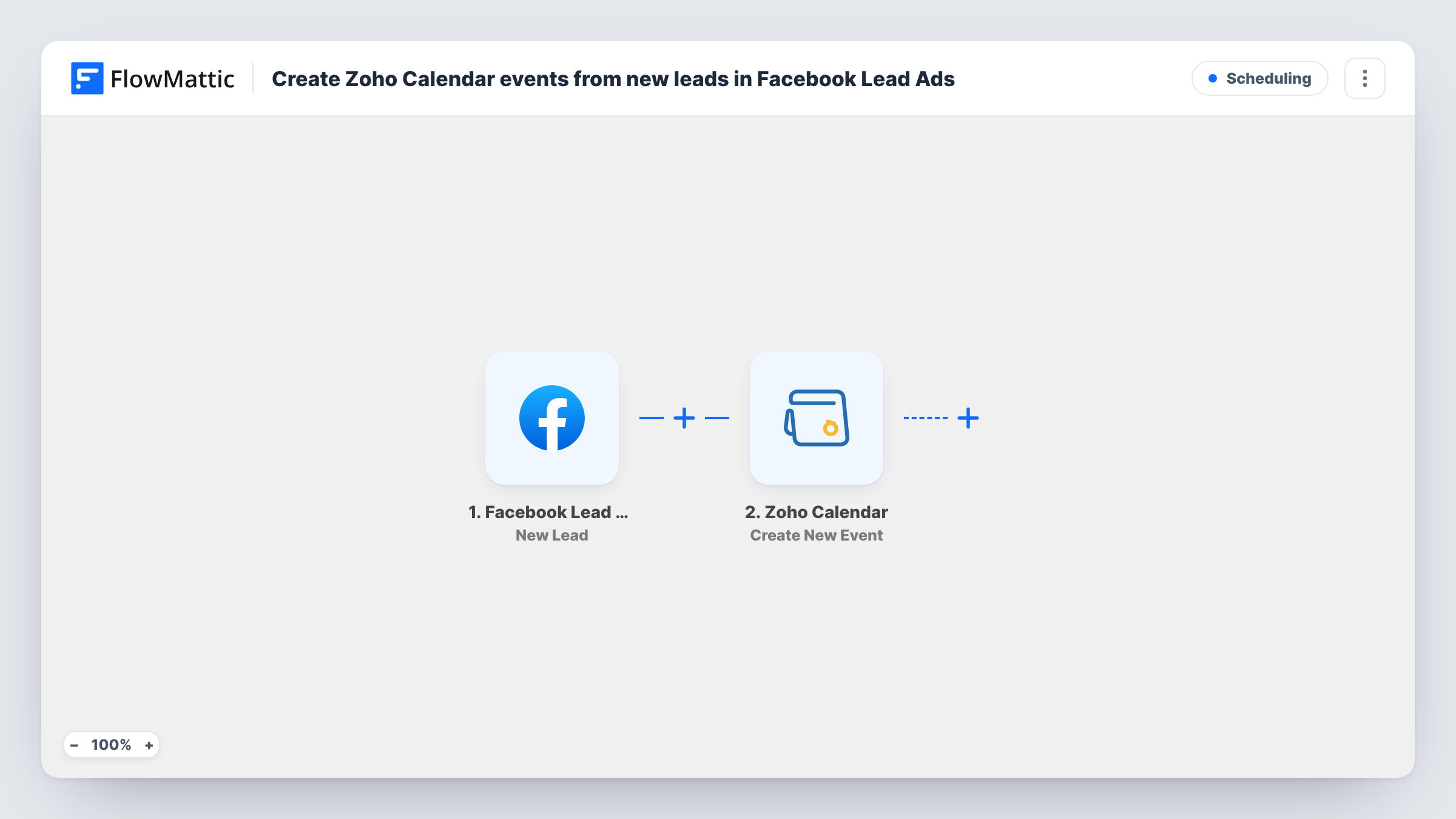
The Facebook Lead Ads trigger fires when a new lead is created. FlowMattic receives the answers the person gave in the ad form, such as their name, email or phone, depending on what your form asks. The Zoho Calendar step then uses Create New Event to add an event to the calendar you specify, with the lead's details mapped in.
There is no Filter in this template, so every lead creates one event. A lead form doesn't include a meeting time unless you add a question for it, so decide how the event's date and time are set before you turn the workflow on. Run a test lead and look at the Zoho Calendar step to see what it lets you map. Each run appears in Task History with the data that went to Zoho.
Call-back block for every ad lead
A sales rep works from Zoho Calendar. Each person who submits the Facebook ad form shows up there as an event holding their name and phone number, ready for the call.
Consultation requests from a clinic ad
Your ad form asks people to pick a preferred day. That answer is mapped into the Zoho Calendar event, so the front desk sees each request on the right date.
Showings for a property campaign
An estate agent runs a lead ad for a listing. Each enquiry lands in the agent's Zoho Calendar as an event to confirm a viewing with that buyer.
How this workflow runs
What happens at each step once the workflow is on, and what you need before you import it.
 Facebook Lead Ads New Lead
Runs each time someone submits one of your Facebook ad forms and a new lead is created. The answers the person entered in the form become data you can map into the calendar event.
- Zoho Calendar Create New Event
Creates an event in the Zoho Calendar you specify. Map the lead's name and contact details into the event, and set how its date and time are chosen. Check a test run to see what the step offers.
What you need
- FlowMatticCore
- Facebook Lead Ads AccountAccount
- Zoho Calendar AccountAccount
After importing, map your own data. To keep the template universal, not every step is pre-filled. Open each step in the builder and connect your accounts and fields (channels, lists, sheets, recipients) before you switch the workflow on.
Make it yours
Changes worth making after you import it.
- If you would rather describe the event in one line of text built from the lead's answers, swap the step for Zoho Calendar's Quick Add Event action, which creates an event from a piece of text.
- If only some leads want a call, put a Filter after the trigger that checks a form answer, so only leads who asked for a call get a calendar event.
- Ask for a preferred day or time in your Facebook lead form and map that answer into the event. Without it, every event uses whatever timing you set in the step.
- Add a Google Sheets step after Zoho Calendar to keep a list of each lead and the event created for it, which helps you review the campaign later.
Questions about this workflow
Does the lead get invited to the Zoho Calendar event?
The template only creates the event on your calendar. It doesn't send the lead anything. Check the Zoho Calendar step during a test run to see whether it lets you add attendees.
Will older Facebook leads be added to Zoho Calendar?
No. The trigger fires for new leads, so only leads created after you turn the workflow on become events.
What if the same person fills in my Facebook lead form twice?
Each submission is a new lead, so each one creates its own event. Nothing in the template checks for an earlier event for that person.
Which Zoho Calendar does the event go into?
Create New Event adds the event to the calendar you specify when you set up the step. You can point it at a shared team calendar or your own.
More Scheduling workflows
Other ready-to-import templates from the same category.








Import this workflow into your WordPress site
Download the JSON, import it from the Workflows screen and connect your accounts. Every run stays on your server, with no per-task fees.
30-day money-back guarantee Unlimited workflows and runs Self-hosted