

Create Zoho Projects bugs from new Fluent Support tickets
Every new Fluent Support ticket is logged as a bug in a Zoho Projects project, with the ticket’s subject and details mapped in, so your developers see support issues in the tool they plan their work in.
 Fluent Support
 Zoho Projects
2 steps Setup ~5 min Used on 458 sites Free to import
What this workflow does
Support agents hear about problems first, but developers track their work in Zoho Projects. Copying each ticket into a bug report by hand is slow, and details get lost on the way. This workflow logs a bug in Zoho Projects for each new ticket.
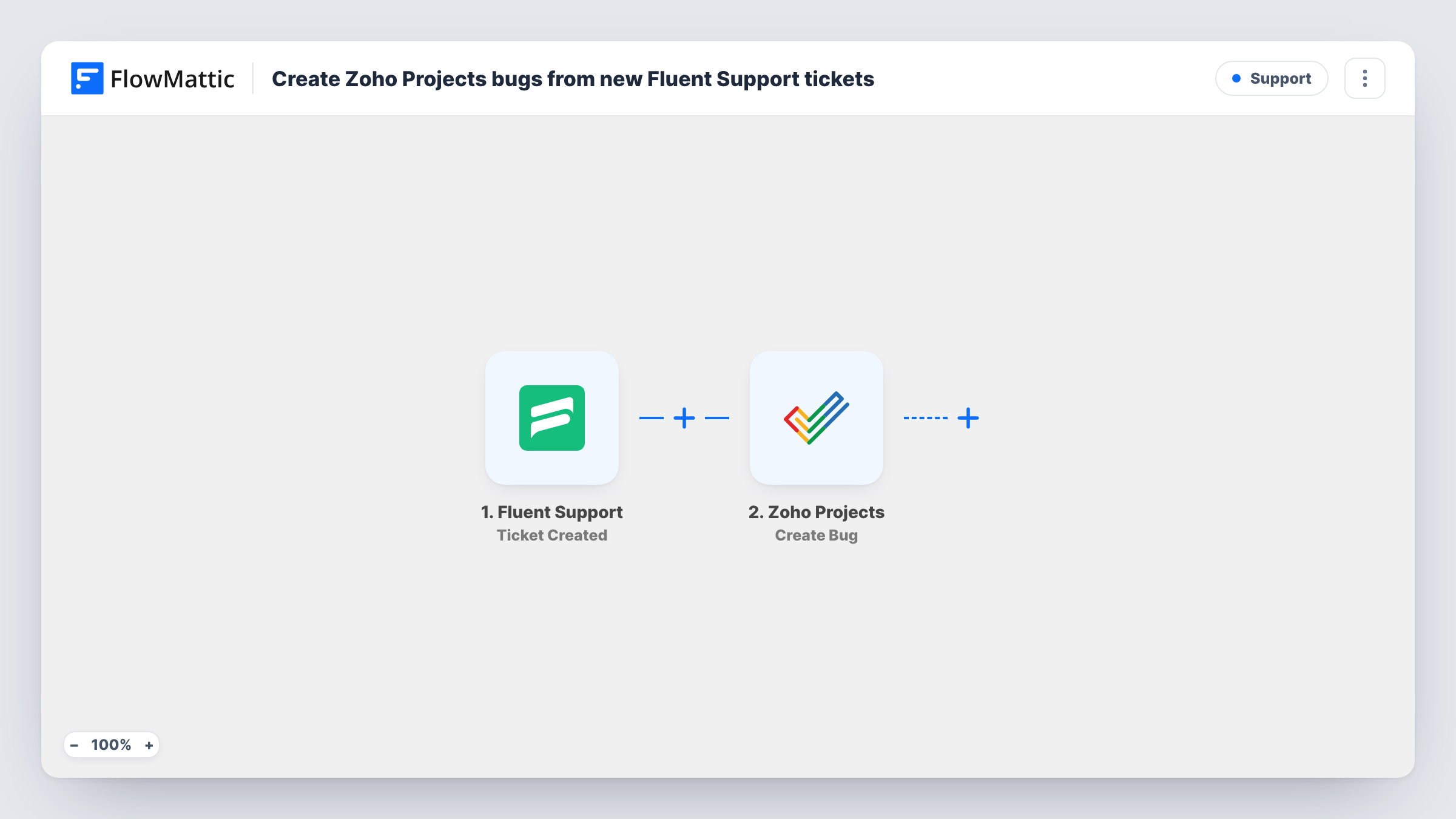
The Fluent Support trigger is Ticket Created, which fires when a new ticket is created by a customer or an agent. FlowMattic passes the ticket's data on for mapping. The Zoho Projects step runs Create Bug, which creates a bug in the project you choose. Map the ticket subject and the customer's message into the bug.
As imported, every new ticket becomes a bug, including questions that aren't bugs at all. Add a Filter if only real problem reports should reach the project. The ticket stays in Fluent Support for your agents to answer as usual, and Task History shows each run.
Plugin or SaaS bug reports
A software team answers customers in Fluent Support. With a Filter on the ticket's product, problem reports land in the Zoho Projects bug tracker for developers.
Website issues from clients
An agency's clients report broken pages through Fluent Support, and each report is logged as a bug in the agency's site-maintenance project in Zoho Projects.
Internal IT problems
Staff raise tickets about faulty internal tools, and the IT team triages them as bugs in Zoho Projects alongside planned work.
How this workflow runs
What happens at each step once the workflow is on, and what you need before you import it.
 Fluent Support Ticket Created
Fires when a new Fluent Support ticket is created by a customer or an agent. Create a test ticket so its subject, message and customer details can be mapped.
- Zoho Projects Create Bug
Creates a bug in the Zoho Projects project you choose. Map the ticket subject and message into the bug, then connect your Zoho account.
What you need
- FlowMatticCore
- Fluent Support PluginPlugin
- Zoho Projects AccountAccount
After importing, map your own data. To keep the template universal, not every step is pre-filled. Open each step in the builder and connect your accounts and fields (channels, lists, sheets, recipients) before you switch the workflow on.
Make it yours
Changes worth making after you import it.
- Add a Filter after the trigger so only some tickets become bugs, for example when the ticket's product or a custom field equals Bug.
- Include the Fluent Support ticket ID in the bug description. Developers can then find the original conversation when they need more detail.
- Send different products to different Zoho Projects projects with a Router: one route per product name, each with its own Create Bug step.
Questions about this workflow
Does every Fluent Support ticket become a Zoho Projects bug?
Yes, as imported, whether a customer or an agent opens the ticket. Add a Filter after the trigger to choose which tickets go through.
Will closing the bug in Zoho Projects close the Fluent Support ticket?
No. The workflow only runs in one direction, from new tickets to new bugs. Each app keeps its own status.
Do replies on the ticket update the Zoho Projects bug?
No. The trigger fires once, when the ticket is created. Later replies stay in Fluent Support.
Is Fluent Support data sent outside my WordPress site?
Only the ticket fields you map into the Zoho Projects step are sent to Zoho. The rest stays in Fluent Support on your site.
More Support workflows
Other ready-to-import templates from the same category.






Import this workflow into your WordPress site
Download the JSON, import it from the Workflows screen and connect your accounts. Every run stays on your server, with no per-task fees.
30-day money-back guarantee Unlimited workflows and runs Self-hosted