

Email a manager via Gmail when a Dixa conversation is abandoned
When a Dixa conversation is closed without an agent ever being assigned, Gmail sends an email to the manager you name, so customers who gave up waiting can be followed up.
 Dixa
Dixa
 Gmail
Gmail2 steps Setup ~5 min Used on 1.4k sites Free to import
What this workflow does
An abandoned conversation in Dixa is one that closed before any agent was assigned. The customer reached out, nobody picked it up, and the conversation ended. A manager wants to know when that happens, both to contact the customer and to spot staffing gaps.
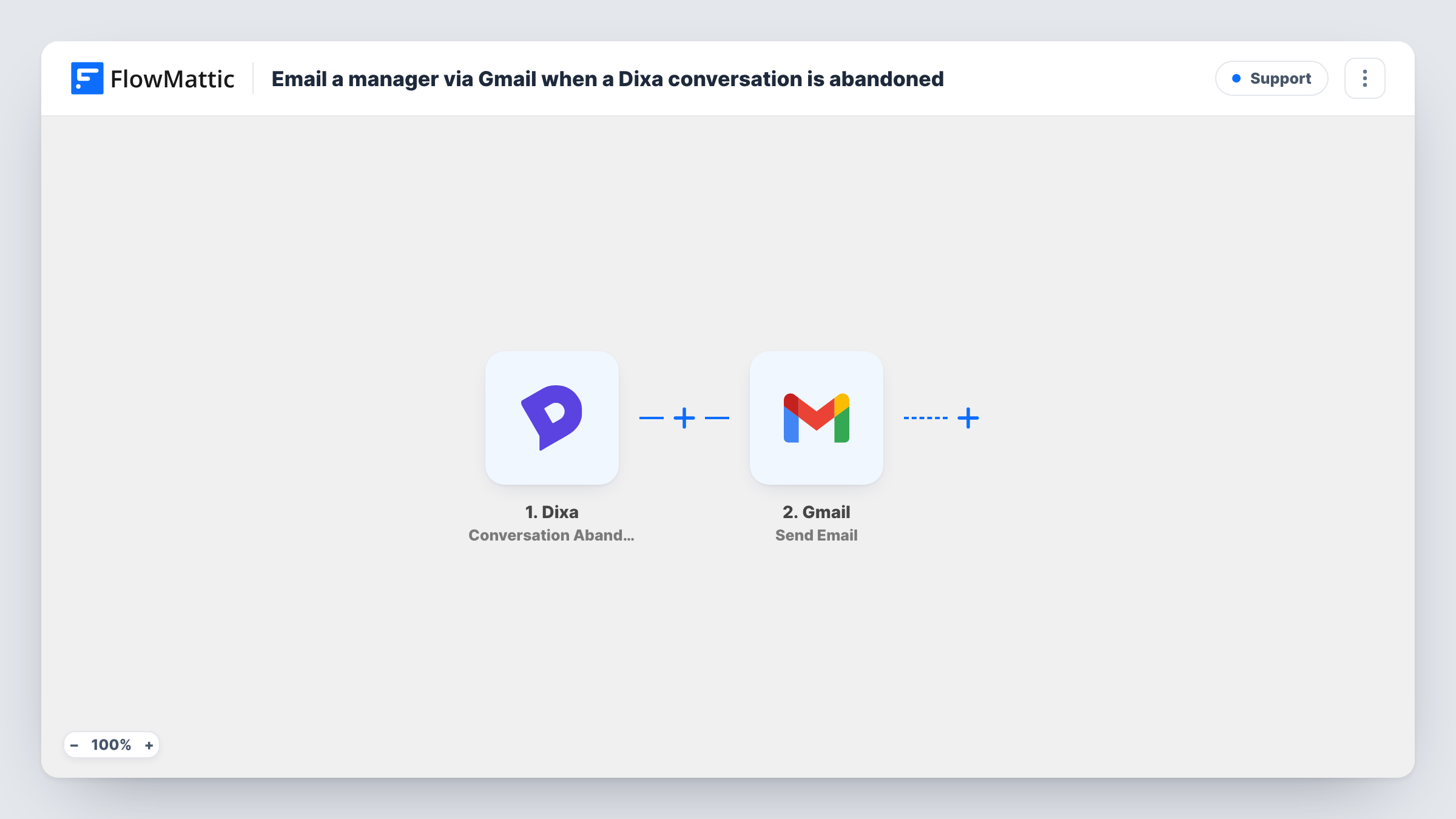
The Dixa trigger fires each time a conversation is closed with no agent assigned. FlowMattic passes the conversation data to the Send Email action in Gmail. You type the manager's address as the recipient, write the subject and body, and insert conversation details so the manager knows which customer to contact.
Every abandoned conversation sends its own email. On a busy day with a short-staffed queue, that can mean many messages, so use a mailbox or label the manager checks. Task History records each run, so you can see which conversations triggered an alert.
After-hours chat coverage
Chats that close overnight with no agent assigned reach the support lead's inbox, who can reply to the customer first thing in the morning.
Queue staffing reviews
A manager counts the alert emails each week to see when abandoned conversations spike and adjusts shifts to match.
High-value customer follow-up
An account manager receives each alert with the customer's details and calls back accounts that matter most.
How this workflow runs
What happens at each step once the workflow is on, and what you need before you import it.
 Dixa Conversation Abandoned
Fires when a Dixa conversation is closed without having an agent assigned. The conversation's details are then available to place in the email.
- Gmail Send Email
Emails the manager from your connected Gmail account. Type their address as the recipient, then write a subject and body that include the Dixa conversation details.
What you need
- FlowMatticCore
- Dixa AccountAccount
- Gmail AccountAccount
After importing, map your own data. To keep the template universal, not every step is pre-filled. Open each step in the builder and connect your accounts and fields (channels, lists, sheets, recipients) before you switch the workflow on.
Make it yours
Changes worth making after you import it.
- Close a test conversation in Dixa without assigning it after import, so FlowMattic captures the data and you can see which conversation details to put in the email.
- Want a team-wide alert instead? Add a second recipient address in the Gmail step, or add a Slack step after it that posts to your support channel.
- Add a Filter after the trigger that continues only for a chosen queue or channel, if the conversation data carries it, so the manager only hears about the conversations they own.
Questions about this workflow
What counts as an abandoned conversation in Dixa?
Dixa reports a conversation as abandoned when it is closed without having an agent assigned. Conversations closed after an agent picked them up do not trigger this workflow.
Does the customer get an email from this Dixa workflow?
No. The email goes only to the address you put in the Gmail step. Map the customer's email as recipient instead if you want to write to them directly.
Can the manager reply straight to the customer from the alert?
Only if you put the customer's contact details into the message. The alert itself comes from your Gmail account, so replying to it reaches that account, not the customer.
More Support workflows
Other ready-to-import templates from the same category.






Import this workflow into your WordPress site
Download the JSON, import it from the Workflows screen and connect your accounts. Every run stays on your server, with no per-task fees.
30-day money-back guarantee Unlimited workflows and runs Self-hosted